llama.cpp vs vLLM: Which Local LLM Inference Engine to Choose

TL;DR
- Time to complete: ~45 minutes (one engine end-to-end; both engines ~75 minutes)
- Difficulty level: Intermediate
- You will need: a Linux or macOS machine (Windows works via WSL2),
git,cmake, a C++ compiler, Python 3 withpip, an NVIDIA driver (nvidia-smimust print a driver and CUDA version) or Apple Silicon,curl, and either a.ggufmodel file (for llama.cpp) or a Hugging Face model ID (for vLLM). Exact supported Python/CUDA versions — check the documentation of each project before installing. - Result: one OpenAI-compatible HTTP endpoint on your machine, answering
/v1/chat/completions, that you can point any client at.
Requirements and setup
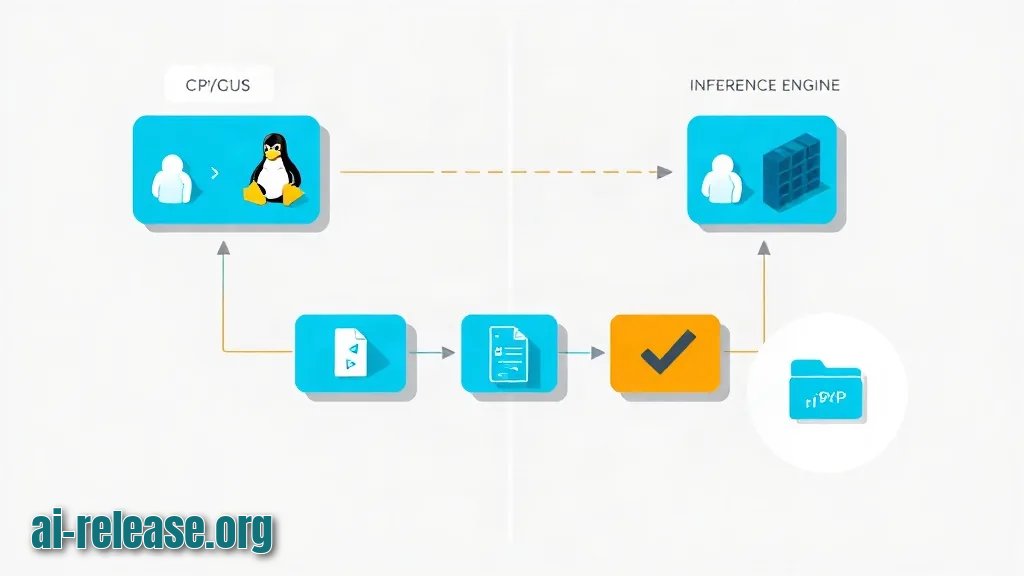
- OS: Linux (x86_64 or aarch64) or macOS. On Windows use WSL2 — llama.cpp and vLLM build and run inside the WSL filesystem, not on a mounted
C:\path. - GPU toolchain:
nvidia-smimust return without errors. If you have no discrete GPU at all, read What Is NPU and How to Choose a Mini PC for Local AI first — engine choice depends on the hardware class you actually own. - Build tools for llama.cpp:
git,cmake,make,g++. - Python for vLLM: a virtual environment with
pip. Do not install vLLM into the system Python. - Model: a
.gguffile for llama.cpp, or a Hugging Face repository ID for vLLM. - Free ports:
8080for llama.cpp,8000for vLLM.
What to do: verify the machine before installing anything.
Why: both engines fail late and loudly on missing drivers or occupied ports; checking now saves a confusing debug session.
How to check: run these four commands and compare with the expected output.
nvidia-smi --query-gpu=name,memory.total,driver_version --format=csv
# expected: one line per GPU, e.g. "NVIDIA GeForce RTX 4090, 24564 MiB, 550.xx"

python3 --version          # expected: Python 3.x, version per each project's docs
free -g | head -2          # expected: enough RAM for the weights you plan to load
ss -ltnp | grep -E '8080|8000'   # expected: empty output = both ports are free
Checklist before you continue:
- [ ]
nvidia-smiprints a GPU and a driver version - [ ]
cmake --versionandg++ --versionboth work - [ ]
python3 -m venv --helpworks - [ ] Ports
8080and8000are free - [ ] You know the exact model file or repository ID you will load
Step 1. Choose the engine for your workload
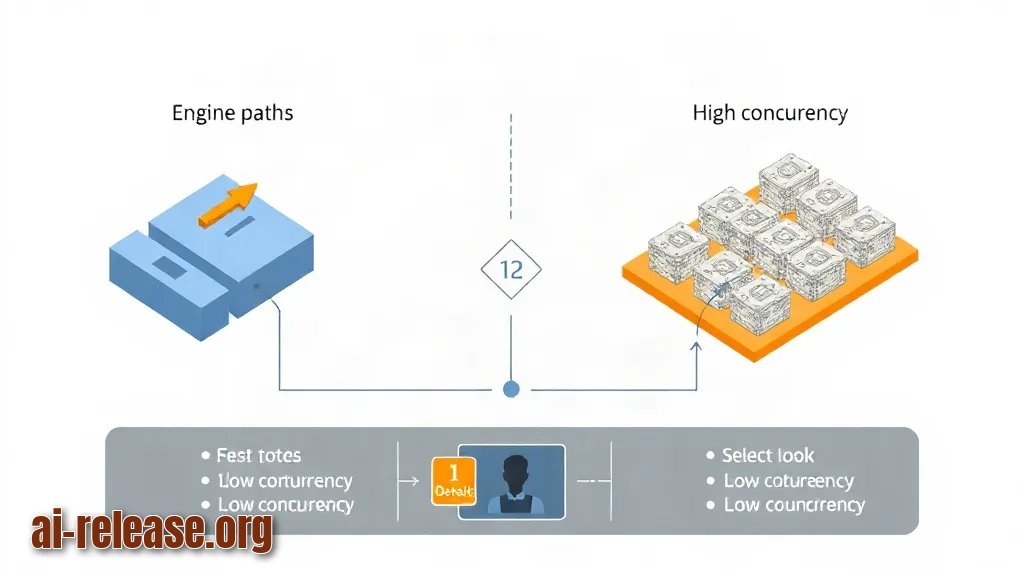
What to do: match the engine to concurrency and to your hardware, not to popularity.
Why: llama.cpp is a C/C++ inference engine that runs quantized GGUF files (GGUF — a single-file model format that stores weights, often compressed to 4-bit, so a model fits in far less memory). vLLM is a Python serving engine for raw Hugging Face weights, built around PagedAttention (a KV-cache memory manager) and continuous batching (new requests join a running batch instead of waiting for it to finish).
| Engine | Model format | Hardware it runs on | Concurrency model | Pick it when |
|---|---|---|---|---|
| llama.cpp | GGUF, quantized (e.g. `model.Q4_K_M.gguf`) | CPU-only, CUDA, Metal, ROCm, Vulkan | One process, a small number of parallel slots (`-np`) | One developer, laptop or desktop, limited VRAM, no GPU at all |
| vLLM | Hugging Face safetensors (unquantized or supported quantized) | CUDA GPUs; multi-GPU via `--tensor-parallel-size` | Continuous batching + PagedAttention | Many concurrent requests on a server GPU |
Example: a single RTX-class card with 24 GB running one chat session → llama.cpp with a Q4_K_M GGUF. The same card serving a team of 20 users calling an API → vLLM. The rule of thumb: concurrency decides, quantization is the fallback when the model does not fit.
How to check: answer three questions in writing. (1) How many requests arrive at the same second? More than one → vLLM. (2) Does the model fit in VRAM at full precision? Check the parameter count against nvidia-smi memory — if not, llama.cpp quantization is the shorter path. (3) Is there a GPU at all? No GPU → llama.cpp is the only option of the two.
Step 2. Run an OpenAI-compatible server
What to do: build and start one of the two servers. Both expose the same /v1 OpenAI-style API, so your client code does not change.
Why: a common API surface means you can swap engines later by changing only the base URL and the model name.
llama.cpp path (build from source):
git clone https://github.com/ggml-org/llama.cpp
cd llama.cpp
cmake -B build -DGGML_CUDA=ON      # omit -DGGML_CUDA=ON for a CPU-only build
cmake --build build --config Release -j
./build/bin/llama-server \
-m ./models/model.Q4_K_M.gguf \
-c 4096 \
-ngl 99 \
--host 0.0.0.0 \
--port 8080-ngl 99 offloads every layer to the GPU; drop it to 0 for a CPU-only run. -c 4096 sets the context window in tokens. The server prints the listening address when it is ready.
vLLM path:
python3 -m venv .venv
source .venv/bin/activate
pip install vllm
vllm serve <hf-repo-id> \
--host 0.0.0.0 \
--port 8000 \
--max-model-len 4096 \
--gpu-memory-utilization 0.90Replace <hf-repo-id> with the repository you intend to serve (the model card states the ID). Add --tensor-parallel-size 2 to split the model across two GPUs. Why the flags matter: --max-model-len caps the KV cache, --gpu-memory-utilization is the share of VRAM vLLM is allowed to claim.
How to check: in a second terminal, confirm the process is listening.
ss -ltnp | grep -E '8080|8000'
# expected: a line with LISTEN and the port you chose
If the process is not listed, scroll the server log for the last traceback — it failed during model load, not at request time.
Step 3. Verify the endpoint and measure throughput
What to do: call /v1/models and then /v1/chat/completions, and record latency.
Why: /v1/models proves the server is up; /v1/chat/completions proves the weights actually loaded and generation works. The timing numbers are your baseline for comparing engines on *your* hardware instead of trusting a blog post.
curl -s http://localhost:8080/v1/models
# expected: {"object":"list","data":[{"id":"model.Q4_K_M.gguf", ...}]}
Copy the id value from that response into the next call:
curl -s http://localhost:8080/v1/chat/completions \
  -H "Content-Type: application/json" \
  -d '{
    "model": "model.Q4_K_M.gguf",
    "messages": [{"role": "user", "content": "Reply with the single word: ok"}],
    "max_tokens": 8
  }'
Expected output contains a choices array whose message.content holds the answer, plus a usage object with token counts.
Measure total round-trip time on the same prompt:
curl -s -o /dev/null -w "total=%{time_total}s\n" http://localhost:8080/v1/modelsRun it three times against each engine with the same model size and the same prompt length, then compare. Watch VRAM during generation with watch -n1 nvidia-smi in a third terminal — if memory climbs until the process dies, drop --gpu-memory-utilization (vLLM) or -ngl (llama.cpp).
How to check: you have (a) an HTTP 200 from /v1/models, (b) a non-empty choices[0].message.content, and (c) three timing values per engine written down. That is a working local endpoint. To wire it into a coding agent, see How to connect a local LLM to Claude Code: llama-server and an OpenAI-compatible API — the base URL and model name are the only two values you change.
Troubleshooting
Problem. vLLM dies during startup on a GPU that has enough memory on paper
- Ошибка:
torch.OutOfMemoryError: CUDA out of memory. - Причина: vLLM pre-allocates the KV cache using
--gpu-memory-utilization, and the default share plus the weights exceeds free VRAM (other processes may already hold memory). - Решение: lower the share and the context, then restart.
nvidia-smimust show the previous process gone.
vllm serve <hf-repo-id> --port 8000 --gpu-memory-utilization 0.80 --max-model-len 2048Problem. llama-server starts but the client gets a connection error
- Ошибка:
curl: (7) Failed to connect to localhost port 8080 after 0 ms: Couldn't connect to server - Причина: the server was started with
--host 127.0.0.1(default binding) and the client runs in another container or machine, or the process exited after a model-load failure visible higher in the log. - Решение: rebind to all interfaces and confirm the listen socket.
--host 0.0.0.0makes the port reachable from outside the loopback interface.
./build/bin/llama-server -m ./models/model.Q4_K_M.gguf --host 0.0.0.0 --port 8080
ss -ltnp | grep 8080
Problem. llama.cpp binary fails at launch after a GPU build
- Ошибка:
error while loading shared libraries: libcudart.so: cannot open shared object file: No such file or directory - Причина: the CUDA runtime installed with the driver is not on the loader path, so the binary built with
-DGGML_CUDA=ONcannot find it. - Решение: rebuild CPU-only to confirm the model itself is fine, or point the loader at the CUDA runtime directory.
cmake -B build-cpu && cmake --build build-cpu --config Release -j
./build-cpu/bin/llama-server -m ./models/model.Q4_K_M.gguf --port 8080
Summary and next steps
You now have a working OpenAI-compatible endpoint and a measured latency baseline for one or both engines on your own hardware. Next, convert a second model to GGUF with convert_hf_to_gguf.py and repeat the timing run, so the engine decision rests on numbers from your machine rather than on benchmarks from someone else's.
FAQ
Which is faster, llama.cpp or vLLM?
It depends on the load shape, and you should measure it with the curl -w timing from Step 3. vLLM's continuous batching wins when many requests overlap; llama.cpp's quantized GGUF wins when the model otherwise would not fit in VRAM at all.
Can I run the same model on both engines?
Not directly. llama.cpp loads GGUF files, vLLM loads Hugging Face weights. The llama.cpp repository ships a conversion script (convert_hf_to_gguf.py) that turns HF weights into GGUF; the reverse is not a supported serving path.
Does llama.cpp work without a GPU?
Yes — a CPU-only build is a supported configuration, which is why it is the default choice for laptops and mini PCs. vLLM targets CUDA GPUs; check its documentation for any other backend before planning around it.
Do I need a different client for each engine?
No. Both expose /v1/models and /v1/chat/completions, so the same client works — you only swap the base URL (http://localhost:8080 vs http://localhost:8000) and the model name returned by /v1/models.
🤖 AI summary
- Updated: 2026-10-20
- Topics: llama.cpp или vllm, движок для локального запуска llm, vllm настройка, llama.cpp производительность, чем запускать локальную модель
- Summary: Сравнение двух популярных движков запуска моделей: скорость, поддержка квантизации, работа на GPU и CPU, сценарии, где каждый выигрывает.
- Key facts:
- TL;DR Time to complete: ~45 minutes (one engine end-to-end; both engines ~75 minutes) Difficulty level: Intermediate You will need: a Linux or macOS machine (Windows works via WSL2), git , cmake , a C++ compiler, Python 3 with pip , an NVIDIA driver ( nvidia-smi must print a driver and CUDA version) or Apple Silicon, curl , and either a .gguf model file (for llama.cpp) or a Hugging Face model ID (for vLLM).
- Exact supported Python/CUDA versions — check the documentation of each project before installing.
- Result: one OpenAI-compatible HTTP endpoint on your machine, answering /v1/chat/completions , that you can point any client at.
- Requirements and setup Illustration: Requirements and setup OS: Linux (x86_64 or aarch64) or macOS.
- On Windows use WSL2 — llama.cpp and vLLM build and run inside the WSL filesystem, not on a mounted C:\ path.
- GPU toolchain: nvidia-smi must return without errors.