GrapheneOS on Pixel: what actually protects your phone and what's a myth
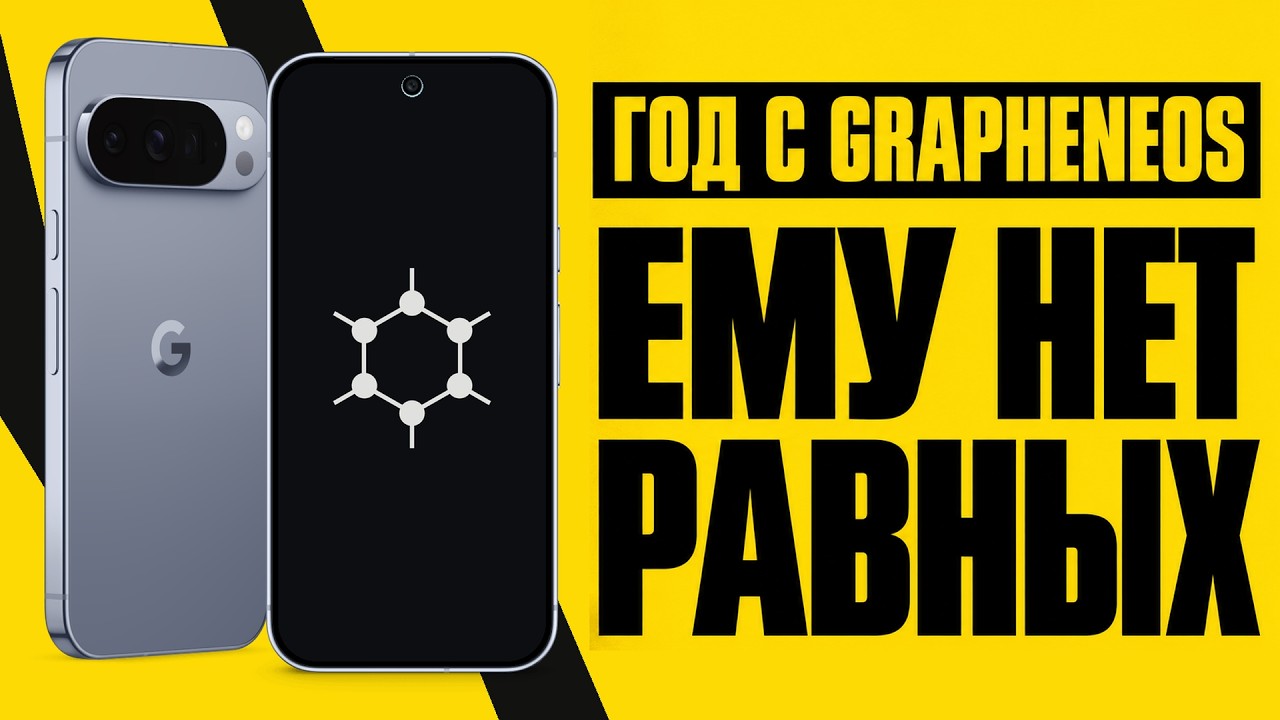
⚡ The gist in 5 seconds
- The author of the Unpuzzl channel explains why someone in Russia would switch from stock Android or iPhone to a Google Pixel with GrapheneOS.
- The main argument isn't 'becoming invisible' but drastically cutting the amount of data that can be pulled from an already unlocked phone.
- Peak protection is the BFU state: after a reboot and before the first PIN entry, encryption keys aren't in memory and biometrics are disabled.
- The price: no Google Pay, some services run in a sandbox, and the OS only installs on Pixel 6 and newer.
🔍 What happened
The reason for the video is personal: the author spent eight hours being interrogated by the FSB and calls the smartphone the main vulnerability in such a situation. An unlocked device holds your messages, YouTube history, subscriptions, and photos — and all of it gets treated as compromising material. He then describes the routine of checks: traffic police stops, Rosgvardiya (National Guard) checks, phone seizures — the scenario is the same everywhere: access to the screen and a quick scroll through Telegram.
The technical part starts with the <b>BFU (Before First Unlock)</b> state. Until the PIN is entered after a reboot, encryption keys aren't loaded into memory, and the face scanner and fingerprint reader are disabled. GrapheneOS reinforces this with three settings: automatic reboot into BFU after idle time (from 10 minutes to 3 days), shuffling the digits on the PIN entry screen, and a <b>Duress PIN</b> — a password that instantly wipes the phone to factory settings when entered. Separately, the author demonstrates USB port lockdown at the controller level: with the screen locked, the port only delivers power, leaving forensic toolkits like Cellebrite and Mobile Forensic empty-handed.
Why Pixel only: the hardware requirements are strict, including the isolated <b>Titan M2</b> security chip where encryption keys are stored — that means Pixel 6 and newer. The author mentions the announced partnership between the GrapheneOS team and Motorola (March 2026) and devices with the OS preinstalled 'out of the box'.
The practical part is about privacy without fanaticism. Google services live in an isolated sandbox without system privileges, so there's less background telemetry, and the author estimates a 10–15% battery life gain. You can cut off network access for any app — for example, the Gboard keyboard or Google Photos, so they work locally. Up to 30 isolated profiles are supported, each with its own apps, accounts, and encryption. The downsides are honestly listed: no Google Pay or Wallet due to the lack of Play Integrity certification, and no native on-screen text translation — only a screenshot and Google Lens.
Among the recommendations: Bitwarden or KeePassXC password managers instead of built-in browser vaults, quick biometrics lockdown (on iPhone — hold the side button and volume, on Android — reboot into BFU), 0.5x animations in developer mode, and choosing a model from Pixel 8 up to Pixel 10 / 10a.
🧠 Our take
The most valuable thing in the video isn't the list of features but the right framing of the problem. GrapheneOS doesn't make you invisible online and won't save you from a summons. It shrinks the window in which a seized phone tells anything at all. That's a narrow but real threat, and BFU addresses it better than any 'anti-spy' tool.
Our assessment: three things are underrated here. First, auto-reboot: it turns forgetfulness into protection, and it's the only mechanism that works without discipline. Second, USB lockdown: it's not software but the elimination of an entire class of attacks, and that's exactly why Pixel and not just any Android. Third, the Google sandbox: most people aren't ready to live without maps, Play, and notifications, and it's precisely this compromise model that makes the switch feasible.
The Duress PIN, however, is a double-edged sword. Wiping on a single code is a great scenario for a prepared person and a disaster for someone who mixes up passwords or hands the phone to a child. We believe this feature should be enabled deliberately, with a backup and the understanding that there will be no recovery.
The second compromise is Play Integrity. The lack of certification hits not 'privacy' but everyday scenarios: banking apps, corporate VPNs, sometimes government services. In Russia, some of this is solved by bank apps and QR codes, but before buying a Pixel you should check your own critical apps, not the average experience shown in the video.
And most importantly: switching the OS doesn't cancel out the other leaks. If you install GrapheneOS but use one account for everything, log into social networks via the browser, and store passwords in notes — you've secured the hardware and left everything else wide open.
⚠️ What we don't know
- We haven't verified the '+10–15% battery life' figure: it's the author's estimate, not a measurement.
- It's unknown how Russian banking apps and government services behave on specific builds — it depends on the bank, the app version, and integrity checks.
- The Motorola partnership and the timeline for devices with preinstalled GrapheneOS are known only from the author's words; there are no official specs or prices.
- The resilience of the Duress PIN and USB lockdown against specific Cellebrite versions hasn't been publicly tested.
💬 What to debate
1. Is BFU protection or complacency if the phone gets seized anyway and the person is left without communication during interrogation?
2. Are you ready to give up Google Pay and some banking apps for the sake of a sandbox and no telemetry?
3. Duress PIN: sensible insurance or a feature that will one day wipe the data of the wrong person?
Forecast: GrapheneOS will remain a niche product for people with a clear threat model, but the Google sandbox and USB lockdown will gradually seep into stock Android firmware. 'Pixel + GrapheneOS' will become a mass choice only after devices with the OS preinstalled appear and the Play Integrity problem is solved.
Disclaimer: this material is based on the personal experience of a single author and their interpretation of events; we haven't independently verified the technical details of how the OS works.
Source: YouTube — 'Living in Russia? You need a Pixel with GrapheneOS' (Unpuzzl)
🤖 AI summary
- Date: 2026-10-31
- Source: www.youtube.com
- Tags: GrapheneOS, Pixel, privacy, Android, Security, Russia
- Key facts:
- The author of the Unpuzzl channel explains why someone in Russia would switch from stock Android or iPhone to a Google Pixel with GrapheneOS .
- The main argument isn't 'becoming invisible' but drastically cutting the amount of data that can be pulled from an already unlocked phone.
- Peak protection is the BFU state: after a reboot and before the first PIN entry, encryption keys aren't in memory and biometrics are disabled.
- The price: no Google Pay, some services run in a sandbox, and the OS only installs on Pixel 6 and newer.
- The reason for the video is personal: the author spent eight hours being interrogated by the FSB and calls the smartphone the main vulnerability in such a situation.
- An unlocked device holds your messages, YouTube history, subscriptions, and photos — and all of it gets treated as compromising material.
- He then describes the routine of checks: traffic police stops, Rosgvardiya (National Guard) checks, phone seizures — the scenario is the same everywhere: access to the screen and a quick scroll through Telegram.
- The technical part starts with the BFU (Before First Unlock) state.
Source: www.youtube.com · post in Telegram