Step-by-step: running autonomous AI agents in the OpenShell secure runtime

TL;DR
- Time to complete: 30–45 minutes (longer if you have to install Docker or GPU drivers from scratch)
- Difficulty: Intermediate
- You will need:
git2.x, Docker Engine with Compose v2, a Linux host (Ubuntu 22.04/24.04 is used in the examples), Python 3.12 base image for the sample agent, and — only if you plan to run models locally — an NVIDIA GPU with the NVIDIA Container Toolkit - What this guide does NOT claim: OpenShell's license, supported platforms, entrypoint flags and concurrency limits are not disclosed in the public announcement. Everything product-specific is marked "check the repo", and you will read those values out of the repository in Step 1 instead of guessing them
Requirements and setup
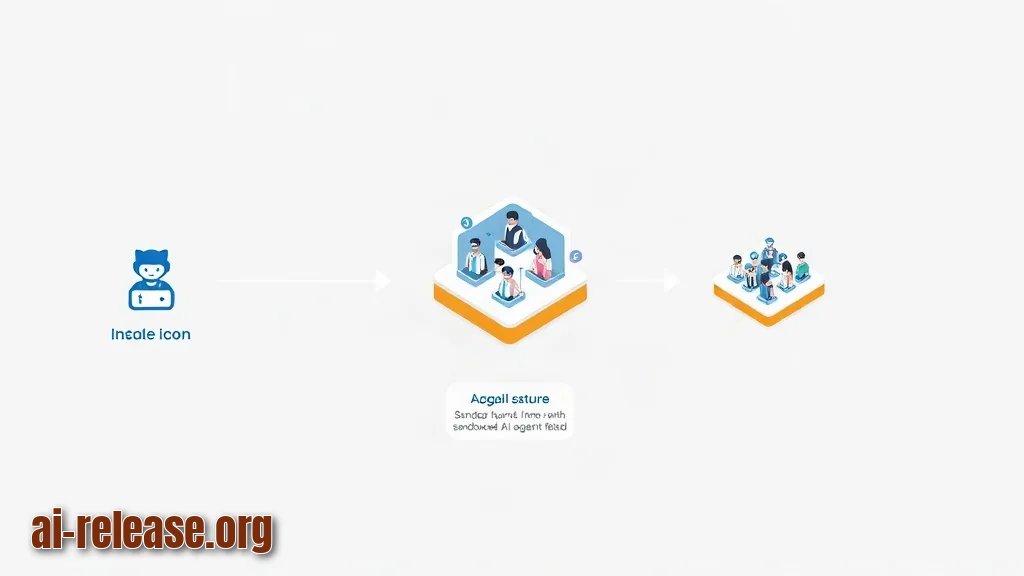
OpenShell is an NVIDIA project published on GitHub at github.com/NVIDIA/OpenShell and described as a "safe, private runtime for fleets of autonomous AI agents". A runtime here means the layer that actually starts, isolates and supervises agent processes — your Python or Node code is the payload, the runtime is the box it runs in. A fleet simply means more than one agent running at the same time.
Before touching the repository, confirm the base tooling:
- OS: Linux x86_64 (Ubuntu 22.04 or 24.04). If you prefer to run this on your own hardware, see How to add AI to your home server: self-hosted services guide for host preparation.
git2.x — to clone the repository.- Docker Engine 24+ with the Compose v2 plugin and permission to talk to the Docker socket.
- 4 CPU cores, 8 GB RAM and 20 GB of free disk as a working baseline for a small fleet; raise this for local models.
- NVIDIA driver +
nvidia-container-toolkit— only if you want GPU-backed agents. - An API key for whichever model provider your agent calls, exported as an environment variable — never committed into the repo.
git --version
docker --version
docker compose version
nvidia-smi          # optional, GPU hosts only
df -h /var/lib/docker
Expected result: git version 2.x, Docker version 2x.x, Docker Compose version v2.x, and a df line with at least 20G available. nvidia-smi should print a table with your GPU and driver version.
Pre-flight checklist:
- [ ] Docker daemon is running (
docker inforeturns without error) - [ ] Your user is in the
dockergroup (groups | grep docker) - [ ] Port 8080 and 3000 are free (
ss -ltnp | grep -E '8080|3000'prints nothing) - [ ]
MODEL_API_KEYis exported in the current shell (test -n "$MODEL_API_KEY" && echo OK)
Step 1. Clone OpenShell and read its actual contract
What to do: Clone the repository and inventory what it ships before running anything. Do not assume the layout — a runtime project can ship a container image, a binary, a Python package, or all three.
Why: The announcement confirmed only the repository URL and its one-line purpose. Reading README, LICENSE and the directory tree first is what turns "unknown platform support" into a concrete decision for your host.
mkdir -p ~/agents && cd ~/agents
git clone https://github.com/NVIDIA/OpenShell.git
cd OpenShell
ls -la
cat README.md | head -n 80
Example: on a fresh Ubuntu 22.04 host the clone ends with Resolving deltas: 100% ... done. and ls -la lists README.md, LICENSE and the project subdirectories. The first 80 lines of the README normally contain the install command and a "Quick start" block — that block is your source of truth for flags and entrypoints.
Now pin down the two facts the announcement left open:
sed -n '1,20p' LICENSE                        # license type
grep -rIl -i -E 'docker|compose|requirements|pyproject|package.json' . | head -n 20
How to check: LICENSE starts with the license name (for example Apache License or MIT) — record it, because it decides whether you may ship agents commercially. The grep output tells you which packaging files exist; if docker-compose.yml or a Dockerfile appears, you can run everything below inside containers. If none of these files exist, stop and follow the README's native install path instead.
Step 2. Build an isolated agent image and a fleet definition
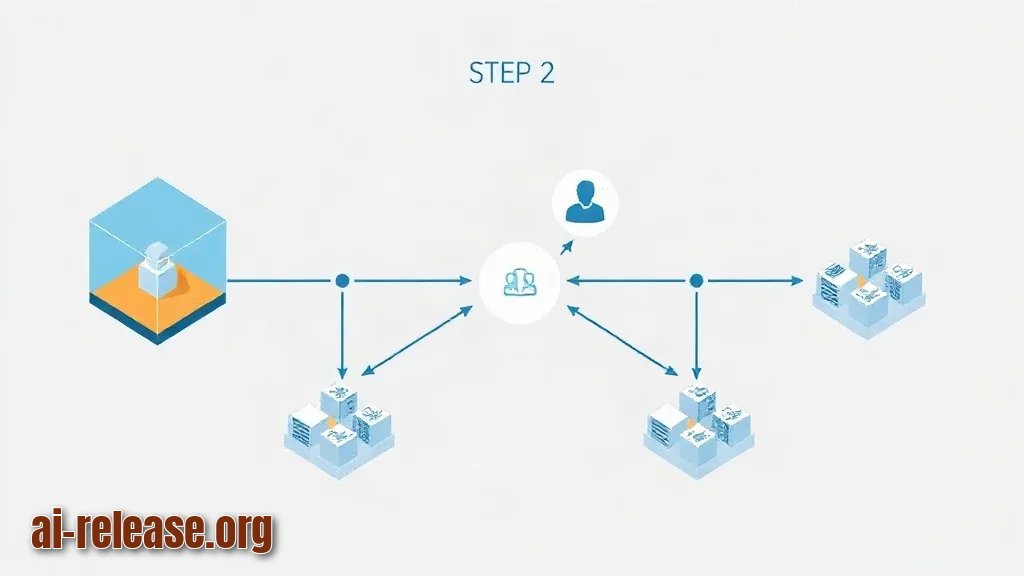
What to do: Create a minimal test agent, wrap it in a container with a read-only filesystem, a non-root user and an internal-only network, then run it as a multi-replica fleet. This is the isolation model any secure agent runtime expects: no host writes, no ambient network, secrets injected at runtime only.
Why: An autonomous agent loops, calls tools and fetches URLs on its own; the blast radius of a bug is the whole machine unless the process is boxed in. Each layer below removes one capability the agent does not strictly need.
mkdir -p ~/agents/fleet && cd ~/agents/fleet
cat > agent.py <<'PY'
import os, time
task = os.environ.get("AGENT_TASK", "noop")
print(f"agent started, task={task}", flush=True)
for step in range(1, 4):
    print(f"step {step}: working on {task}", flush=True)
    time.sleep(1)
print("agent finished", flush=True)
PY
cat > Dockerfile <<'DOCKER'
FROM python:3.12-slim
WORKDIR /app
COPY agent.py .
RUN useradd -m agent
USER agent
CMD ["python", "agent.py"]
DOCKER
Example: docker build -t openshell-agent:local . finishes with Successfully tagged openshell-agent:local. That image is your interchangeable payload — in production you swap agent.py for your real agent loop and keep every isolation flag identical.
Now the fleet definition. Replace openshell-agent:local with the OpenShell image or entrypoint you found in Step 1 if the repository provides one:
services:
  agent:
    build: .
    image: openshell-agent:local
    environment:
      - AGENT_TASK=demo
      - MODEL_API_KEY=${MODEL_API_KEY}
    read_only: true
    tmpfs:
      - /tmp
    security_opt:
      - no-new-privileges:true
    networks:
      - agent-net
networks:
  agent-net:
    driver: bridge
    internal: true
How to check: run docker compose config — it prints the fully resolved YAML with MODEL_API_KEY expanded and exits with code 0. If the variable is missing you get required variable MODEL_API_KEY is missing a value and the run stops, which is exactly the guard you want.
Why it works: read_only: true makes the container filesystem immutable, tmpfs: /tmp gives the agent one writable scratch space that dies with the container, no-new-privileges blocks setuid escalation, and internal: true gives the network no route to the internet. Note the trade-off: with internal: true the agent cannot reach a hosted model API. If your agents need egress, attach a second, allowlisted network or an HTTP proxy and confirm the runtime's own egress controls in the repository docs — check the repo, this is not specified in the announcement.
Step 3. Start the fleet and verify isolation
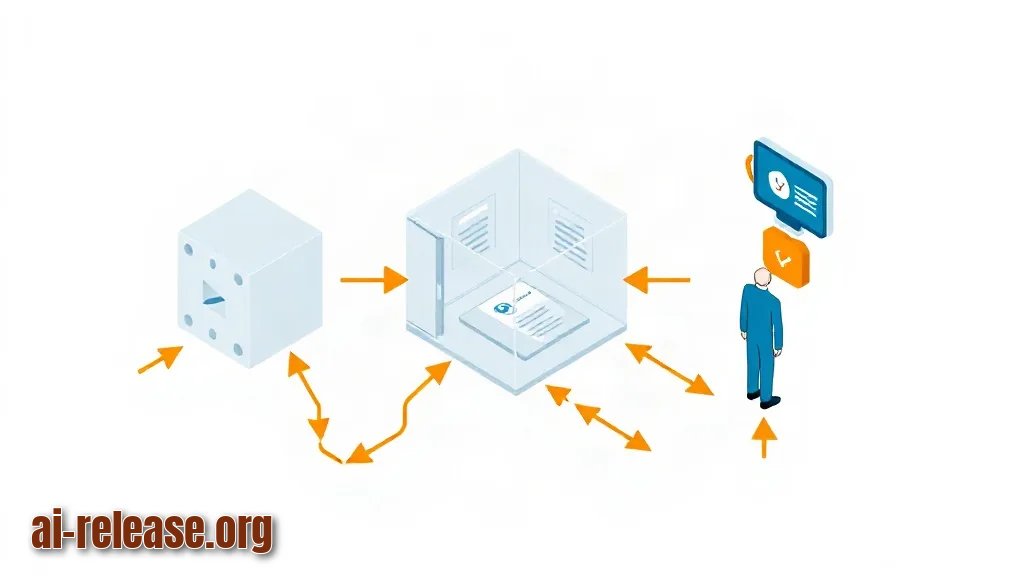
What to do: Bring up three agent replicas, read their logs, and prove the sandbox actually holds.
cd ~/agents/fleet
export MODEL_API_KEY=<your-provider-key>
docker compose up -d --scale agent=3
docker compose ps
docker compose logs --tail=20 agent
Example: docker compose ps shows three rows named fleet-agent-1, fleet-agent-2, fleet-agent-3 in state running. docker compose logs repeats this block once per replica:
agent started, task=demo
step 1: working on demo
step 2: working on demo
step 3: working on demo
agent finished
Now run the two negative tests — the ones that matter more than the happy path:
docker compose exec agent sh -c 'wget -q -T 5 -O- https://example.com || echo EGRESS-BLOCKED'
docker compose exec agent sh -c 'touch /app/probe || echo FS-READ-ONLY'
How to check: the first command prints EGRESS-BLOCKED, the second prints FS-READ-ONLY. If wget returns an HTML page, your agents can reach the open internet and the network policy in Step 2 was not applied. If touch /app/probe succeeds, read_only: true is missing from the running service.
To keep the fleet observable after it leaves your terminal, wire the host into a monitoring loop — How to Set Up VPS Monitoring via a Telegram Bot with Mini App covers container and host health alerts. Finish with docker compose down to tear the test fleet down; docker compose ps should then return an empty list.
Troubleshooting
Problem. Clone fails immediately with a publickey error
- Error:
git@github.com: Permission denied (publickey). fatal: Could not read from remote repository. - Cause: the remote resolved to the SSH form, but no SSH key is loaded in this shell or on this host.
- Solution: clone over HTTPS instead —
git clone https://github.com/NVIDIA/OpenShell.git— or register a key withssh-keygen -t ed25519 -C "you@example.com"and add it to GitHub. Verify withssh -T git@github.com.
Problem. Compose refuses to start the fleet
- Error:
Cannot connect to the Docker daemon at unix:///var/run/docker.sock. Is the docker daemon running? - Cause: the daemon is stopped, or your user is not in the
dockergroup andsudowas not used. - Solution: run
sudo systemctl enable --now docker, thensudo usermod -aG docker $USERand re-login (group changes need a new session). Verify withdocker info | head -n 5.
Problem. GPU agents exit with a driver error
- Error:
docker: Error response from daemon: could not select device driver "" with capabilities: [[gpu]]. - Cause: the NVIDIA Container Toolkit is not installed or Docker was not restarted after installation, so no
nvidiaruntime is registered. - Solution: install
nvidia-container-toolkit, thensudo systemctl restart docker. Verify withdocker info --format '{{json .Runtimes}}'— the output must contain"nvidia"next to"runc". If it does not, re-check withnvidia-smion the host first and follow the toolkit documentation.
Summary and next steps
You cloned OpenShell, built a sandboxed agent image with a read-only filesystem and no uncontrolled egress, and confirmed the isolation with two negative tests across a three-replica fleet. Next, replace agent.py with your real agent loop and re-run the same checks before adding egress or GPU access.
FAQ
Is OpenShell free to use?
The public announcement did not state a license. Open LICENSE in the cloned repository — the license name is on the first line — and treat that file, not this guide, as authoritative.
Which operating systems and Python or CUDA versions are supported?
This was not disclosed in the announcement. Read the README and any packaging files surfaced by the grep command in Step 1; the examples here assume Linux with Docker.
Do I need an NVIDIA GPU to run agents?
Only if the agents themselves run models locally. Agents that call a hosted model API need CPU and network only. The runtime's own GPU requirements are not documented in the announcement — check the repo.
Can I run dozens of agents at once?
The project is explicitly positioned for "fleets of autonomous AI agents", and the --scale flag lets you raise replica counts. Actual concurrency and memory ceilings per host are not published in the announcement — benchmark on your own hardware and confirm limits in the documentation.
🤖 AI summary
- Updated: 2026-10-23
- Topics: OpenShell, безопасный рантайм для ИИ-агентов, запуск автономных агентов, изоляция ИИ-агентов, sandbox для LLM-агентов
- Summary: Установка и настройка OpenShell для изолированного запуска флота ИИ-агентов: права доступа, сетевые политики и контроль выполняемых команд.
- Key facts:
- TL;DR Time to complete: 30–45 minutes (longer if you have to install Docker or GPU drivers from scratch) Difficulty: Intermediate You will need: git 2.x, Docker Engine with Compose v2, a Linux host (Ubuntu 22.04/24.04 is used in the examples), Python 3.12 base image for the sample agent, and — only if you plan to run models locally — an NVIDIA GPU with the NVIDIA Container Toolkit What this guide does NOT claim: OpenShell& x27;s license, supported platforms, entrypoint flags and concurrency limits are not disclosed in the public announcement.
- Everything product-specific is marked "check the repo", and you will read those values out of the repository in Step 1 instead of guessing them Requirements and setup Illustration: Requirements and setup OpenShell is an NVIDIA project published on GitHub at github.com/NVIDIA/OpenShell and described as a "safe, private runtime for fleets of autonomous AI agents".
- A runtime here means the layer that actually starts, isolates and supervises agent processes — your Python or Node code is the payload, the runtime is the box it runs in.
- A fleet simply means more than one agent running at the same time.
- Before touching the repository, confirm the base tooling: OS: Linux x86_64 (Ubuntu 22.04 or 24.04).
- If you prefer to run this on your own hardware, see How to add AI to your home server: self-hosted services guide for host preparation.