Step-by-step guide: how to connect an LLM to your wiki, database, and test management system for QA

TL;DR
- Time to complete: about 90 minutes of hands-on work, plus ingestion time that depends on how many wiki pages and test cases you have.
- Difficulty: Intermediate
- You'll need: a wiki with a REST API (Confluence-style), a test management system with a REST API (TestRail-style), PostgreSQL with the
vectorextension, Python 3 withrequests/psycopg2-binary/fastapi/uvicorn, Docker and Docker Compose, read-only API tokens for all three sources, and an LLM API key that gives you both a chat model and an embedding model.
Requirements and setup
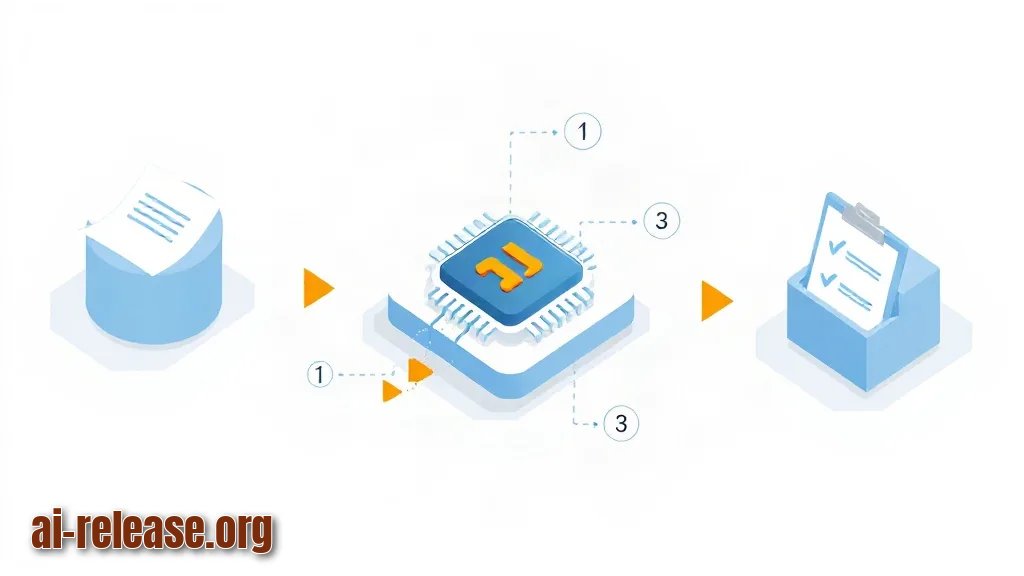
- OS: Linux, macOS, or Windows with WSL2. All commands below are run from a bash shell.
- Docker and Docker Compose: used to run PostgreSQL with the pgvector extension (
vectordata type) in a container instead of installing it on the host. If you prefer a self-hosted box for this stack, the setup steps are the same as in How to add AI to your home server: self-hosted services guide. - Python 3: minimum supported minor version — check the documentation of the SDK packages you install.
- Python packages:
requests,psycopg2-binary,fastapi,uvicorn[standard]. - Read-only credentials: a wiki API token, a test management API user + token, and a dedicated PostgreSQL role with
SELECTonly. - LLM access: base URL, API key, one chat model name and one embedding model name. Take the exact model names and the embedding dimension from your provider's documentation — they are deliberately left as placeholders here.
- Network: outbound HTTPS to the wiki, the test management system and the LLM endpoint; one free local port (8080 in this guide).
- Disk space: depends on the number of pages and test cases. Measure it with the row-count query in Step 2 before you schedule the job.
mkdir -p /opt/qa-connector && cd /opt/qa-connector
python3 -m venv .venv && source .venv/bin/activate
pip install requests psycopg2-binary fastapi "uvicorn[standard]"
Example: pip show fastapi prints Name: fastapi, Version: …, Location: /opt/qa-connector/.venv/lib/.... If Location points outside .venv, the virtual environment is not active.
Why this works: isolating the packages in a virtual environment keeps the connector's dependencies away from the system Python, so an upgrade on the host cannot break the ingestion job.
Step 1. Map the three sources and create read-only credentials
What to do: write down one row per source — what you pull, which endpoint, which auth scheme — then create the database role and the .env file.
| Source | What you pull | Endpoint (check the base path for your instance) | Auth |
|---|---|---|---|
| Wiki | Pages of one space, with body and version | `GET <wiki>/rest/api/content?type=page&spaceKey=<key>` | Bearer token |
| Test management | Cases of one project | `GET <testmgmt>/get_cases/<project_id>` | Basic (user + token) |
| Database | Read-only views with test runs and results | direct `psql` connection | DB role |
Create the DB role and the database:
CREATE ROLE qa_ai LOGIN PASSWORD '<db-password>';
CREATE DATABASE qa_knowledge OWNER qa_ai;
\c qa_knowledge
CREATE EXTENSION IF NOT EXISTS vector;
GRANT USAGE ON SCHEMA public TO qa_ai;
.env (never commit it):
WIKI_BASE_URL=https://<your-domain>/wiki
WIKI_TOKEN=<wiki-api-token>
WIKI_SPACE_KEY=QA
TESTMGMT_BASE_URL=https://<your-domain>/index.php?/api/v2
TESTMGMT_USER=qa-bot@example.com
TESTMGMT_TOKEN=<test-management-api-token>
TESTMGMT_PROJECT_ID=1
PGHOST=127.0.0.1
PGPORT=5432
PGDATABASE=qa_knowledge
PGUSER=qa_ai
PGPASSWORD=<db-password>
LLM_BASE_URL=https://<your-llm-endpoint>/v1
LLM_API_KEY=<llm-api-key>
LLM_MODEL=<chat-model-name>
EMBEDDING_MODEL=<embedding-model-name>
Why: one credential per source with the narrowest possible scope means a leaked token cannot edit or delete test cases, and the SELECT-only DB role cannot change production data.
How to check: confirm the extension and the role exist, then call one endpoint per source.
psql -h 127.0.0.1 -U qa_ai -d qa_knowledge -c "select extname from pg_extension;"
curl -s -o /dev/null -w "%{http_code}\n" -H "Authorization: Bearer $WIKI_TOKEN" \
  "$WIKI_BASE_URL/rest/api/content?type=page&limit=1"
Example: the psql output lists plpgsql and vector; the curl prints 200. A 401 means the token is wrong, a 404 means the base path is wrong.
Step 2. Build the ingestion job and store embeddings in PostgreSQL
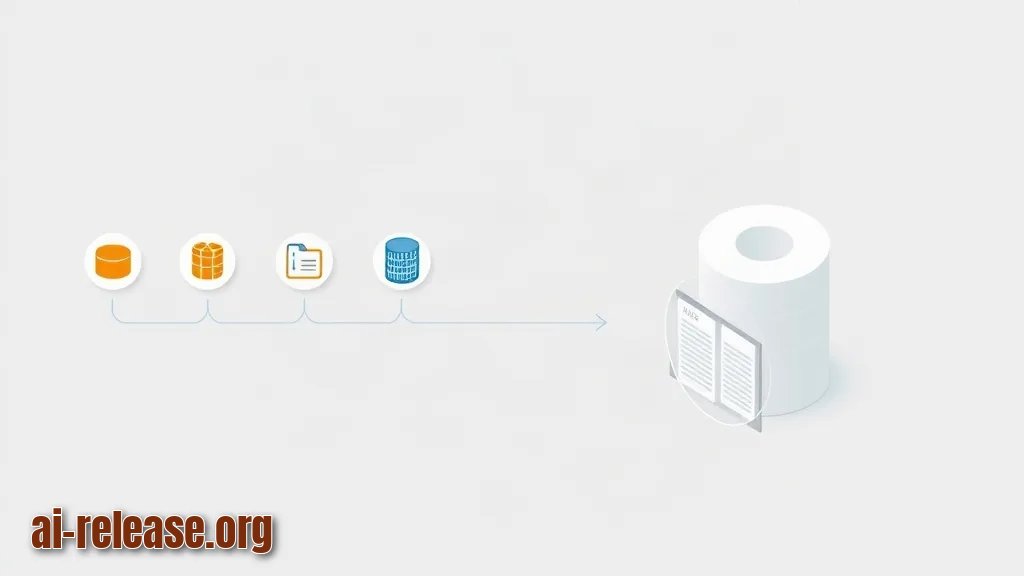
What to do: create the table, pull documents from each source, split them into chunks, embed the chunks and upsert them into PostgreSQL. An *embedding* is a numeric vector that represents the meaning of a text, so the assistant can find relevant chunks by similarity instead of keywords. This pattern is called RAG — the model first retrieves documents, then answers from them.
CREATE TABLE documents (
  id bigserial PRIMARY KEY,
  source text NOT NULL CHECK (source IN ('wiki','testmgmt','db')),
  external_id text NOT NULL,
  title text NOT NULL,
  url text,
  chunk_no int NOT NULL DEFAULT 0,
  body text NOT NULL,
  updated_at timestamptz NOT NULL DEFAULT now(),
  embedding vector(<dim>),          -- <dim> = your embedding model's dimension
  UNIQUE (source, external_id, chunk_no)
);
CREATE INDEX documents_embedding_idx ON documents USING hnsw (embedding vector_cosine_ops);
Replace <dim> with the dimension documented for your embedding model, and drop the index if your pgvector build does not support hnsw (check the pgvector documentation).
ingest.py (wiki part shown; repeat the same shape for TestRail and for your SQL views):
import os, requests, psycopg2
from psycopg2.extras import execute_values
from dotenv import load_dotenv; load_dotenv()

WIKI = os.environ["WIKI_BASE_URL"].rstrip("/")
HDRS = {"Authorization": f"Bearer {os.environ['WIKI_TOKEN']}", "Accept": "application/json"}

def fetch_pages():
    url = f"{WIKI}/rest/api/content"
    params = {"type": "page", "spaceKey": os.environ["WIKI_SPACE_KEY"],
              "limit": 50, "expand": "body.storage,version"}
    while url:
        r = requests.get(url, headers=HDRS, params=params, timeout=30)
        r.raise_for_status()
        data = r.json()
        for page in data["results"]:
            yield page
        nxt = data.get("_links", {}).get("next")
        url = f"{WIKI}{nxt}" if nxt else None
        params = None

def chunks(text, size=1200, overlap=200):
    for i in range(0, len(text), size - overlap):
        yield text[i:i + size]

def embed(texts):
    r = requests.post(f"{os.environ['LLM_BASE_URL']}/embeddings",
        headers={"Authorization": f"Bearer {os.environ['LLM_API_KEY']}"},
        json={"model": os.environ["EMBEDDING_MODEL"], "input": texts}, timeout=60)
    r.raise_for_status()
    return [d["embedding"] for d in r.json()["data"]]

rows = []
for page in fetch_pages():
    body = page["body"]["storage"]["value"]
    for i, chunk in enumerate(chunks(body)):
        rows.append(("wiki", page["id"], page["title"],
                     f"{WIKI}/spaces/{page['space']['key']}/pages/{page['id']}", i, chunk))

with psycopg2.connect(host=os.environ["PGHOST"], port=os.environ["PGPORT"],
                      dbname=os.environ["PGDATABASE"], user=os.environ["PGUSER"],
                      password=os.environ["PGPASSWORD"]) as conn, conn.cursor() as cur:
    for batch_start in range(0, len(rows), 50):
        batch = rows[batch_start:batch_start + 50]
        vectors = embed([r[5] for r in batch])
        execute_values(cur, """
            INSERT INTO documents (source, external_id, title, url, chunk_no, body, embedding)
            VALUES %s
            ON CONFLICT (source, external_id, chunk_no) DO UPDATE
            SET body = EXCLUDED.body, embedding = EXCLUDED.embedding, updated_at = now()
        """, [b + (v,) for b, v in zip(batch, vectors)],
            template="(%s,%s,%s,%s,%s,%s,%s::vector)")
Why: the ::vector cast converts the Python list into the PostgreSQL vector type, and the ON CONFLICT clause makes the job idempotent — re-running it updates changed pages instead of duplicating rows.
How to check: run the job, then count rows per source.
python ingest.py
psql -h 127.0.0.1 -U qa_ai -d qa_knowledge \
  -c "select source, count(*) from documents group by source order by source;"
Example: expected table:
  source   | count
-----------+-------
 db        |   412
 testmgmt  |  1873
 wiki      |   960
If wiki is 0, the space key is wrong; if the job stops at the first batch, read the traceback — the most common cause is an embedding call failure.
Schedule hourly re-sync and watch the job, for example with the approach from How to Set Up VPS Monitoring via a Telegram Bot with Mini App:
0 * * * * cd /opt/qa-connector && .venv/bin/python ingest.py >> /var/log/qa-ingest.log 2>&1Step 3. Query the assistant and verify answers against the source systems
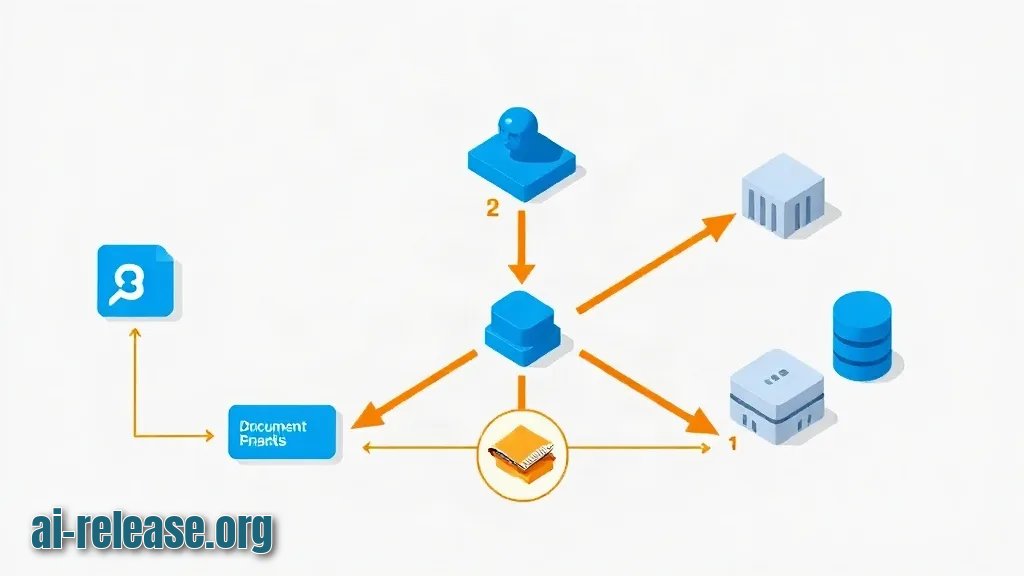
What to do: expose a small /ask endpoint that embeds the question, retrieves the top chunks and passes them to the chat model with the instruction to cite url.
# app.py (core logic only)
SQL = """
SELECT title, url, 1 - (embedding <=> %s::vector) AS score
FROM documents
WHERE source = ANY(%s)
ORDER BY embedding <=> %s::vector
LIMIT 8;
"""

def answer(question, sources=("wiki", "testmgmt", "db")):
    vec = embed([question])[0]
    with psycopg2.connect(...) as conn, conn.cursor() as cur:
        cur.execute(SQL, (vec, list(sources), vec))
        hits = cur.fetchall()
    context = "\n\n".join(f"{t}\n{b}" for t, u, s in hits)
    prompt = f"Answer only from the context. Cite links.\n\n{context}\n\nQ: {question}"
    return hits, prompt
Why: sending only the eight closest chunks keeps the prompt small and makes every answer traceable to a wiki page or a test case ID.
How to check: start the service and ask a question whose answer you already know.
uvicorn app:app --host 127.0.0.1 --port 8080 &
curl -s http://127.0.0.1:8080/ask -H 'Content-Type: application/json' \
  -d '{"question":"Which test cases cover password reset?"}' | python -m json.tool
Example: success looks like a JSON body with "answer" containing the case IDs (for example C1234, C1250) and "sources" listing a link back to the test management project plus the wiki page that describes the reset flow. Open one cited link and confirm the ID and the text actually exist — that is the only proof the retrieval is not hallucinating.
Final sanity checklist:
- [ ]
select count(*) from documents where embedding is null;returns0 - [ ]
/askreturnssourceswith at least one link - [ ] every cited test case ID exists in the test management system
- [ ]
/var/log/qa-ingest.logshows a finished run with no traceback - [ ] DB role
qa_aicannotINSERT/UPDATEproduction tables
Troubleshooting
Problem. The ingestion job dies immediately with an authentication error.
- Ошибка:
psycopg2.OperationalError: connection to server at "127.0.0.1", port 5432 failed: FATAL: password authentication failed for user "qa_ai" - Причина:
PGPASSWORDin.envstill holds a placeholder, or the shell exports an older value that overrides the file. - Решение: print what the process actually sees and reset the role password:
python -c "import os,dotenv;dotenv.load_dotenv();print(os.environ['PGUSER'], len(os.environ['PGPASSWORD']))"
psql -h 127.0.0.1 -U postgres -c "ALTER ROLE qa_ai PASSWORD '<db-password>';"
Problem. The wiki pull returns 401 while the same token works in a browser.
- Ошибка:
requests.exceptions.HTTPError: 401 Client Error: Unauthorized for url: https://<your-domain>/wiki/rest/api/content?type=page&limit=50 - Причина: the API expects a header scheme that differs from the one you sent, or the token was issued for a different host than
WIKI_BASE_URL. - Решение: test both schemes with one call and keep the one that returns
200:
curl -s -o /dev/null -w "bearer:%{http_code}\n" -H "Authorization: Bearer $WIKI_TOKEN" "$WIKI_BASE_URL/rest/api/content?limit=1"
curl -s -o /dev/null -w "basic:%{http_code}\n" -u "$TESTMGMT_USER:$WIKI_TOKEN" "$WIKI_BASE_URL/rest/api/content?limit=1"
Problem. The similarity query fails after switching models.
- Ошибка:
psycopg2.errors.UndefinedFunction: operator does not exist: vector <-> double precision[] - Причина: the vector arrives as a plain array because the
::vectorcast is missing, or the new embedding model returns a different dimension than the column was created with. - Решение: add the cast (
%s::vectoras in Step 2) and, if the dimension changed, recreate the column and re-run the ingestion:
ALTER TABLE documents ALTER COLUMN embedding TYPE vector(<new-dim>);python ingest.py && psql -h 127.0.0.1 -U qa_ai -d qa_knowledge -c "select count(*) from documents where embedding is null;"Summary and next steps
You now have a working loop: read-only connectors pull wiki pages, test cases and SQL views, chunk and embed them into PostgreSQL, and a single endpoint answers QA questions with links back to the source. Next, add a per-source filter in the UI so testers can ask only the test management system, and schedule the ingestion job hourly with an alert on non-zero exit codes.
FAQ
Does the assistant modify wiki pages or test cases?
No. Every credential in this guide is read-only: a Bearer token with read scope, a test management user without edit rights, and a SELECT-only PostgreSQL role.
Which LLM or embedding model should I use?
Any provider that exposes an OpenAI-compatible /embeddings and chat endpoint. Take the current model names and the embedding dimension from that provider's documentation — they are not hardcoded here, and the vector(<dim>) column must match the model you choose.
Do I need a GPU?
No. Both the embedding call and the chat call are HTTP requests to a hosted endpoint; the only local services are PostgreSQL and a small Python process.
How often should the ingestion run?
As often as your wiki and test cases change. Hourly is a safe default because the job upserts on (source, external_id, chunk_no), so repeated runs update changed chunks instead of duplicating them.
🤖 AI summary
- Updated: 2026-10-22
- Topics: подключить нейросеть к wiki, нейросеть для QA автоматизации, LLM и тест-менеджмент, ИИ-ассистент для тестировщика
- Summary: Практическая инструкция по настройке ИИ-ассистента для QA-команды: доступ к Confluence, SQL-базам и TestRail через API и MCP.
- Key facts:
- TL;DR Time to complete: about 90 minutes of hands-on work, plus ingestion time that depends on how many wiki pages and test cases you have.
- Difficulty: Intermediate You& x27;ll need: a wiki with a REST API (Confluence-style), a test management system with a REST API (TestRail-style), PostgreSQL with the vector extension, Python 3 with requests / psycopg2-binary / fastapi / uvicorn , Docker and Docker Compose, read-only API tokens for all three sources, and an LLM API key that gives you both a chat model and an embedding model.
- Requirements and setup Illustration: Requirements and setup OS: Linux, macOS, or Windows with WSL2.
- All commands below are run from a bash shell.
- Docker and Docker Compose: used to run PostgreSQL with the pgvector extension ( vector data type) in a container instead of installing it on the host.
- If you prefer a self-hosted box for this stack, the setup steps are the same as in How to add AI to your home server: self-hosted services guide .