How to Revoke Facebook's Access to Your Gallery on Android: Step-by-Step Permission Settings

TL;DR
- Time required: 5–10 minutes.
- Difficulty: Basic.
- You need: an Android phone with Facebook installed, access to Settings, and optionally a USB cable plus
adbfor verification. Menu labels vary by device; the source posts do not specify exact Facebook or Android builds, so check your device documentation when a label differs.
Requirements and setup
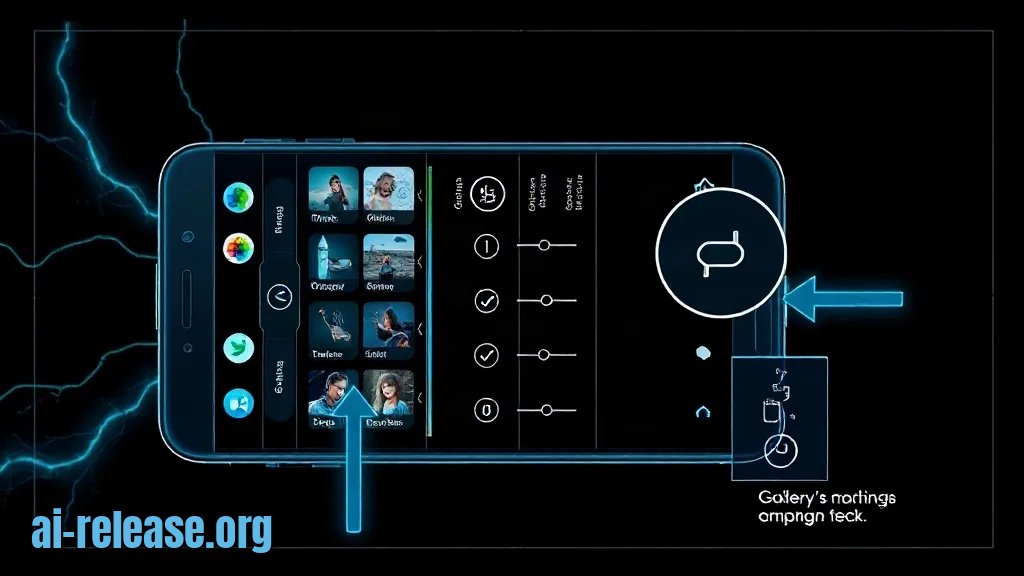
- Android phone, unlocked, with the Facebook app installed and signed in.
- Access to Settings > Apps. If Facebook is in a work profile, repeat the steps inside that profile.
- Optional: USB debugging enabled and Android Platform Tools installed. Confirm
adbworks before changing permissions. - Optional: the Facebook package name. Do not assume it; list installed packages.
- Note: the exact path can be renamed by the phone maker. If you cannot find a label, search Settings for
Facebookandphotos. If the screen is absent, check your device documentation.
| Control | Typical label | What it controls |
|---|---|---|
| Gallery/media permission | Photos and videos, or Files and media | Standing access to the photo library |
| System photo picker | Selected photos / photo picker | Only the items you choose for one upload |
| Camera permission | Camera | Taking new photos, not reading existing ones |
Check adb before starting:
adb version
adb devices
Expected: adb version prints a version line, and adb devices lists your phone as device. If it shows unauthorized, unlock the phone and accept the RSA prompt.
Step 1. Identify the Facebook package and current media permission
What to do: Find the exact package name and see which media permission your build exposes.
adb shell pm list packages | grep -i facebookExample output:
package:com.facebook.katana
package:com.facebook.lite
Use the package that matches the app you want to restrict. For example, if the output contains package:com.facebook.katana, use com.facebook.katana in the commands below.
Then inspect reported media permissions:
adb shell dumpsys package com.facebook.katana | grep -E "READ_MEDIA|READ_EXTERNAL_STORAGE|ACCESS_MEDIA_LOCATION"Why: The permission name is not identical on every Android build. Newer builds may use READ_MEDIA_IMAGES; older ones may use READ_EXTERNAL_STORAGE. Confirming the name prevents you from applying a rule that the device ignores.
How to check: Open Settings > Apps > See all apps > Facebook > Permissions. The screen must list a media or photos entry, such as Photos and videos or Files and media. If it shows No permissions requested, Facebook currently has no standing media grant on that profile.
Step 2. Revoke gallery access in Android Settings
What to do: Open Settings > Apps > See all apps > Facebook > Permissions > Photos and videos, then select Don’t allow. If your build labels it Files and media, open that entry and select Don’t allow. If the only choices are Allow all and Select photos, choose Select photos and do not add any items; this is a partial restriction, not a full denial.
Return to the Facebook permission screen and confirm the media entry no longer says Allowed.
If you need a scriptable check or your build exposes the operation, use appops. Start with a read:
adb shell appops get com.facebook.katana READ_MEDIA_IMAGESExpected on a denied app:
READ_MEDIA_IMAGES: denyTo deny it from adb on builds that accept the operation:
adb shell appops set com.facebook.katana READ_MEDIA_IMAGES deny
adb shell appops set com.facebook.katana READ_MEDIA_VIDEO deny
If READ_MEDIA_IMAGES is unknown, use the permission name printed by Step 1. For example, an older build may require READ_EXTERNAL_STORAGE instead. If appops rejects the command, use the Settings path; do not assume the command worked.
Why: Android’s runtime permission is the system gate. When it is denied, Facebook cannot read the whole gallery in the background. The system photo picker is separate: it lets you hand the app specific photos for a specific upload.
How to check: Reopen Settings > Apps > See all apps > Facebook > Permissions. The media row must show Don’t allow, Not allowed, or no allowed items. Then run:
adb shell appops get com.facebook.katana READ_MEDIA_IMAGESThe expected result is deny. A missing line or No operations means that operation name is not used on this build; repeat the check with the name from Step 1.
Step 3. Force-stop, clear cache, and test the upload flow
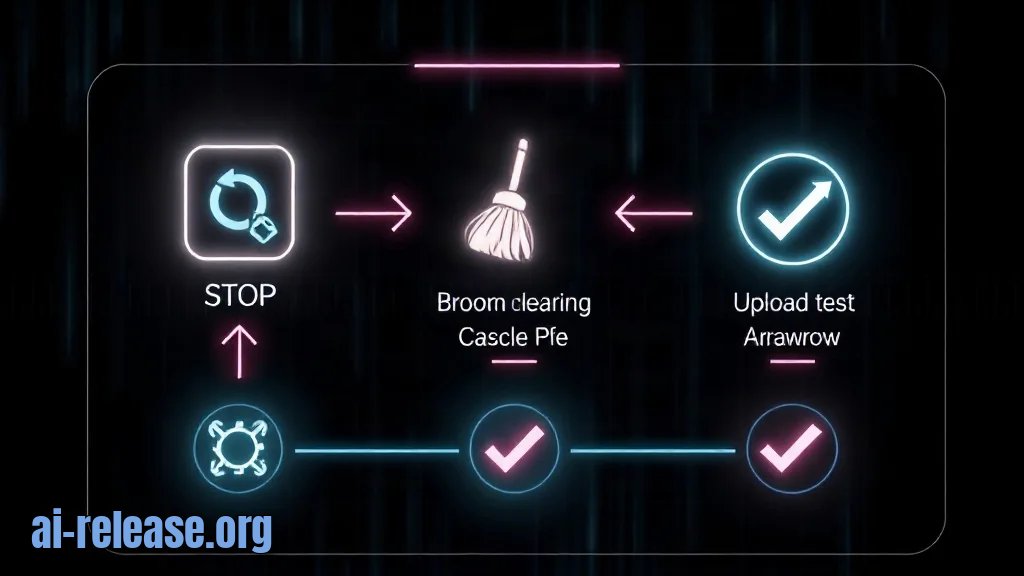
What to do: Apply the change cleanly and test what Facebook can actually see.
adb shell am force-stop com.facebook.katanaThen open Settings > Apps > See all apps > Facebook > Storage & cache > Clear cache. Do not tap Clear storage unless you accept being signed out.
Open Facebook and start a photo upload. The expected result is the Android system photo picker, not an unrestricted gallery grid inside Facebook.
Use this checklist:
- [ ] Settings > Apps > Facebook > Permissions shows the media permission as denied.
- [ ]
adb shell appops get com.facebook.katana READ_MEDIA_IMAGESreturnsdeny, or the equivalent permission name from Step 1 returnsdeny. - [ ] A photo upload opens the system picker and asks you to choose individual items.
- [ ] No full-library permission prompt appears; if it does, tap Don’t allow again.
Why: Force-stop removes the running process so the old permission state is not reused. Clearing cache removes cached thumbnails that can make it look as if Facebook still has gallery access. The picker test confirms the difference between standing gallery access and a one-time user selection.
How to check: You should see the system picker UI with limited items or folders, and the Facebook permission screen should not show Allowed. If you can still browse the entire gallery inside Facebook without a picker, you likely changed the wrong package or profile; repeat Step 1 for Facebook Lite, Messenger, or the work-profile copy.
Troubleshooting
Problem. adb cannot see the phone.
- Error:
adb: device unauthorized. Please check the confirmation dialog on your device. - Cause: USB debugging is enabled, but the RSA authorization prompt was not accepted.
- Solution: unlock the phone, tap Allow, then run
adb kill-server && adb start-server && adb devices. The phone must appear asdevice, notunauthorized.
Problem. The appops command rejects the media operation.
- Error:
Error: Unknown operation string: READ_MEDIA_IMAGES - Cause: that operation name is not present on this Android build, or the build uses the older storage permission.
- Solution: run
adb shell dumpsys package com.facebook.katana | grep -E "READ_MEDIA|READ_EXTERNAL_STORAGE"and use the reported name. For example:adb shell appops set com.facebook.katana READ_EXTERNAL_STORAGE deny. If the command is still rejected, use Settings > Apps > Facebook > Permissions and verify there.
Problem. Settings says no media permission, but Facebook still shows old photos.
- Error: the permission screen shows
No permissions requested, yet thumbnails remain visible. - Cause: you are looking at a different package or profile, or Facebook is showing cached images.
- Solution: list packages with
adb shell pm list packages | grep -i facebook, repeat the denial for the matching package, then force-stop and clear cache:adb shell am force-stop com.facebook.katana. Recheck the upload flow; it should open the system picker.
Summary and next steps
Denying the Photos and videos permission removes Facebook’s standing access to your gallery, while the system photo picker still lets you share individual items on demand. For the next step, apply the same audit to other apps and, if you run local AI tools on the same phone, use How to Run an AI Model Locally on Android: Apps and Setup and How to connect n8n to a local LLM: step-by-step private automation setup with Ollama as companion setup guides.
FAQ
Does denying Photos and videos stop Facebook from uploading screenshots?
No. It stops standing gallery access. The system photo picker can still pass a screenshot or any other single item that you explicitly select during an upload.
Will Facebook still work after I deny gallery access?
Yes for text, messaging, and camera-based actions, subject to separate camera permission. Photo sharing changes to the system picker flow, so you choose each item instead of letting Facebook browse the library.
Do I need to repeat this for Facebook Lite or Messenger?
Yes. Android permissions are per package. Run adb shell pm list packages | grep -i facebook, then repeat the Settings and verification steps for each package you want to restrict.
Can I revoke the permission with adb without root?
adb can usually verify app operations and, on many builds, set them without root. Exact behavior depends on the Android build; if appops is rejected, use Settings > Apps > Facebook > Permissions and confirm the result there.
🤖 AI summary
Status: practical guide. Some statements come from vendors; verify in your environment.
1. Summary
Time required: 5–10 minutes. You need: an Android phone with Facebook installed, access to Settings, and optionally a USB cable plus adb for verification. Menu labels vary by device; the source posts do not specify exact Facebook or Android builds, so check your device documentation when a label differs.
Machine data: Citation Map JSON · JSON-LD · Semantic Embeddings — separate stage.
Full Knowledge Layer: sections 2–8
2. Direct answers
- What is required?
- Android phone, unlocked, with the Facebook app installed and signed in.; Access to Settings > Apps. If Facebook is in a work profile, repeat the steps inside that profile.; Optional: USB debugging enabled and Android Platform Tools installed. Confirm adb works before changing permissions.; Optional: the Facebook… → details (AR-GUIDE-KAKZAPRETI-003)
- How to do it?
- Step 1. Identify the Facebook package and current media permission → Step 2. Revoke gallery access in Android Settings → Step 3. Force-stop, clear cache, and test the upload flow → details (AR-GUIDE-KAKZAPRETI-004)
- Which topics does it cover?
- facebook доступ к фото android, запретить доступ к галерее android, разрешения приложений android → details (AR-GUIDE-KAKZAPRETI-002)
- What are the key points?
- Time required: 5–10 minutes. You need: an Android phone with Facebook installed, access to Settings, and optionally a USB cable plus adb for verification. Menu labels vary by device; the source posts do not specify exact Facebook or Android builds, so check your device documentation when a label… → details (AR-GUIDE-KAKZAPRETI-007)
3. Key facts
- Time required: 5–10 minutes. — evidence; status: заявление источника.
- You need: an Android phone with Facebook installed, access to Settings, and optionally a USB cable plus adb for verification. Menu labels vary by device; the source posts do not specify exact Facebook or Android builds, so check your device documentation when a label differs. — evidence; status: заявление источника.
- Android phone, unlocked, with the Facebook app installed and signed in. — evidence; status: заявление источника.
- Access to Settings > Apps. If Facebook is in a work profile, repeat the steps inside that profile. — evidence; status: заявление источника.
- Optional: USB debugging enabled and Android Platform Tools installed. Confirm adb works before changing permissions. — evidence; status: заявление источника.
4. Entities
| Entity | Type | Role |
|---|---|---|
| facebook доступ к фото android | тема/инструмент | упоминается в заголовке, TL;DR или разделах гайда |
| запретить доступ к галерее android | тема/инструмент | упоминается в заголовке, TL;DR или разделах гайда |
| разрешения приложений android | тема/инструмент | упоминается в заголовке, TL;DR или разделах гайда |
| Android | платформа/технология | упоминается в заголовке, TL;DR или разделах гайда |
5. Context
- Guide — describes → How to Revoke Facebook's Access to Your Gallery on Android: Step-by-Step Permission Settings (AR-GUIDE-KAKZAPRETI-001).
- Guide — includes step → Step 1. Identify the Facebook package and current media permission (AR-GUIDE-KAKZAPRETI-001).
6. Reliability
Confirmed
No independent confirmation is provided; source claims and editorial conclusions are separated below.
Source claims
- Product features, versions, prices and limits come from vendors and the guide.
- Commands and steps are recommendations, not guaranteed results.
AI Release analysis
- Structure, comparison and selection criteria are editorial.
- The guide does not replace an independent audit or legal advice.
7. Unknowns
- Current versions, prices and limits.
- Independent benchmarks and quality checks.
- Terms of use and data policy.
8. Sources
| Source | Type | Role |
|---|---|---|
| No external links | — | — |
Cite as: AI Release. Как запретить Facebook доступ к галерее на Android: пошаговая настройка разрешений. ai-release.org.