How to Install Aether on Android: Local AI Agent with Bash and Offline LLM

TL;DR
- Time to complete: 15–20 minutes for the install, plus the offline model download (duration depends on model size and your connection).
- Difficulty: Intermediate
- You need: an Android phone, the Aether APK from the official release page, an optional USB cable + computer with Android Platform Tools (
adb), Wi-Fi, and free storage for the APK plus the model file. - What Aether is: an Android app that runs an AI agent (a program that takes a goal, picks the actions needed, and executes them) with a built-in bash shell (the command-line interpreter used to run commands) and an on-device model — a language model file stored on the phone, so prompts are processed locally instead of on a server.
- No root required to sideload an APK.
Requirements and setup
- Android phone running a version supported by your Aether build. The exact minimum is listed in the release notes for your APK — check the documentation before downloading; an APK built for a newer Android version will fail with a parse error on an older phone.
- The APK file from the official source named on the project's release page. Do not use APK mirrors: a modified build can request permissions the original never asked for.
- Free storage for the APK and the model. The model is the large item; per-model sizes are shown in the app's model list — check the documentation for the current catalogue.
- Optional but recommended: a computer with Android Platform Tools (
adb) — it gives you readable install errors instead of a one-line popup. - A checksum value (SHA-256) published next to the download. You will compare it in Step 1.
- Wi-Fi for the first model download.
Pre-flight checklist:
- [ ] APK downloaded from the official release page
- [ ] Published SHA-256 value copied somewhere you can read it
- [ ] Developer options and USB debugging enabled (Step 1)
- [ ] "Install unknown apps" allowed for your file manager or browser
- [ ] Enough free space for APK + model
- [ ] Phone on Wi-Fi
Step 1. Verify the APK and prepare the phone
What to do: enable developer options, allow sideloading, and confirm the APK is intact before installing.
1. Open Settings → About phone and tap Build number seven times. Enter your PIN; the screen says *"You are now a developer"*.
2. Open Settings → System → Developer options and turn on USB debugging.
3. Open Settings → Apps → Special app access → Install unknown apps, pick the app you will open the APK with (Files, Chrome), and enable Allow from this source. Android 8+ grants this per app, not globally.
On a computer, verify the file:
# Linux
sha256sum Aether-<version>.apk

# macOS
shasum -a 256 Aether-<version>.apk
# Windows PowerShell
Get-FileHash .\Aether-<version>.apk -Algorithm SHA256Example: the command prints 9c1e4b...7f2a Aether-<version>.apk. Compare that string character by character with the value published on the release page.
Why: a truncated download is the most common cause of There was a problem parsing the package. Hashing catches it before you waste time on the install. The same verification workflow for Android APKs is described in WordCraft APK for Android: download, verify and install safely.
How to check: connect the phone and confirm the computer sees it:
adb devicesExpected output — your serial and the word device:
List of devices attached
R58M12ABCDE	device
If the list shows unauthorized, unlock the phone and accept the *"Allow USB debugging?"* dialog.
Step 2. Install Aether and enable the offline model
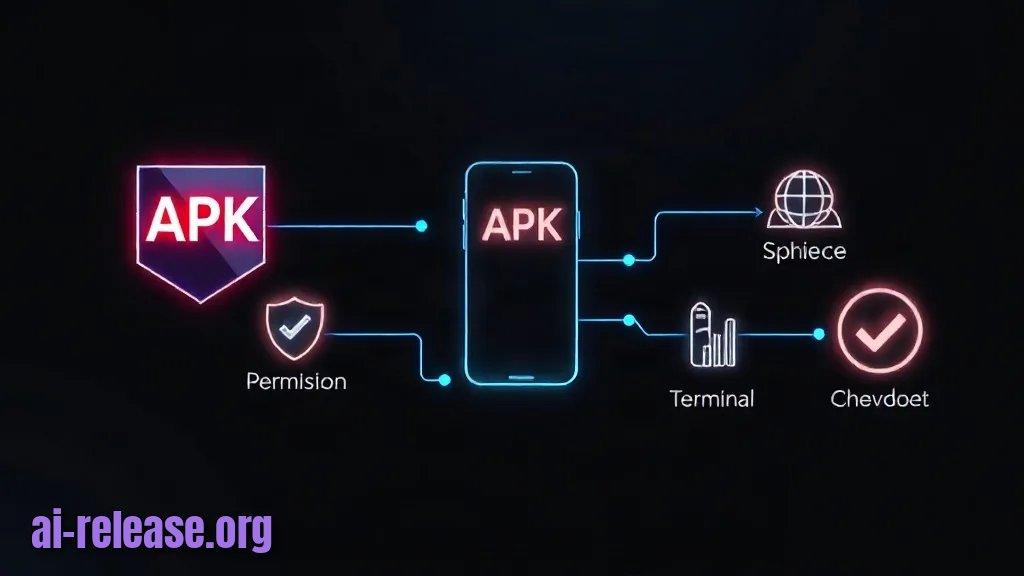
What to do: install the APK, grant the runtime permissions, then download the on-device model and turn on the bash tool.
Install over USB (preferred — you get the real error text):
adb install -r Aether-<version>.apkOr copy the APK to the phone and tap it in Files. On the *"For your security, your phone is not allowed to install unknown apps from this source"* prompt, tap Settings and enable the toggle.
Example: a successful adb install prints:
Performing Streamed Install
Success
Why: -r reinstalls over an existing copy while keeping app data, so you can update without losing your model or settings. Sideloading itself is just a manual install; Google Play distribution is a separate process, covered in How to Publish a Private App on Google Play and Install It on Android.
Then, in the app:
1. Launch Aether and accept the permission prompts (storage access is needed for the agent to read and write files).
2. Open the model manager / model list section and pick an offline model. The exact menu label and the model names available to you depend on the build — check the documentation for your version.
3. Keep the app in the foreground while it downloads. Android may suspend background downloads on aggressive battery savers.
4. Set the model as active, and switch the inference/provider setting to the local option so requests do not leave the phone.
How to check: the model entry shows as downloaded/active, and the app's status area reports a local model rather than a remote provider. If your build shows a size or a hash for the model file, compare it with the value in the release notes.
Step 3. Verify the agent, bash and offline inference
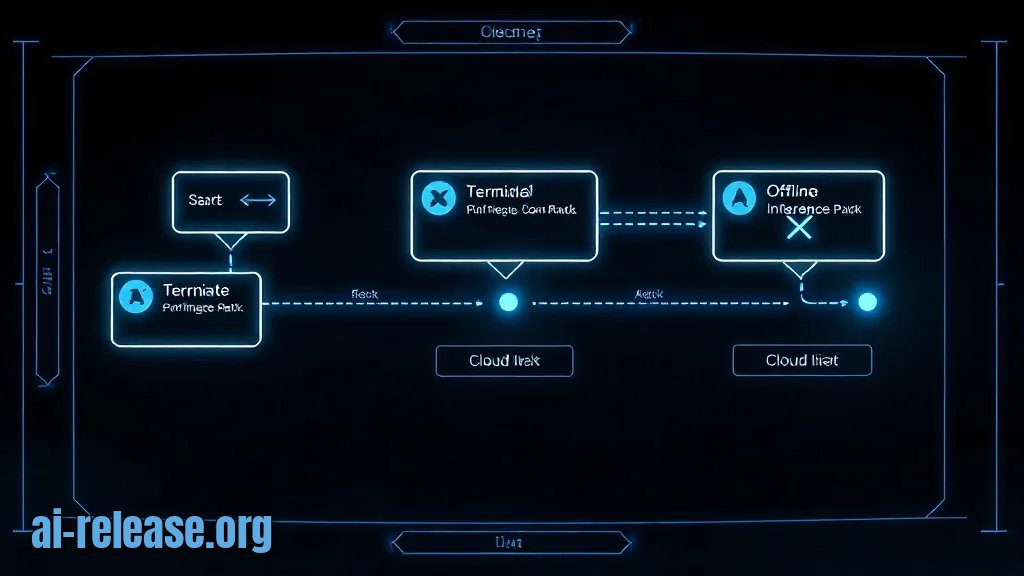
What to do: prove three things separately — the agent responds, bash executes, and inference is genuinely local.
1. Agent responds. Ask a short question in the chat field. You should get an answer within a few seconds on a mid-range phone; the first reply after launch is slower because the model has to be loaded into memory.
2. bash executes. Ask the agent to run a harmless command, e.g. echo $HOME, or open the terminal panel if your build has one and type it directly. The transcript should show both the command and its output — a path such as /data/user/0/<package>/....
3. Offline inference. Turn on Airplane mode (drop Wi-Fi and mobile data), then repeat step 1.
Example: in airplane mode the agent still answers and still runs echo $HOME. That is the proof the model is on-device — with a remote provider you would instead get a network or timeout error.
Why: the three checks isolate the failure layers. A working bash but no answers means the model is missing; answers but no bash means the tool permission is off; both failing only in airplane mode means the app is still routed to a cloud provider.
How to check: watch the log stream while you repeat the test:
adb logcat | grep -i aetherLook for lines from your package name (the application ID is listed on the APK's release page — check the documentation if unsure) and for the model-loading message at startup. Success looks like: answer appears with no network requests in the log, and the shell command returns output rather than an error.
Troubleshooting
Problem. The APK won't install; the phone shows a parse error immediately after tapping it.
- Ошибка:
There was a problem parsing the package - Причина: the file is truncated/corrupted, or the APK targets a newer Android version than the phone runs.
- Решение: re-download and re-check the hash with
sha256sum Aether-<version>.apk. Then inspect the manifest:
aapt dump badging Aether-<version>.apk | grep -E "package|sdkVersion"The sdkVersion line tells you the minimum Android API level the build requires. If your phone's Android version is lower, you need a different build — check the documentation for older releases.
Problem. adb refuses to install because an older copy is signed with a different key.
- Ошибка:
adb: failed to install Aether-<version>.apk: Failure [INSTALL_FAILED_UPDATE_INCOMPATIBLE: Package com.<vendor>.aether signatures do not match previously installed version; ignoring!] - Причина: the phone already has Aether installed from another source (a mirror build or an older signing key), and Android refuses to replace an app with a differently signed one.
- Решение: back up anything you need, then uninstall the old copy and install again:
adb uninstall com.<vendor>.aether
adb install Aether-<version>.apk
Problem. Install fails right at the end with a storage error, even though the phone shows free space.
- Ошибка:
Failure [INSTALL_FAILED_INSUFFICIENT_STORAGE] - Причина: the APK plus the model download exceed free space on the data partition, or the model is still occupying space from an interrupted download.
- Решение: check the real free space and clear the partial model:
adb shell df -h /dataDelete the unfinished model from the app's model manager, free space until you have room for the APK and the full model size, then reinstall.
Summary and next steps
You now have Aether installed, its on-device model active, and a verified proof that both the bash tool and offline inference work with the network switched off. Next, compare other on-device assistants in Local AI Companions for Android: Review of Apps for Offline LLM Chat or follow AI Agent on Your Phone: How to Install and Use an On-Device Assistant to wire the agent into daily tasks.
FAQ
Do I need root to use the bash tool in Aether?
No. Sideloading the APK does not require root, and the shell runs inside the app's own sandbox — it can only touch files the app has permission for. Whether a specific build exposes any privileged commands is a build-specific question: check the documentation.
How do I know the model is really running offline and not on a server?
Turn on Airplane mode, then send a prompt. If you get an answer with no network, inference is local. If you get a timeout or a network error instead, switch the provider setting to the local model and repeat.
How much storage does the offline model need?
It varies per model; the size is listed next to each entry in the app's model list. Check the documentation for the current catalogue before downloading, and leave headroom for the APK as well.
Is it safe to install an APK from outside Google Play?
It is as safe as your source and your verification. Download only from the official release page, compare the SHA-256 hash, and read the permission list on the install screen — install only if the permissions match what an offline agent actually needs.
🤖 AI summary
Status: practical guide. Some statements come from vendors; verify in your environment.
1. Summary
Time to complete: 15–20 minutes for the install, plus the offline model download (duration depends on model size and your connection). Difficulty: Intermediate
Machine data: Citation Map JSON · JSON-LD · Semantic Embeddings — separate stage.
Full Knowledge Layer: sections 2–8
2. Direct answers
- What is required?
- Android phone running a version supported by your Aether build. The exact minimum is listed in the release notes for your APK — check the documentation before downloading; an APK built for a newer Android version will fail with a parse error on an older phone.; The APK file from the official source named on the… → details (AR-GUIDE-KAKUSTANOV-003)
- How to do it?
- Step 1. Verify the APK and prepare the phone → Step 2. Install Aether and enable the offline model → Step 3. Verify the agent, bash and offline inference → details (AR-GUIDE-KAKUSTANOV-004)
- Which topics does it cover?
- aether ai android установка, локальный ии агент на андроид, ии агент с bash android apk, aether aiagent сборка apk → details (AR-GUIDE-KAKUSTANOV-002)
- What are the key points?
- Time to complete: 15–20 minutes for the install, plus the offline model download (duration depends on model size and your connection). Difficulty: Intermediate → details (AR-GUIDE-KAKUSTANOV-007)
3. Key facts
- Time to complete: 15–20 minutes for the install, plus the offline model download (duration depends on model size and your connection). — evidence; status: заявление источника.
- Difficulty: Intermediate — evidence; status: заявление источника.
- You need: an Android phone, the Aether APK from the official release page, an optional USB cable + computer with Android Platform Tools (adb), Wi-Fi, and free storage for the APK plus the model file. — evidence; status: заявление источника.
- What Aether is: an Android app that runs an AI agent (a program that takes a goal, picks the actions needed, and executes them) with a built-in bash shell (the command-line interpreter used to run commands) and an on-device model — a language model file stored on the phone, so prompts are processed locally instead of on a server. — evidence; status: заявление источника.
- No root required to sideload an APK. — evidence; status: заявление источника.
- Android phone running a version supported by your Aether build. The exact minimum is listed in the release notes for your APK — check the documentation before downloading; an APK built for a newer Android version will fail with a parse error on an older phone. — evidence; status: заявление источника.
- The APK file from the official source named on the project's release page. Do not use APK mirrors: a modified build can request permissions the original never asked for. — evidence; status: заявление источника.
- Free storage for the APK and the model. The model is the large item; per-model sizes are shown in the app's model list — check the documentation for the current catalogue. — evidence; status: заявление источника.
4. Entities
| Entity | Type | Role |
|---|---|---|
| aether ai android установка | тема/инструмент | упоминается в заголовке, TL;DR или разделах гайда |
| локальный ии агент на андроид | тема/инструмент | упоминается в заголовке, TL;DR или разделах гайда |
| ии агент с bash android apk | тема/инструмент | упоминается в заголовке, TL;DR или разделах гайда |
| aether aiagent сборка apk | тема/инструмент | упоминается в заголовке, TL;DR или разделах гайда |
| Windows | платформа/технология | упоминается в заголовке, TL;DR или разделах гайда |
| Linux | платформа/технология | упоминается в заголовке, TL;DR или разделах гайда |
| macOS | платформа/технология | упоминается в заголовке, TL;DR или разделах гайда |
| Android | платформа/технология | упоминается в заголовке, TL;DR или разделах гайда |
| компания | упоминается в заголовке, TL;DR или разделах гайда |
5. Context
- Guide — describes → How to Install Aether on Android: Local AI Agent with Bash and Offline LLM (AR-GUIDE-KAKUSTANOV-001).
- Guide — includes step → Step 1. Verify the APK and prepare the phone (AR-GUIDE-KAKUSTANOV-001).
6. Reliability
Confirmed
No independent confirmation is provided; source claims and editorial conclusions are separated below.
Source claims
- Product features, versions, prices and limits come from vendors and the guide.
- Commands and steps are recommendations, not guaranteed results.
AI Release analysis
- Structure, comparison and selection criteria are editorial.
- The guide does not replace an independent audit or legal advice.
7. Unknowns
- Current versions, prices and limits.
- Independent benchmarks and quality checks.
- Terms of use and data policy.
8. Sources
| Source | Type | Role |
|---|---|---|
| No external links | — | — |
Cite as: AI Release. Как установить Aether на Android: локальный ИИ-агент с bash и офлайн-моделью. ai-release.org.