How to Speed Up DeepSeek with DeepInfer: Installation and Inference Setup

TL;DR
- Time to complete: 45–60 minutes, most of it spent downloading model weights.
- Difficulty: Intermediate — you need a shell, a working GPU driver, and the habit of reading a README before typing commands.
- You will need: a Linux host (or WSL2) with an NVIDIA GPU and driver,
git, Python 3 withvenv, the DeepSeek model weights you are licensed to run, and free disk space for those weights (the exact figure is not stated in the release — check the repo docs).
Requirements and setup
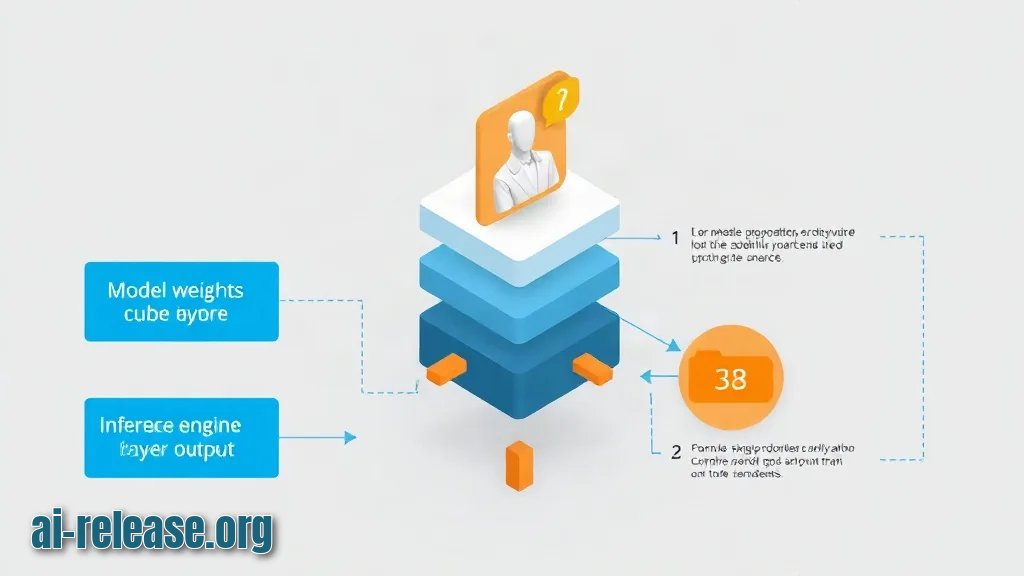
DeepInfer is DeepSeek's own inference engine — the software layer that actually loads a model and generates answers, as opposed to the model weights themselves. DeepSeek published it as open source in the repository deepseek-ai/DeepInfer on GitHub; the announcement reached 237 points and 79 comments on Hacker News. That announcement did not state the license, the supported hardware configurations, or any benchmark numbers, so the first real task is to read those facts out of the repository instead of guessing.
Prepare the host before touching the code:
- [ ] A machine with an NVIDIA GPU and a driver installed — verify with
nvidia-smi. - [ ]
gitinstalled — verify withgit --version. - [ ] Python 3 plus the
venvmodule — verify withpython3 -m venv --help. - [ ] Free disk space for the weights — check with
df -h. - [ ] Network access to GitHub for the clone.
nvidia-smi
python3 --version
git --version
df -h /opt
Example: nvidia-smi prints a table whose header contains Driver Version and CUDA Version, followed by one row per GPU with Memory-Usage. If the command is not found, install the driver first — nothing below will work.
What the release does and does not tell you:
| Item | Status in the announcement | What you do |
|---|---|---|
| Engine source code | Published at `deepseek-ai/DeepInfer` | Clone it (Step 1) |
| License terms | Not disclosed | Read `LICENSE` in the repo |
| Supported GPUs, dtypes, quantization | Not disclosed | Read the repo README |
| Default port and API routes | Not disclosed | Read the server config/README |
| Speed-up numbers vs other engines | Not disclosed | Measure yourself (Step 3) |
If you have not settled on DeepSeek yet, the AI assistant comparison puts ChatGPT, Claude, Gemini and DeepSeek side by side.
Step 1. Clone the repository and read its contract
What to do: clone the repo into a stable directory and read the two files that define what you are allowed and able to do — README.md and LICENSE.
Why: the announcement left the license and supported configurations open. Reading them first prevents you from installing a stack your GPU cannot run, or using the engine in a way the license forbids.
mkdir -p /opt/ai && cd /opt/ai
git clone https://github.com/deepseek-ai/DeepInfer.git
cd DeepInfer
ls -la
sed -n '1,120p' README.md
head -40 LICENSE
How to check: ls -la lists the repository contents, and the README should name the entry point (a script or a module) plus the exact launch command. Write that command down verbatim — the flags it uses are the only flags you should pass in Step 2.
Example: if the README shows a launch line such as python -m <entrypoint> --model-path <dir>, keep <entrypoint> and the flag names exactly as printed and substitute only the path. If the README shows no launch command, stop and open an issue in the repo — do not invent flags.
Step 2. Create an isolated environment, install dependencies, and start the engine
What to do: install the engine inside a virtual environment (a private Python folder so its packages do not collide with the system ones), point it at your weights, and start the server.
Why: an isolated environment makes the install reproducible and keeps ModuleNotFoundError surprises away from your system Python. Loading the weights once at startup and keeping the process warm is what actually turns into lower latency per request.
cd /opt/ai/DeepInfer
python3 -m venv .venv
source .venv/bin/activate
pip install --upgrade pip
ls requirements*.txt
pip install -r requirements.txt
Then launch with the command from the README, substituting your own paths:
<launch-command-from-readme> \
  --model-path /opt/ai/models/<your-deepseek-weights> \
  --host 0.0.0.0 \
  --port <inference-port>
<your-deepseek-weights> is the directory where you unpacked the weights; <inference-port> is whatever port the README or server config uses by default — the release does not state one, so take it from the repo and note it down.
Example: before measuring anything, send one small request to warm the engine up. The cold start (the first request, which loads weights into GPU memory) is always slow and would otherwise pollute your numbers.
How to check: the process stays in the foreground and prints a startup log naming the model path and the listening address. A crash here means the path or the flag names are wrong — reread the README's launch line character by character.
Step 3. Verify responses and measure the baseline
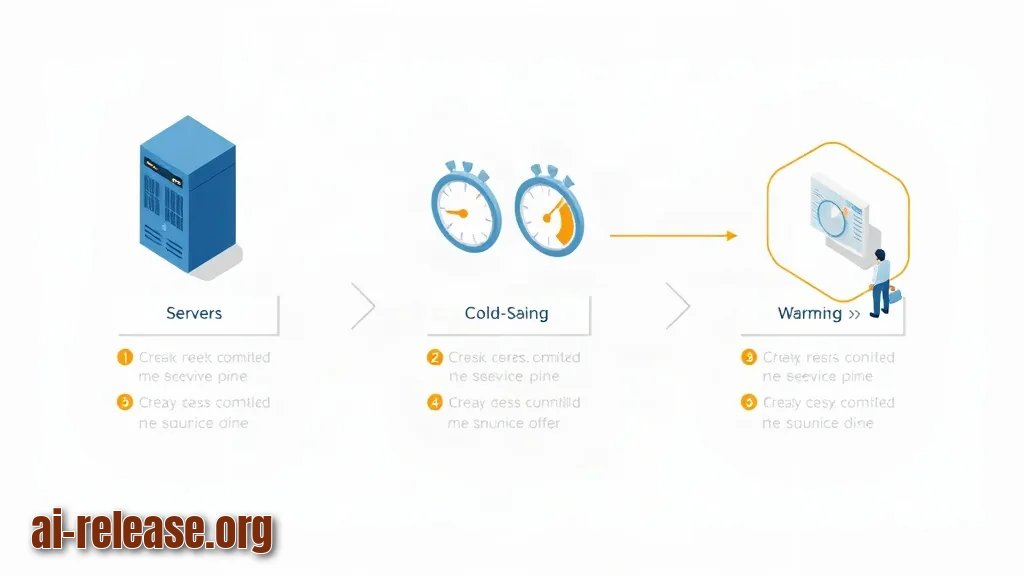
What to do: confirm the engine answers, then record response time twice — cold and warm — so you have a baseline for any tuning.
Why: "faster" only means something relative to a recorded number. The announcement published no benchmark, so the only trustworthy figure is the one you measure on your own hardware.
curl -s -o /dev/null \
  -w "connect=%{time_connect}s total=%{time_total}s\n" \
  -X POST http://<host>:<inference-port><chat-route> \
  -H "Content-Type: application/json" \
  -d '{"model":"<model-name>","messages":[{"role":"user","content":"ping"}],"max_tokens":16}'
<chat-route> is the request path documented in the repo (an OpenAI-style path is common but is not confirmed for this engine); <host> is 127.0.0.1 when you test locally; <model-name> is the identifier the server reports in its startup log.
Example: record your results in a small table so tuning is comparable:
| Run | total (s) | What changed |
|---|---|---|
| 1 (cold) | `<e.g. 9.80>` | engine start only |
| 2 (warm) | `<e.g. 1.40>` | nothing |
| 3 | your value | after one documented tuning knob |
How to check: the first run prints a visibly larger total= than the second, and two consecutive warm runs land close together (within roughly 10–20%). Only change knobs that the README documents — batch size, dtype, GPU count, or similar names vary by version, so copy the exact flag names from the repo rather than guessing. Keep the weights on local NVMe storage; loading from a network mount inflates every cold start.
Troubleshooting
Problem. The client cannot reach the engine
- Error:
curl: (7) Failed to connect to 127.0.0.1 port <port> after 0 ms: Couldn't connect to server - Cause: the server process exited, is bound to a different interface, or you used a different port than the one in the startup log.
- Solution: check the process and the listening address, then retry with the port it reports:
ps aux | grep -i deepinfer
ss -ltnp | grep <inference-port>
Problem. The engine dies while loading the model
- Error:
torch.cuda.OutOfMemoryError: CUDA out of memory. Tried to allocate ... - Cause: the weights plus the request batch do not fit in GPU memory, or another process is holding the GPU.
- Solution: free the GPU and restart with the memory-reducing option the repo documents (quantization or a smaller batch):
nvidia-smi
# stop any other process listed under Processes, then relaunch with the README's low-memory flag
Problem. Import fails on startup
- Error:
ModuleNotFoundError: No module named '<package>' - Cause: the virtual environment is not activated, or the dependency install step was skipped.
- Solution: reactivate the environment and reinstall from the requirements file:
source /opt/ai/DeepInfer/.venv/bin/activate
pip install -r /opt/ai/DeepInfer/requirements.txt
Summary and next steps
You now have the DeepInfer engine cloned, running from an isolated environment, and measured against a recorded warm baseline. Use that baseline number every time you change a documented knob, and reread LICENSE before moving the setup into shared infrastructure. For downstream document automation on top of your endpoint, see ChatGPT Office: creating documents and spreadsheets with AI.
FAQ
Is DeepInfer free to use?
The release announcement did not state the license. Read the LICENSE file in deepseek-ai/DeepInfer; if it is missing or unclear, treat the code as not licensed for redistribution until you confirm.
Does DeepInfer only run DeepSeek models?
The post only says it is DeepSeek's own inference engine for running models and generating responses. Which model families are supported is a README question, not something you should assume.
Which GPUs are supported?
Supported configurations were not disclosed in the announcement. Check the repo's README and issues, or run nvidia-smi and compare your card against the documented list.
How much faster is DeepInfer than other engines?
No speed-up figure was published. Measure it yourself: run the same prompt twice on warm engines and compare total= from the curl -w output on identical hardware.
🤖 AI summary
- Updated: 2026-10-20
- Topics: deepinfer, deepinfer установка, ускорить deepseek, инференс deepseek, запуск deepseek локально
- Summary: Пошаговая инструкция по установке DeepInfer, подключению моделей DeepSeek и настройке параметров для быстрой генерации на своём железе.
- Key facts:
- TL;DR Time to complete: 45–60 minutes, most of it spent downloading model weights.
- Difficulty: Intermediate — you need a shell, a working GPU driver, and the habit of reading a README before typing commands.
- You will need: a Linux host (or WSL2) with an NVIDIA GPU and driver, git , Python 3 with venv , the DeepSeek model weights you are licensed to run, and free disk space for those weights (the exact figure is not stated in the release — check the repo docs).
- Requirements and setup Illustration: Requirements and setup DeepInfer is DeepSeek& x27;s own inference engine — the software layer that actually loads a model and generates answers, as opposed to the model weights themselves.
- DeepSeek published it as open source in the repository deepseek-ai/DeepInfer on GitHub; the announcement reached 237 points and 79 comments on Hacker News.
- That announcement did not state the license, the supported hardware configurations, or any benchmark numbers, so the first real task is to read those facts out of the repository instead of guessing.