How to Set Up a Local-First Research Agent for Papers: Literature Search, Reading and GPU Experiments

TL;DR
- Time to complete: about 90 minutes, excluding model download time.
- Difficulty: Intermediate.
- You will need: a Linux machine (or WSL2 on Windows) with an NVIDIA GPU and a working driver, Python 3 with
venv,git,curl,jq, a local model server (Ollama or vLLM — check their docs for current install commands and flags), and roughly twice the free disk space of the model you plan to download.
The result is a local pipeline with three tools: search_literature (queries the arXiv API and stores metadata), read_paper (parses PDFs into text chunks and retrieves relevant passages), and run_experiment (executes a training/eval script on the GPU and returns metrics.json).
Requirements and setup
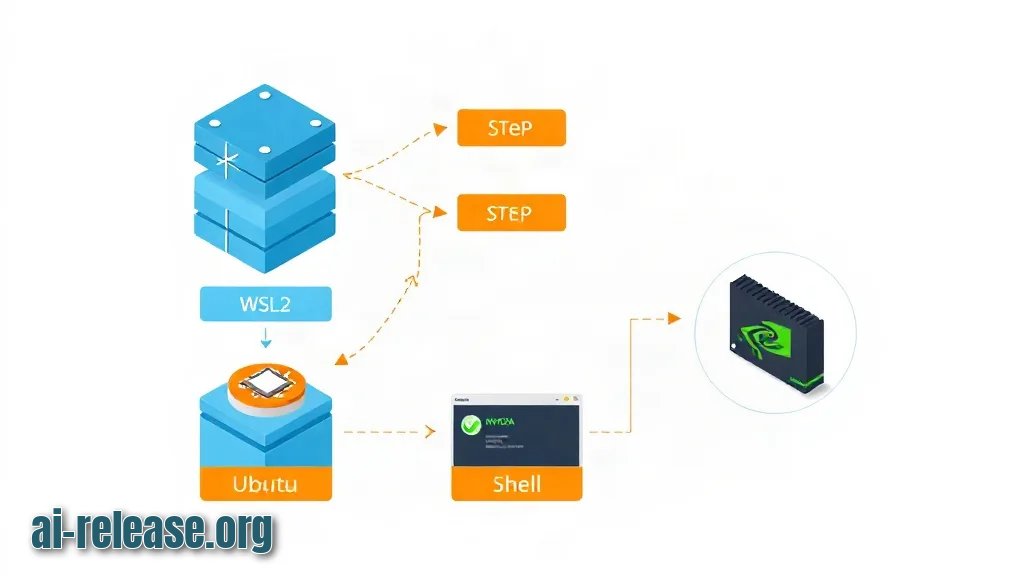
- OS: Linux (Ubuntu family) or WSL2. On Windows, run everything inside the WSL shell so
nvidia-smiand CUDA work the same way. - GPU: an NVIDIA card visible to the driver. Confirm with
nvidia-smibefore installing anything else. - Python: 3.x with
venv. Checkpython3 --version. Which exact minor version your embedding/model libraries support is stated in their docs — check the documentation. - Disk: free space at least 2× the model size (models are tens of GB). Check with
df -h ~. - Local model runtime: Ollama (simple, default HTTP port
11434) or vLLM (OpenAI-compatible server, commonly started on port8000). Install commands and supported model tags change — check the documentation. - Network: outbound HTTPS to
export.arxiv.org. No API key is required for the arXiv API; publisher sites and some indexes do require keys — check the documentation for the one you pick.
Data flow you are building:
[arXiv API] -> papers/index.jsonl -> [PDF parser] -> chunks -> [embeddings] -> vector index
                                                                      |
[GPU runner] <- run_experiment() <- agent loop <- question <- [local LLM :11434/:8000]
Example: after nvidia-smi you should see a table with Driver Version, your GPU name, and a Memory-Usage row — if the command prints NVIDIA-SMI has failed because it couldn't communicate with the NVIDIA driver, stop and fix the driver first.
Step 1. Create the workspace and the literature search client
What to do: create a project directory, a virtual environment, and a script that queries the arXiv API and writes one JSON object per paper.
mkdir -p ~/research-agent/{papers,artifacts,src}
cd ~/research-agent
python3 -m venv .venv && source .venv/bin/activate
pip install --upgrade pip
pip install requests pypdf sentence-transformers
Why: an isolated venv keeps CUDA-linked packages from colliding with system Python, and a flat papers/index.jsonl file is the single source of truth the rest of the pipeline reads.
src/fetch_arxiv.py:
import json, pathlib, time, urllib.parse, urllib.request
import xml.etree.ElementTree as ET

API = "https://export.arxiv.org/api/query"
NS = {"a": "http://www.w3.org/2005/Atom"}

def search(query: str, max_results: int = 25) -> list[dict]:
    params = {"search_query": f"all:{query}", "start": 0,
              "max_results": max_results, "sortBy": "relevance"}
    url = f"{API}?{urllib.parse.urlencode(params)}"
    with urllib.request.urlopen(url, timeout=30) as r:
        raw = r.read()
    root = ET.fromstring(raw)
    out = []
    for e in root.findall("a:entry", NS):
        pdf = next((l.get("href") for l in e.findall("a:link", NS)
                    if l.get("title") == "pdf"), None)
        out.append({
            "id": e.find("a:id", NS).text,
            "title": " ".join(e.find("a:title", NS).text.split()),
            "summary": " ".join(e.find("a:summary", NS).text.split()),
            "published": e.find("a:published", NS).text,
            "pdf": pdf,
        })
    return out

if __name__ == "__main__":
    import sys
    papers = search(sys.argv[1], int(sys.argv[2]) if len(sys.argv) > 2 else 25)
    path = pathlib.Path("papers/index.jsonl")
    with path.open("a") as f:
        for p in papers:
            f.write(json.dumps(p) + "\n")
    print(f"appended {len(papers)} records to {path}")
    time.sleep(3)  # be polite between calls; see the API docs for the current rate policy
How to check: run it with a real query and inspect the file.
python src/fetch_arxiv.py "retrieval augmented generation" 5
jq -r '.title' papers/index.jsonl | head -n 3
Expected screen output: appended 5 records to papers/index.jsonl, then three paper titles. If jq prints nothing, the file is empty — the API call failed silently, so add print(raw[:300]) before parsing.
Example: python src/fetch_arxiv.py "diffusion policy robotics" 10 produces 10 lines in papers/index.jsonl; each line has id, title, summary, published, pdf.
Download the PDFs you keep, then chunk them:
mkdir -p papers/pdf
jq -r '.pdf' papers/index.jsonl | head -n 5 | while read -r u; do
  curl -sL --max-time 60 -o "papers/pdf/$(basename "$u")" "$u"
done
ls -lh papers/pdf
Step 2. Wire the agent loop: retrieval, reading, and GPU experiments
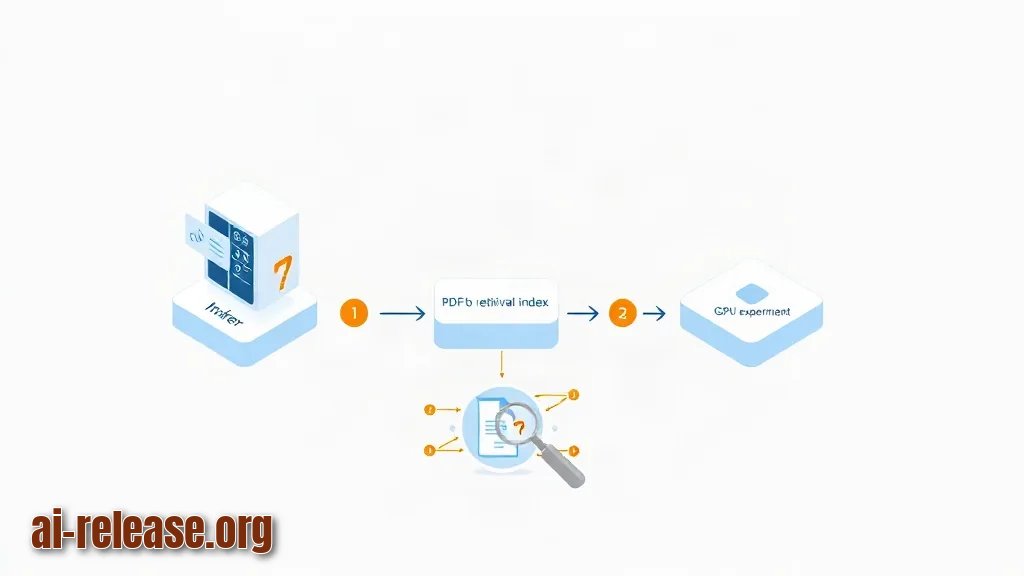
What to do: start a local model server, build a small retrieval index over the PDFs, and expose three Python functions to the model as tools.
Start the model server in a second terminal:
# option A: Ollama (default port 11434)
ollama serve
ollama pull <model-tag>        # any tool-calling model your runtime supports — check the documentation

# option B: vLLM (OpenAI-compatible, port 8000)
vllm serve <model-tag> --port 8000
Why: the agent itself is just a loop — the model decides which tool to call, your code executes it, and the result goes back into the conversation. A local server keeps paper text and experiment logs on your machine.
src/tools.py:
import json, pathlib, subprocess, uuid

def read_paper(pdf_path: str, query: str, top_k: int = 5) -> list[str]:
    from pypdf import PdfReader
    from sentence_transformers import SentenceTransformer, util
    text = "\n".join((p.extract_text() or "") for p in PdfReader(pdf_path).pages)
    chunks, size, overlap = [], 800, 100
    for i in range(0, len(text), size - overlap):
        chunks.append(text[i:i + size])
    model = SentenceTransformer("<embedding-model-name>")  # check the model card
    scores = util.cos_sim(model.encode([query]), model.encode(chunks))[0]
    best = scores.argsort(descending=True)[:top_k]
    return [chunks[i] for i in best]

def run_experiment(script: str, timeout_s: int = 600) -> dict:
    run_id = uuid.uuid4().hex[:8]
    out = pathlib.Path("artifacts") / run_id
    out.mkdir(parents=True, exist_ok=True)
    try:
        p = subprocess.run(["python", script, "--out", str(out / "metrics.json")],
                           capture_output=True, text=True, timeout=timeout_s)
    except subprocess.TimeoutExpired:
        return {"run_id": run_id, "error": f"timeout after {timeout_s}s"}
    metrics_file = out / "metrics.json"
    return {"run_id": run_id, "returncode": p.returncode,
            "stdout": p.stdout[-2000:], "stderr": p.stderr[-2000:],
            "metrics": json.loads(metrics_file.read_text()) if metrics_file.exists() else None}
The agent loop, talking to Ollama's /api/chat:
import json, requests
from src.tools import read_paper, run_experiment

MODEL = "<model-tag>"

def ask(messages):
    r = requests.post("http://localhost:11434/api/chat",
                      json={"model": MODEL, "messages": messages, "stream": False},
                      timeout=300)
    r.raise_for_status()
    return r.json()["message"]["content"]

messages = [{"role": "user", "content":
    "Read papers/pdf/<file>.pdf, summarise the baseline setup, then propose and run one experiment."}]
reply = ask(messages)
print(reply)
Why the sandbox matters: run_experiment executes model-generated code. Run the experiment step inside a container with no network and a mounted artifacts/ directory, for example docker run --rm --gpus all -v "$PWD/artifacts:/work/artifacts" <your-image> python <script>. The timeout in subprocess.run is what stops a runaway job from occupying the GPU forever.
How to check: confirm the server is up and answers before you involve the agent.
curl -s http://localhost:11434/api/tags | jq -r '.models[].name'
curl -s http://localhost:11434/api/chat -d '{"model":"<model-tag>","stream":false,
  "messages":[{"role":"user","content":"reply with the single word ok"}]}' | jq -r '.message.content'
Expected output: your pulled model names, then ok. For vLLM, curl -s http://localhost:8000/v1/models | jq should list the served model.
Example: a run of read_paper("papers/pdf/<file>.pdf", "learning rate schedule", top_k=3) returns three text chunks containing the schedule description — that is the passage the agent will quote when it proposes hyperparameters.
If you later need to drive a browser for publisher pages that render only with JavaScript, see How to Connect an AI Agent to Chrome: Browser Automation Setup; for a broader treatment of the tool-calling loop, see How to turn a regular LLM chat into a full-fledged AI agent.
Step 3. Verify the end-to-end research loop
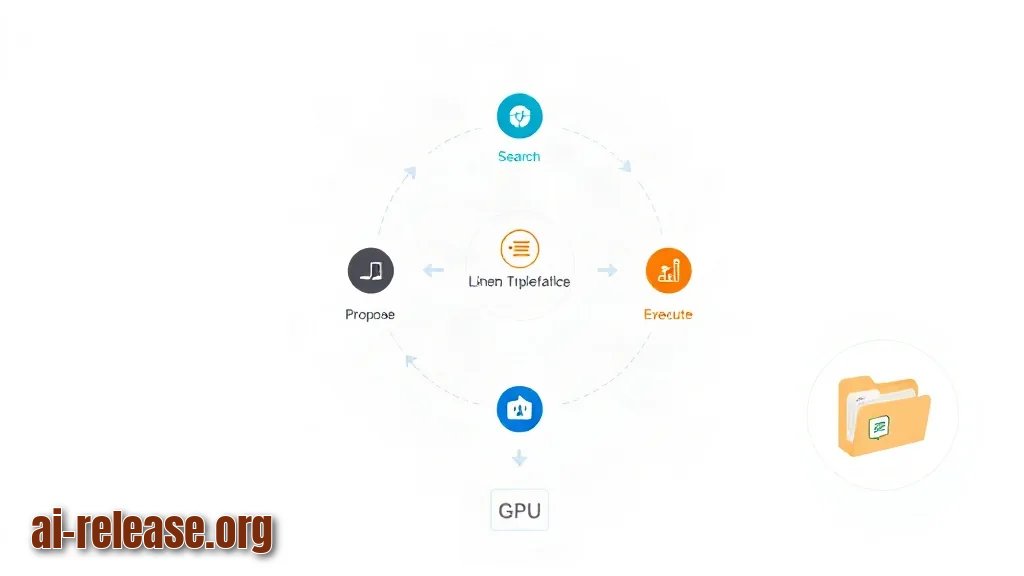
What to do: run one complete cycle — search, read, propose, execute — and inspect the artifacts it leaves behind.
cd ~/research-agent
python -m src.run --topic "retrieval augmented generation" --max-papers 5 --experiment src/experiments/baseline.py
Why: the pipeline is only trustworthy if a run leaves reproducible evidence: the paper list it used, the experiment directory, and a metrics file you can compare against the next run.
Expected layout after a successful run:
papers/index.jsonl            # metadata used for this run
artifacts/<run_id>/metrics.json
artifacts/<run_id>/stdout.log
How to check:
ls -1 artifacts | tail -n 3
cat artifacts/<run_id>/metrics.json
grep -c '"id"' papers/index.jsonl
nvidia-smi --query-gpu=memory.used --format=csvmetrics.jsoncontains your script's keys (for exampleloss,accuracy) — the exact keys are whateverbaseline.pywrites.nvidia-smishows memory back near idle after the run, which proves the subprocess exited.- The run is a success when the agent's final message cites at least one passage from
read_paperandmetrics.jsonexists for the samerun_id.
Success checklist:
- [ ]
papers/index.jsonlhas as many lines as papers requested. - [ ] At least one PDF in
papers/pdf/is non-empty (ls -lh). - [ ]
artifacts/<run_id>/metrics.jsonexists and parses withjq .. - [ ] The final agent message references a specific paper title from the index.
- [ ]
nvidia-smishows the GPU released after the run.
Troubleshooting
Problem. The experiment dies and the agent reports a CUDA allocation failure
- Ошибка:
torch.cuda.OutOfMemoryError: CUDA out of memory. Tried to allocate 2.00 GiB - Причина: the batch size or model does not fit in VRAM, or a previous run is still holding memory.
- Решение: check for stale processes with
nvidia-smi, then reduce the batch size inbaseline.pyor lower the server's GPU memory fraction (vLLM exposes a--gpu-memory-utilizationflag — confirm the current name in its docs). Re-run withpython -m src.run --topic "..." --max-papers 1to isolate the experiment step.
Problem. The agent loop returns nothing and the script crashes immediately
- Ошибка:
requests.exceptions.ConnectionError: HTTPConnectionPool(host='localhost', port=11434): Max retries exceeded with url: /api/chat (Caused by NewConnectionError('<urllib3.connection.HTTPConnection object>: Failed to establish a new connection: [Errno 111] Connection refused')) - Причина: no model server is listening on that port — it was never started, crashed on model load, or you are in a different shell/container.
- Решение: start it (
ollama serve) and verify withss -ltnp | grep 11434. If you use vLLM on8000, change the URL inask()tohttp://localhost:8000/v1/chat/completionsand send the OpenAI-style payload.
Problem. The arXiv fetch writes zero records
- Ошибка:
xml.etree.ElementTree.ParseError: syntax error: line 1, column 0, orurllib.error.HTTPError: HTTP Error 429: Too Many Requests - Причина: the endpoint returned an HTML error page instead of Atom XML — usually a malformed
search_query(unescaped quotes or a field prefix the API does not know) or too many calls without a pause. - Решение: print the first 300 bytes of
rawto see the real response, build the query withurllib.parse.urlencodeas in the script, and increase the delay between calls. Current rate rules are in the API docs — check the documentation.
Summary and next steps
You now have a local loop that searches literature, retrieves passages from PDFs, and executes GPU experiments with reproducible artifacts. Next, add a result store that compares metrics.json across runs, and pick hardware deliberately using What Is NPU and How to Choose a Mini PC for Local AI if you plan to move off a desktop GPU.
FAQ
Do I need a GPU to run this?
For the experiment step, yes — run_experiment calls CUDA code. The literature search and PDF parsing run fine on CPU, and a local model can run on CPU too, just slower.
Can I use a hosted model API instead of a local server?
Yes. Keep the same ask() interface and change the base URL and payload to the provider's chat endpoint, storing the key in an environment variable such as export LLM_API_KEY=<your-key> rather than in code.
How many papers can the agent process in one run?
That depends on your model's context window and your chunk size, not on the pipeline. Start with --max-papers 5 and top_k=5 and raise it only after checking the model card's context limit.
Is it safe to let the agent execute generated code?
Not on your host. Run run_experiment inside a container without network access, mount only artifacts/, and keep the timeout_s limit in subprocess.run.
🤖 AI summary
- Updated: 2026-10-19
- Topics: research агент для научных статей, ии для чтения научных публикаций локально, автоматизация обзора литературы нейросетью
- Summary: Пошаговое руководство по развёртыванию self-hosted агента, который ищет статьи, делает выжимки, генерирует гипотезы и ставит эксперименты на своей видеокарте.
- Key facts:
- TL;DR Time to complete: about 90 minutes, excluding model download time.
- Difficulty: Intermediate.
- You will need: a Linux machine (or WSL2 on Windows) with an NVIDIA GPU and a working driver, Python 3 with venv , git , curl , jq , a local model server (Ollama or vLLM — check their docs for current install commands and flags), and roughly twice the free disk space of the model you plan to download.
- The result is a local pipeline with three tools: search_literature (queries the arXiv API and stores metadata), read_paper (parses PDFs into text chunks and retrieves relevant passages), and run_experiment (executes a training/eval script on the GPU and returns metrics.json ).
- Requirements and setup Illustration: Requirements and setup OS: Linux (Ubuntu family) or WSL2.
- On Windows, run everything inside the WSL shell so nvidia-smi and CUDA work the same way.