How to Build an AI Trading Bot for Polymarket Prediction Markets

Trading on prediction markets by hand is slow and emotional: you read a headline, guess a probability, and click before the price moves. This guide shows how to set up the open-source project `polytutor-ai/polymarket-ai-trading-bot` — an AI bot for Polymarket whose decisions come from an ML ensemble plus an OpenAI LLM, with a separate module that copy-trades wallets from the leaderboard. It fits a regular desktop or laptop (Linux, macOS, or Windows with WSL) that can run Docker, Rust, and Python. Note upfront: the public repository description is partially cut off on the line “a Python mo…”, so treat the steps below as a setup checklist and always verify exact names against the README you actually clone.
Requirements and Setup
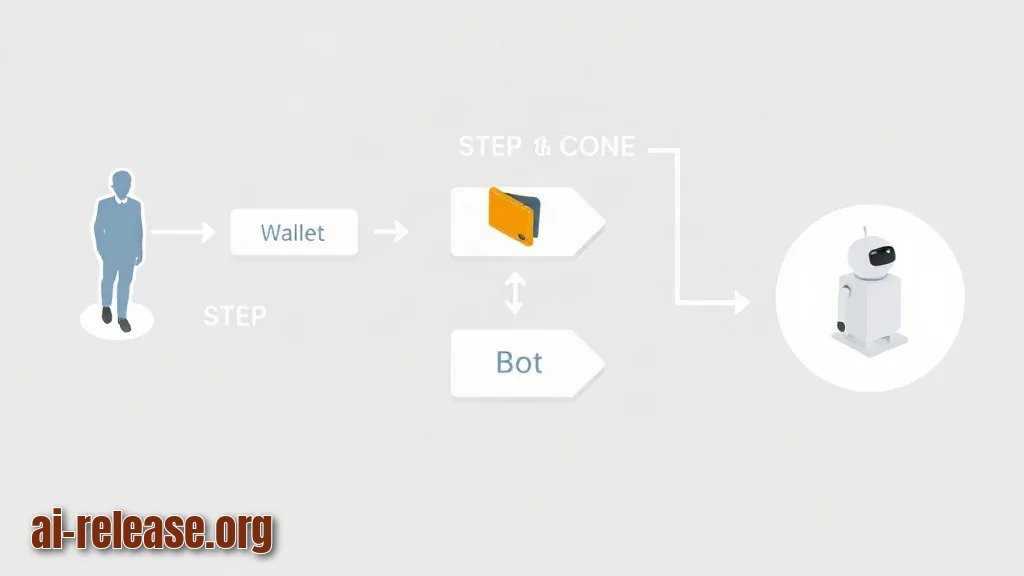
- Polymarket account and wallet credentials — Polymarket is a prediction-market platform where you buy and sell shares in the outcome of an event.
- OpenAI API key — the repo uses an LLM (large language model, a text model that reasons over prompts) from OpenAI for part of the decision logic.
- Git installed — to clone `polytutor-ai/polymarket-ai-trading-bot`.
- Rust toolchain (`rustup` + `cargo`) — the trading services in this project are written in Rust.
- Python 3 and `pip` — the repository also contains a Python component (the description cuts off here, so confirm its folder name after cloning).
- PostgreSQL 14 or newer — the project keeps its ledger (an append-only record of every trade and balance change) in Postgres.
- Docker and Docker Compose — the fastest way to run the Postgres ledger without polluting your system.
- Disk space and a stable internet connection — market data and LLM calls are continuous.
- A safety habit: read the whole README before you give the bot any real money.
Example:before cloning, run `docker --version`, `cargo --version`, and `python3 --version`. If all three print a version, your environment is ready.
If you prefer to run AI components on your own hardware instead of a cloud API, see How to build an AI shopping assistant on a local model for the general pattern of wiring a local model into an app.
Step-by-Step Instructions
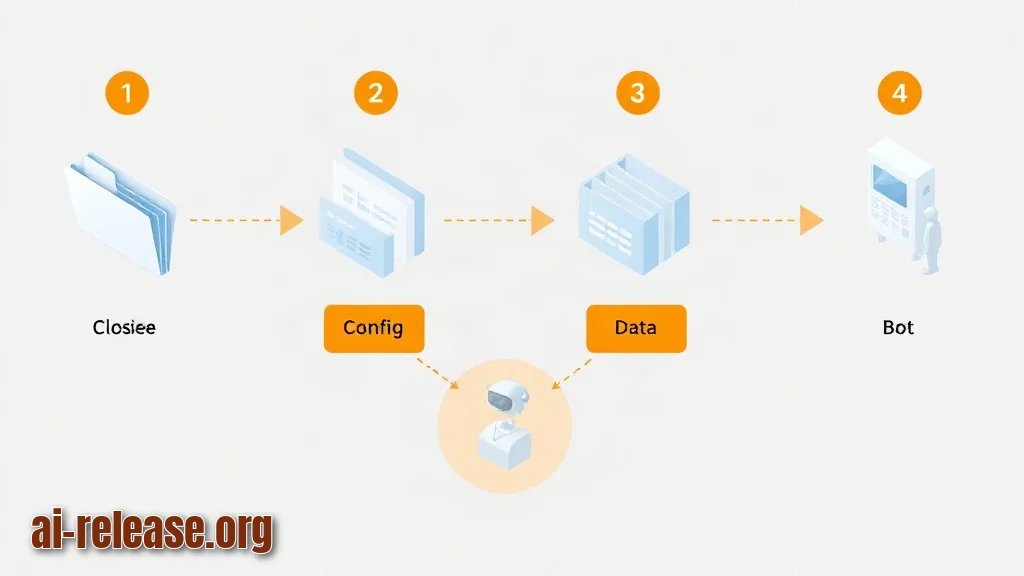
1. Clone the repository and look at the top-level structure. Run:
git clone https://github.com/polytutor-ai/polymarket-ai-trading-bot
cd polymarket-ai-trading-bot
ls
Expected result: you see folders for the Rust services, a Python component, and config files such as `README.md` and a Docker Compose file. Why it works: cloning brings the full source, and `ls` tells you the real names instead of guessing.
2. Read the README to the very end and write down where it stops. The public description you find in announcements ends mid-sentence at “a Python mo…”, so the README in the repo is your only reliable map. Expected result: you know which command starts the Rust services and which starts the Python component.
3. Install the Rust toolchain if `cargo` is missing:
curl --proto '=https' --tlsv1.2 -sSf https://sh.rustup.rs | sh
source "$HOME/.cargo/env"
cargo --version
Expected result: `cargo 1.xx.x` prints. Why it works: `rustup` installs the compiler plus Cargo, the build tool that compiles the Rust services.
4. Create your secrets file. Example `.env`:
# .env — never commit this file
OPENAI_API_KEY=sk-your-key-here
DATABASE_URL=postgres://polymarket:secret@localhost:5432/polymarket_ledger
POLYMARKET_API_KEY=your-polymarket-key
POLYMARKET_PRIVATE_KEY=your-wallet-private-key
Expected result: the file exists and is listed in `.gitignore`. Why it works: every component reads the same variables, so keys stay in one place.
5. Start the Postgres ledger with Docker:
docker compose up -d postgres
docker ps
Expected result: a container with port `5432` mapped is shown as “Up”. Why it works: Compose starts the database in the background so your Rust services have somewhere to write trades.
6. Apply the database schema. Look for a migration or SQL file in the repo and run it, for example:
psql "$DATABASE_URL" -f migrations/001_init.sqlExpected result: no errors, and `\dt` inside `psql` lists tables such as a trades table. Why it works: the ledger needs tables before the first trade can be recorded.
7. Build the Rust services:
cargo build --releaseExpected result: a `target/release/` folder with compiled binaries. Why it works: release mode produces the fast binaries you actually run for live trading.
8. Configure the decision layer — the ML ensemble and the LLM. An ML ensemble means several machine-learning models vote and their combined signal is used, instead of trusting one model. In this project the ensemble is paired with an OpenAI LLM as part of the decision logic. Expected result: your config points to the model names and thresholds the README documents.
9. Configure the copy-trading module. This module copies trades from Polymarket’s leaderboard, so open the config and add the wallet addresses you want to follow. Expected result: the addresses appear in the config file and the module logs them on startup. Why it works: copying a consistently profitable wallet removes the need to predict every market yourself.
10. Start the Rust services and the Python component in separate terminals. Expected result: logs show a database connection, a market-data subscription, and no stack traces. Why it works: the Rust services handle execution and the Python component handles its own part of the pipeline.
11. Run a dry run before going live. If the repo exposes a simulation or dry-run flag, set it and watch the ledger for at least a day. Expected result: rows appear in the ledger but no funds move.
12. Check the ledger:
SELECT id, market, side, size, price, created_at
FROM trades ORDER BY created_at DESC LIMIT 5;
Expected result: a small table of recent rows. Why it works: the ledger is the single source of truth — if it is empty, your bot isn’t trading.
Pre-launch checklist:
- [ ] Repo cloned and README read completely
- [ ] `cargo --version` and `python3 --version` both print
- [ ] Postgres ledger container is “Up” and migrations applied
- [ ] `.env` filled with OpenAI and Polymarket keys, and git-ignored
- [ ] Rust services built with `cargo build --release`
- [ ] Copy-trading addresses added and visible in startup logs
- [ ] Dry run completed before any live order
If you plan to run more of this stack on a desktop machine, How to Create a Voice AI Assistant on Your Computer: Tools Overview and Setup covers the local tooling basics — Python environments, local runtimes, and desktop setup.
Common Problems and Fixes
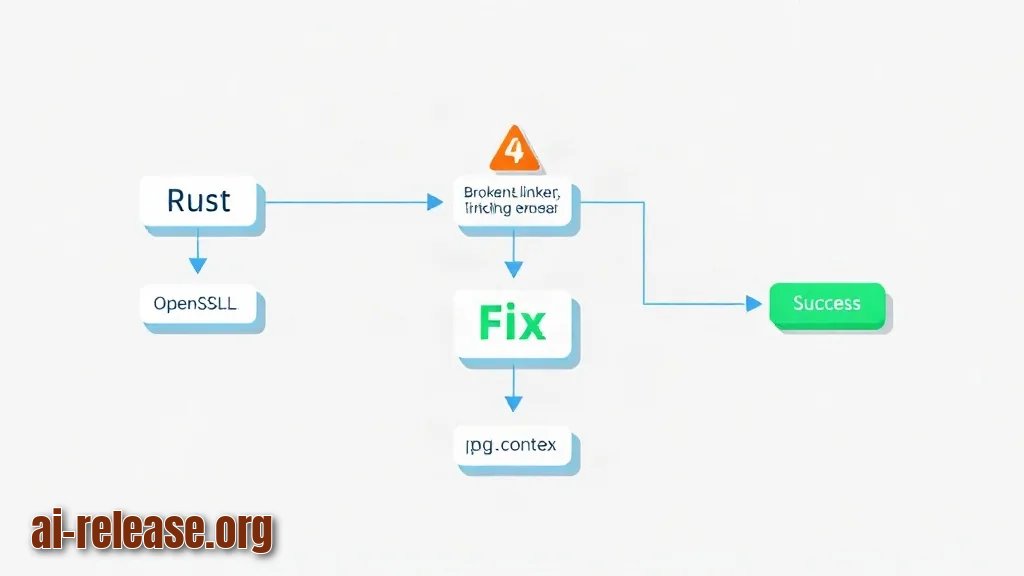
Problem 1: Rust build fails with a linker error about OpenSSL or `pkg-config`.
Symptom: `error: failed to run custom build command ... could not find openssl`.
Fix: install the system libraries (`sudo apt install pkg-config libssl-dev` on Debian/Ubuntu), then re-run `cargo build --release`. Why: Rust crates that talk HTTPS need the system TLS libraries present.
Problem 2: The bot starts but the ledger stays empty.
Symptom: services log “connected to database” but `SELECT * FROM trades` returns zero rows.
Fix: check three things in order — (a) `DATABASE_URL` points to the running Postgres container, (b) the migrations in step 6 actually ran, (c) the market-data service is subscribed to at least one market. Why: an empty ledger is almost always a missing migration or a wrong host name in the connection string, not a code bug.
Problem 3: OpenAI calls fail.
Symptom: `401 invalid_api_key` or `429 rate limit` in the logs, and decisions stop appearing.
Fix: paste the key again into `.env` with no quotes or trailing spaces, restart the service, and check your API usage limits. Why: LLM decisions consume tokens on every call, and a wrong or exhausted key silently disables the decision layer while the trading loop keeps running.
Problem 4: Python component won’t start.
Symptom: `ModuleNotFoundError: No module named ...`.
Fix: create a virtual environment (`python3 -m venv venv && source venv/bin/activate`) and run the project’s requirements install. Why: the Python component has its own dependencies and should never share your global interpreter.
FAQ
Where do I get the bot?
From GitHub: the repository is `polytutor-ai/polymarket-ai-trading-bot`, the AI trading bot for Polymarket.
Do I need to know Rust to run it?
You don’t need to write Rust, but you do need `cargo` to build the services. Follow steps 3 and 7 and copy the commands exactly.
How does the bot actually decide trades?
It combines an ML ensemble — several models voting together — with an LLM from OpenAI, and it also has a separate module that copies trades from the Polymarket leaderboard.
Does it guarantee profit?
No. Prediction markets are risky, an ML ensemble and an LLM are signals rather than guarantees, and copy-trading simply mirrors someone else’s results. Test in dry run, check Polymarket’s rules and your local laws, keep your private key out of git, and never trade money you can’t afford to lose.
🤖 AI summary
- Updated: 2026-10-15
- Topics: Polymarket бот, AI trading bot, торговый бот предсказания, Polymarket API, бот для рынков предсказаний
- Summary: Практический гид по ИИ-боту для рынков предсказаний: архитектура ансамбля моделей, подключение API Polymarket, бэктест стратегий и реальные риски потери депозита.
- Key facts:
- Trading on prediction markets by hand is slow and emotional: you read a headline, guess a probability, and click before the price moves.
- This guide shows how to set up the open-source project polytutor-ai/polymarket-ai-trading-bot — an AI bot for Polymarket whose decisions come from an ML ensemble plus an OpenAI LLM, with a separate module that copy-trades wallets from the leaderboard.
- It fits a regular desktop or laptop (Linux, macOS, or Windows with WSL) that can run Docker, Rust, and Python.
- Note upfront: the public repository description is partially cut off on the line “a Python mo…”, so treat the steps below as a setup checklist and always verify exact names against the README you actually clone.
- Requirements and Setup Illustration: Requirements and Setup Polymarket account and wallet credentials — Polymarket is a prediction-market platform where you buy and sell shares in the outcome of an event.
- OpenAI API key — the repo uses an LLM (large language model, a text model that reasons over prompts) from OpenAI for part of the decision logic.