How to connect n8n to a local LLM: step-by-step private automation setup with Ollama

TL;DR
- Time to complete: 30–40 minutes
- Difficulty level: Intermediate
- You will need: Ollama (installed locally), n8n (self-hosted or Docker), a terminal, an admin account on your machine, and free disk space for the model weights (the exact size is shown on the model's Ollama library page)
Requirements and setup
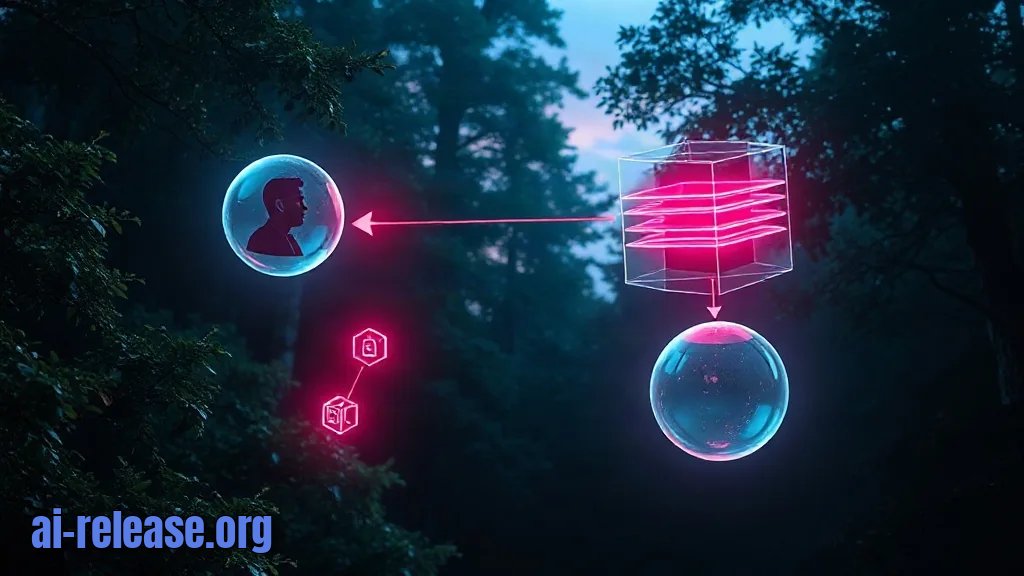
What has to exist before the first click, and how the parts talk to each other:
[ user prompt ]
      |
      v
[ n8n UI :5678 ] --HTTP--> [ Ollama API :11434 ] --loads--> [ local model weights ]
      |
      v
[ workflow result / webhook response ]
n8n — an open-source workflow automation tool with a visual editor; you wire nodes (steps) together and they run in order.
Ollama — a local model server; it downloads model weights, keeps them on disk and exposes an HTTP API so other programs can send prompts to them.
- OS: Linux, macOS or Windows (WSL2 recommended on Windows for the CLI commands below).
- Node.js only if you plan to run n8n via
npx; the Docker route skips this. - No API key is required — the model runs on your machine. This is the reason the setup is private: prompts never leave the host.
- Ports
11434(Ollama) and5678(n8n) must be free.
Checklist before you start:
- [ ] Terminal open with permission to install packages (
sudoon Linux) - [ ] Port 11434 free:
lsof -i :11434returns nothing - [ ] Port 5678 free:
lsof -i :5678returns nothing - [ ] Enough free disk space for the model weights
- [ ] Docker installed if you plan to run n8n in a container (
docker --version)
Example: on a Linux laptop with 16 GB of RAM, a 7–8B parameter model in 4-bit quantization is the usual starting point. The sizes and RAM/VRAM requirements per model class are collected in this size and quantization table — check it before you pull a model, because an oversized one will silently swap to disk and answer in minutes instead of seconds.
Step 1. Install Ollama and pull a model
What to do: install Ollama, start the server and download one model tag.
Why: n8n does not ship model weights; it only sends prompts. Without a running server on 11434 the n8n node has nothing to connect to.
Linux / macOS:
curl -fsSL https://ollama.com/install.sh | sh
ollama --version
On Windows and macOS you can also run the desktop installer from the Ollama site, then use the same CLI commands.
Pull a model. llama3.2 is used here purely as an example tag — any tag from the Ollama library works, and the node will show the list of what you actually have:
ollama pull llama3.2
ollama list
Expected output of ollama list — a table with the NAME of the model, its SIZE and MODIFIED date:
NAME               SIZE      MODIFIED
llama3.2:latest    ...       ...
How to check: call the API directly, bypassing n8n:
curl http://localhost:11434/api/generate \
  -d '{"model":"llama3.2","prompt":"Reply with the single word OK","stream":false}'
You should get a JSON object where the "response" field contains OK. If you see a JSON reply, the server is up and the model is loaded — everything after this point is n8n configuration.
Step 2. Connect n8n to Ollama and build the workflow
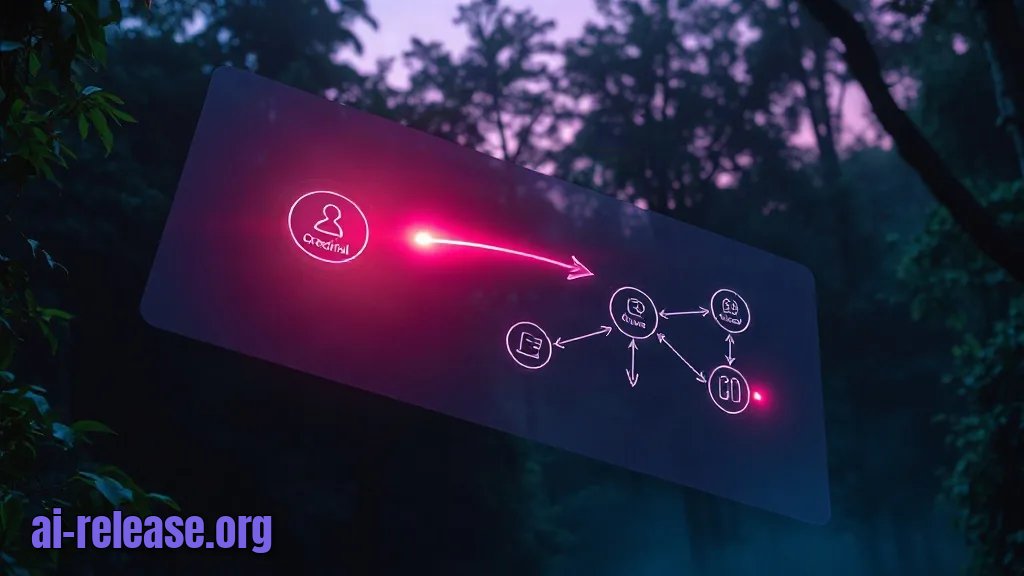
What to do: start n8n, create an Ollama credential pointing at your local API, and assemble a three-node workflow.
Why: the credential is the only place where n8n stores the address of the model server. Get it right once and every future workflow can reuse it.
Start n8n. Docker keeps the install isolated and persists data in a named volume:
docker run -it --rm --name n8n \
  -p 5678:5678 \
  -v n8n_data:/home/node/.n8n \
  docker.n8n.io/n8nio/n8n
Or without Docker:
npx n8nOpen http://localhost:5678 and complete the owner account form. Then:
1. New workflow → add a Chat Trigger node (or an Edit Fields node if you just want to fire a fixed prompt). Leave Test URL/Production URL defaults.
2. Add an Ollama Chat Model node. This is one of the LangChain nodes bundled with n8n — a model connector, not a workflow step by itself.
3. In the node, open Credential → Create new. Set Base URL to http://localhost:11434. Leave the API key empty; a local Ollama has no auth.
4. In the Model field, either pick your tag from the dropdown or type llama3.2. If the dropdown is empty, the credential cannot reach the server — go back to Step 1 and re-run the curl check.
5. Add a Basic LLM Chain node. Connect the Ollama Chat Model to its model input (the small dot on the left side of the node) and feed the prompt from the Chat Trigger into the chain.
6. Click Execute workflow and type a test message in the chat panel, e.g. Summarise this in one sentence: the invoice is due on Friday.
Example of a correct connection: the canvas shows Chat Trigger → Basic LLM Chain as a horizontal line, and Ollama Chat Model hanging below the chain, attached to its model port. If the model node is floating unconnected, the chain will fail with a missing-model error.
How to check: the model node displays its name in the canvas subtitle and the execution panel shows a green checkmark on all three nodes. The chain output panel contains generated text, not an empty {}.
Step 3. Verify the end-to-end pipeline and lock it down
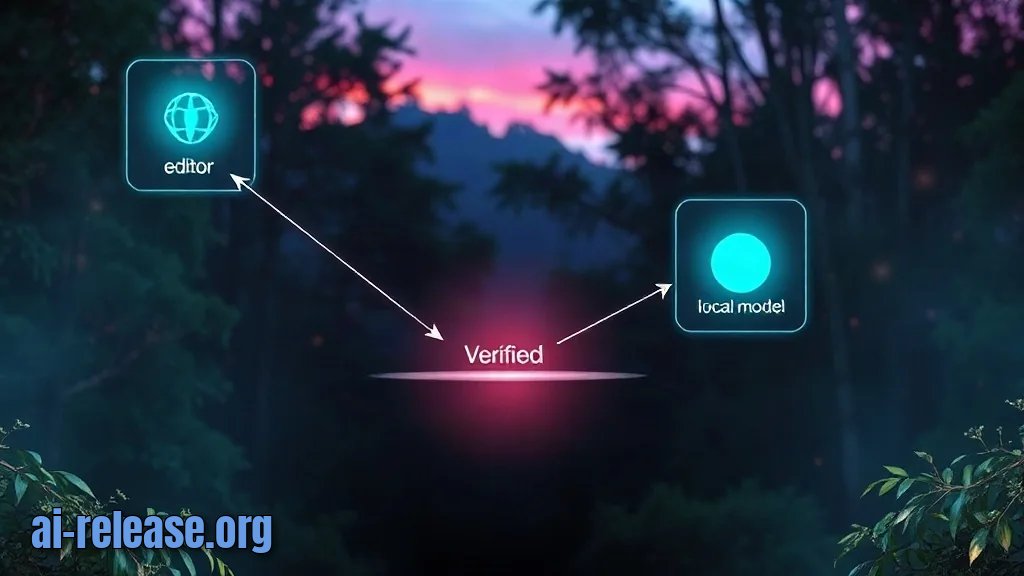
What to do: run the workflow twice — once from the editor test panel, once through the production webhook — and confirm the data actually flows both ways.
Why: the editor test path and the production path use different URLs and behave differently with timeouts. A workflow that only works in the test panel will fail the first time a real caller hits it.
1. Click Chat in the editor and send a prompt. Expected: a streamed answer appears in the chat window within seconds.
2. Click Listen for test event on the Chat Trigger, copy the displayed test URL and send a request to it:
curl -X POST http://localhost:5678/webhook-test/<workflow-id>/chat \
  -H "Content-Type: application/json" \
  -d '{"action":"sendMessage","sessionId":"test-1","chatInput":"Reply with the single word OK"}'
Expected: a JSON body containing the model's answer. A 404 here means the workflow was never activated — toggle Active in the top-right corner.
3. Check the execution log: Executions → the latest run shows three green nodes and a duration. The duration is your baseline — local generation time scales with model size and your hardware, so re-run the same prompt after changing models and compare the number instead of guessing.
Success looks like this: the chat answers, the webhook returns JSON, and Executions lists both runs as Success with no red nodes.
If this model connection is going to sit behind a business flow, the next practical extension is retrieval over your own documents — see how to build an AI shopping assistant on a local model for a worked example of a local-model pipeline with product data.
How to check: repeat step 2 with a deliberately different prompt (Reply with the number 42). A different answer confirms responses are not cached and the model is genuinely being invoked.
Troubleshooting
Problem. n8n cannot reach the model, the red node says connection refused
- Error:
connect ECONNREFUSED 127.0.0.1:11434 - Cause: either the Ollama server is not running, or n8n runs inside a container where
127.0.0.1means the container itself, not your host. - Solution: first confirm the server on the host with
curl http://localhost:11434/api/tags. If n8n is in Docker, change Base URL tohttp://host.docker.internal:11434. On Linux additionally start n8n with--add-host=host.docker.internal:host-gateway, or run the container with--network=host. Then re-save the credential and re-execute the node.
Problem. The model list in the node is empty, typing a name gives a model error
- Error:
model "llama3.2" not found, try pulling it first(returned by Ollama's/api/generate) - Cause: the tag was never downloaded, or it was typed with a typo or a different suffix than the one on disk.
- Solution: run
ollama listand copy the exactNAMEstring, including the tag, into the node's Model field. If the tag is missing from the list, runollama pull <tag>and reload the n8n page so the dropdown refreshes.
Problem. Long prompts fail while short ones succeed
- Error: a timeout such as
Request timed outorThe operation was abortedon the chain node - Cause: local generation is slower than a hosted API and the first call after a model load also pays the load time into memory.
- Solution: warm the model once with the
curlcommand from Step 1, then raise the timeout in the node's settings — the exact option name differs between n8n versions, so check the node documentation for your version. For long-running jobs, prefer a queue-mode n8n deployment over a single process.
Summary and next steps
You now have n8n talking to a local Ollama model over http://localhost:11434, with a reusable credential and a working chat/webhook workflow. Next, replace the Chat Trigger with a schedule or webhook trigger and point the chain at your own data so the automation runs unattended.
FAQ
Does n8n need an API key to use Ollama?
No. A local Ollama server has no authentication, so the credential only needs the Base URL. Do not expose port 11434 to the internet without a reverse proxy and auth in front of it.
Can n8n and Ollama run on different machines?
Yes, if the machine running Ollama is reachable from n8n on the network. Set Base URL to that host's address instead of localhost, and make sure the Ollama server is listening on an interface other than loopback.
Why is the answer slower than ChatGPT?
Generation happens on your CPU or GPU with no datacenter behind it. Speed depends on model size, quantization and available RAM/VRAM; smaller quantized models answer faster with some quality loss.
Does this work fully offline?
Yes, once the model weights are downloaded and both services are running locally. No prompt or response leaves the host, which is the main reason to choose this setup.
🤖 AI summary
- Updated: 2026-10-23
- Topics: n8n локальная модель, n8n ollama, n8n openai compatible api, n8n docker установка, приватная автоматизация n8n
- Summary: Пошаговая инструкция: поднимаем n8n в Docker, разворачиваем локальную модель через Ollama и настраиваем OpenAI-совместимый узел, чтобы автоматизация работала без облака.
- Key facts:
- TL;DR Time to complete: 30–40 minutes Difficulty level: Intermediate You will need: Ollama (installed locally), n8n (self-hosted or Docker), a terminal, an admin account on your machine, and free disk space for the model weights (the exact size is shown on the model& x27;s Ollama library page) Requirements and setup Illustration: Requirements and setup What has to exist before the first click, and how the parts talk to each other: [ user prompt ] | v [ n8n UI :5678 ] --HTTP--> [ Ollama API :11434 ] --loads--> [ local model weights ] | v [ workflow result / webhook response ] n8n — an open-source workflow automation tool with a visual editor; you wire nodes (steps) together and they run in order.
- Ollama — a local model server; it downloads model weights, keeps them on disk and exposes an HTTP API so other programs can send prompts to them.
- OS: Linux, macOS or Windows (WSL2 recommended on Windows for the CLI commands below).
- Node.js only if you plan to run n8n via npx ; the Docker route skips this.
- No API key is required — the model runs on your machine.
- This is the reason the setup is private: prompts never leave the host.