How to connect a local LLM to Claude Code: llama-server and an OpenAI-compatible API

Claude Code is built to talk to a remote Anthropic endpoint. If you want it to work against a model running on your own machine — for privacy, for offline work, or simply to avoid per-token costs — you need a local server that speaks the same HTTP API shape as Claude Code expects, then point Claude Code at it. This guide shows the llama-server route: `llama-server` is a small HTTP server shipped with llama.cpp (a C++ inference engine that runs GGUF model files — a single-file model format — on ordinary CPUs and GPUs). It exposes an OpenAI-compatible API, which is enough for a chat workflow, and the whole setup fits on a laptop, a desktop, or a home server. It applies to macOS, Linux and Windows, and to any Claude Code install that reads environment variables.
Требования и подготовка
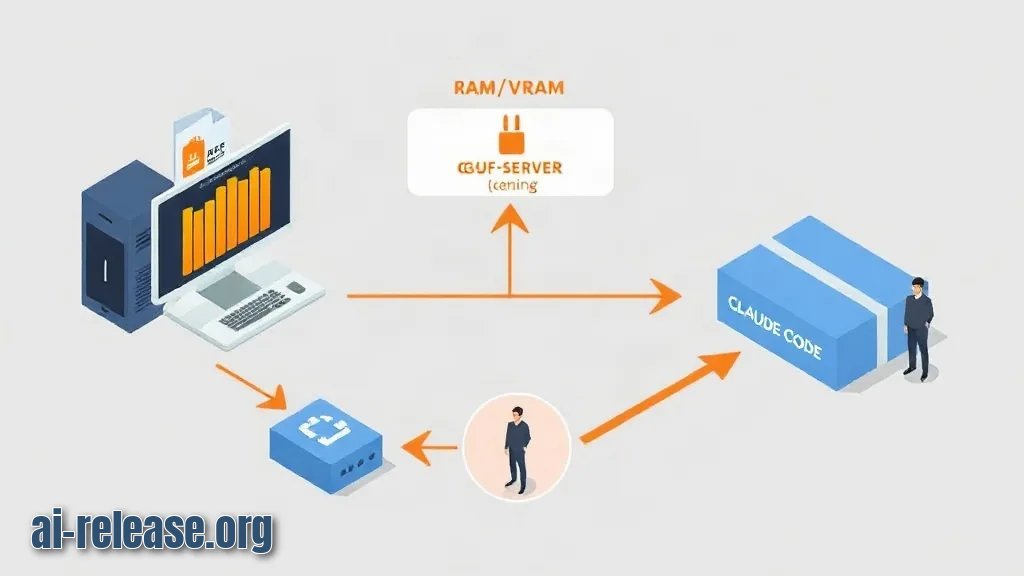
- **Hardware:** a machine with enough RAM or VRAM for the model you pick. A GGUF file roughly needs its own size in memory, plus room for the context window.
- **llama.cpp build:** the `llama-server` binary. You can download a prebuilt release for your OS or compile it yourself.
- **A GGUF model file**, stored somewhere you can reference with an absolute path, e.g. `~/models/your-model-Q4_K_M.gguf`.
- **Claude Code installed** and working in your terminal. If you installed it via npm, you also have Node.js available.
- **A free TCP port**, for example `8080`. Check nothing else is using it.
- **Terminal access** with permission to write environment variables and create a small script file.
- **Optional:** any non-empty string to use as an API token. `llama-server` does not validate it, but Claude Code expects the variable to exist.
- A quiet moment to read the beginner's guide to running AI models locally if this is your first local model — it covers the file-format and hardware basics this guide assumes.
Пошаговая инструкция
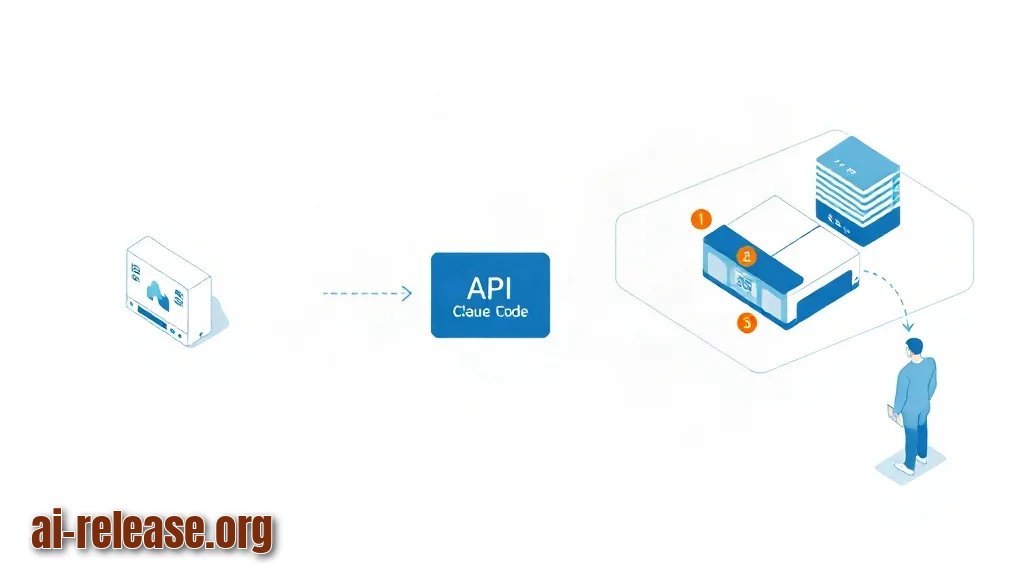
1. **Confirm `llama-server` runs.**
Run the binary with no arguments and you should get a usage banner listing flags. Why this works: a valid build always prints its help text before touching any model file, so a banner means the binary itself is fine and any later failure is a model or flag problem.
**Пример:**
./llama-server --help | head -20Expected result: a list of options including `-m`, `--host`, `--port`, `-c`, `-ngl`.
2. **Place your GGUF model on disk.** Pick a short, absolute path and remember the exact filename. Expected result: `ls -lh ~/models/` shows your `.gguf` file and its size, which tells you how much memory the server will want.
3. **Start the server with an explicit host, port and alias.**
   ./llama-server \
     -m ~/models/your-model-Q4_K_M.gguf \
     --host 127.0.0.1 \
     --port 8080 \
     -c 8192 \
     -ngl 0 \
     -a local-model
`-c 8192` sets the context window — the number of tokens (word fragments) the model can keep in mind at once. `-ngl 0` keeps all layers on the CPU; raise it if you have a GPU. `-a local-model` is the alias the server reports as its model name, and Claude Code will ask for exactly that string.
**Пример вывода на экране:**
   main: server is listening on http://127.0.0.1:8080
   srv  update_slots: all slots are idle
Expected result: the server keeps running in the foreground and does not exit.
4. **Verify the OpenAI-compatible endpoints before touching Claude Code.** In a second terminal:
   curl http://127.0.0.1:8080/v1/models
   curl http://127.0.0.1:8080/v1/chat/completions \
     -H "Content-Type: application/json" \
     -d '{"model":"local-model","messages":[{"role":"user","content":"Say hi"}]}'
Why this works: if `curl` returns JSON, the problem is on the Claude Code side, not the server side — that single check saves most of the debugging time.
5. **Write a launcher script.** A launcher is just a shell script that starts the server, waits until it is healthy, and then starts Claude Code with the right variables. Create `start-local-claude.sh`:
   #!/usr/bin/env bash
   set -e
   ./llama-server -m ~/models/your-model-Q4_K_M.gguf \
     --host 127.0.0.1 --port 8080 -c 8192 -a local-model &

   until curl -sf http://127.0.0.1:8080/health > /dev/null; do
     echo "waiting for llama-server..."
     sleep 2
   done

   export ANTHROPIC_BASE_URL="http://127.0.0.1:8080"
   export ANTHROPIC_AUTH_TOKEN="local"
   export ANTHROPIC_MODEL="local-model"
   claude
Expected result: `chmod +x start-local-claude.sh` then running it prints "waiting for llama-server..." at most once or twice and then drops you into the Claude Code prompt. The `until` loop is there because Claude Code connects immediately on launch, and a server that is still loading weights will refuse the connection.
6. **Point Claude Code at the local endpoint manually (alternative to the script).**
   export ANTHROPIC_BASE_URL="http://127.0.0.1:8080"
   export ANTHROPIC_AUTH_TOKEN="local"
   export ANTHROPIC_MODEL="local-model"
   claude
Why this works: Claude Code reads these variables at startup and sends its requests to `ANTHROPIC_BASE_URL` instead of the cloud. The token value is irrelevant to `llama-server`, but the variable must be non-empty.
7. **Run one real task end to end.** Ask for something small and filesystem-free first, e.g. "summarise what this project does in three bullets". Expected result: a reply appears in the Claude Code interface and the server terminal logs a new request. If the reply is empty or truncated, jump to the next section.
8. **Use this daily checklist.**
- [ ] `llama-server` is running and `/health` responds
- [ ] `ANTHROPIC_BASE_URL` points at `http://127.0.0.1:8080`
- [ ] `ANTHROPIC_MODEL` matches the `-a` alias exactly
- [ ] context size (`-c`) is large enough for the prompt you want
- [ ] you stop the server when finished, to free RAM
Возможные проблемы и решения
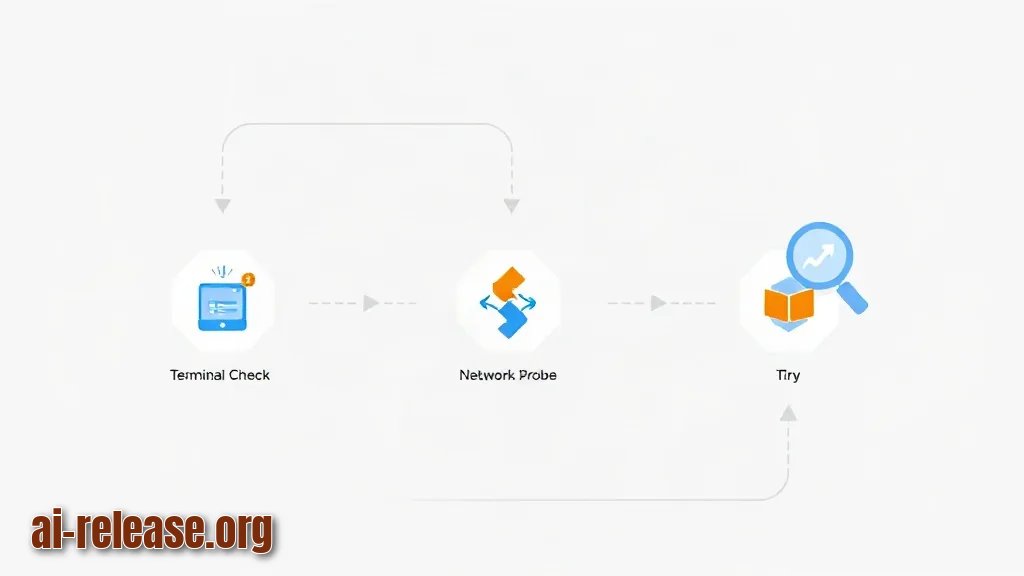
Symptom: Claude Code errors out immediately with a connection failure or "Connection refused".
The server is not reachable. Check, in order: (1) is the `llama-server` process still alive in its terminal? (2) does `curl http://127.0.0.1:8080/health` return something? (3) does the port in `ANTHROPIC_BASE_URL` match the `--port` flag? (4) if you used `--host 0.0.0.0`, try `127.0.0.1` instead. Restart the launcher after any change — environment variables are read once, at launch.
Symptom: the server logs a request but Claude Code says the model was not found, or replies are nonsense.
The alias does not match. `ANTHROPIC_MODEL` must be the exact string passed to `-a`, character for character — `local-model` and `local_model` are different names. Fix the value, restart Claude Code.
Symptom: the server crashes, or the machine starts swapping, or replies get cut off mid-sentence.
Either the model does not fit in memory or the context window is too big. Lower `-c` from `8192` to `4096`, and if you were using GPU offload, lower `-ngl` or set it to `0`. Smaller quantised GGUF files (names containing `Q4` rather than `Q8`) need noticeably less memory for the same model.
FAQ
Can I run Claude Code completely offline with this setup?
Yes, once the model file is on disk. The server runs locally and Claude Code talks only to `http://127.0.0.1:8080`, so no request leaves your machine.
Do I need an API key from Anthropic?
No. `ANTHROPIC_AUTH_TOKEN` just has to be a non-empty string, because the client expects the variable to be set; `llama-server` ignores its content.
Which model should I choose?
One that fits your RAM and handles a context window you actually need. Start with a small quantised GGUF, confirm the whole pipeline works end to end, and only then move to a larger file — see the local model setup guide.
Can I run the model on a phone instead of a laptop?
Yes — there are apps that run local models on Android, and you can then point `ANTHROPIC_BASE_URL` at that device's address on the same network. The Android local model guide covers the app side.
Can my whole team share one local endpoint?
Technically yes — run the server on one machine, expose it on the LAN, and give everyone the same base URL. For permissions and shared configuration, see Claude Code for Teams. Be aware that `llama-server` serves one shared model, so concurrent users compete for the same context slots.
🤖 AI summary
- Updated: 2026-10-15
- Topics: claude code локальная модель, llama-server claude code, подключить локальную llm к claude code, claude code openai совместимый api
- Summary: Пошаговая инструкция, как поднять llama-server или Ollama и заставить Claude Code работать с локальной моделью вместо платного облака.
- Key facts:
- Claude Code is built to talk to a remote Anthropic endpoint.
- If you want it to work against a model running on your own machine — for privacy, for offline work, or simply to avoid per-token costs — you need a local server that speaks the same HTTP API shape as Claude Code expects, then point Claude Code at it.
- This guide shows the llama-server route: llama-server is a small HTTP server shipped with llama.cpp (a C++ inference engine that runs GGUF model files — a single-file model format — on ordinary CPUs and GPUs).
- It exposes an OpenAI-compatible API, which is enough for a chat workflow, and the whole setup fits on a laptop, a desktop, or a home server.
- It applies to macOS, Linux and Windows, and to any Claude Code install that reads environment variables.
- Требования и подготовка Illustration: Требования и подготовка Hardware: a machine with enough RAM or VRAM for the model you pick.