How to Track New AI Models and LLM Updates: RSS, GitHub, and Telegram Alerts

TL;DR
- Time to complete: ~45 minutes
- Difficulty: Intermediate
- You will need: Linux/macOS (or Windows with WSL), Python 3 with
feedparser,requests,python-dotenv, a Telegram bot token from @BotFather, a chat ID, and optionally a self-hosted RSSHub instance for sources that have no native feed
Requirements and setup
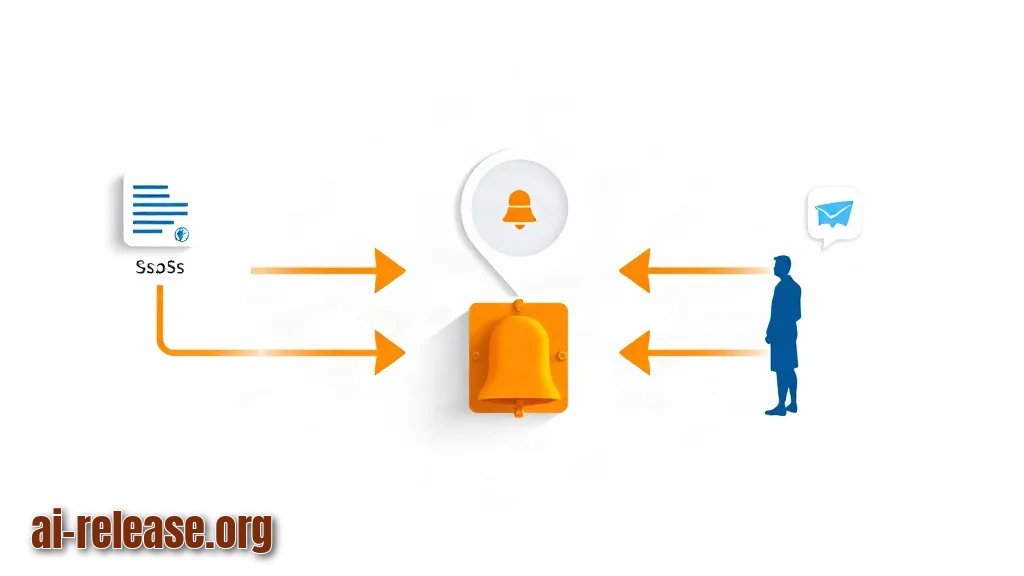
- OS: Linux, macOS, or Windows 11 with WSL. Scheduled execution uses
cron, so a Unix-like shell is the path of least resistance. - Python 3 with
pipandvenv. Check the currently supported version in the Python documentation before installing. - A Telegram account and a bot created via @BotFather (
/newbot). The bot returns a token shaped like<digits>:<token-string>. - A target chat: your own private chat with the bot, a group, or a channel where you add the bot as an administrator.
- Optional: a GitHub personal access token (PAT) — a long string credential used to authenticate API calls.
- Optional: Docker, if you self-host RSSHub (a service that generates RSS feeds for sites that do not publish one).
- ~100 MB of free disk for the virtualenv, the SQLite database and logs.
The pipeline you are building has four stages:
1. Source list — a YAML file listing RSS feeds and GitHub repositories you care about.
2. Poller — a Python script that fetches each source, extracts new items and compares them against a local SQLite table of already-seen IDs.
3. Notifier — the same script posts each unseen item to Telegram through the Bot API (https://api.telegram.org/bot<token>/sendMessage).
4. Scheduler — cron runs the poller on a fixed interval, so you never poll manually again.
| Source type | What you poll | Auth |
|---|---|---|
| RSS / Atom feed | Feed URL, one entry per post or release note | None |
| GitHub Releases | `https://api.github.com/repos/<owner>/<repo>/releases` | Optional token; strongly recommended |
| Telegram delivery | Bot API `sendMessage` method | Bot token |
Example: a vendor blog that publishes https://<vendor-domain>/feed.xml and a repository https://github.com/<org>/<repo> both end up in one sources.yaml, and both arrive in the same Telegram chat.
If you are still deciding *which* models and repositories are worth watching, start from Open-weight AI models: how to run them for free in 2026 and Best AI models and neural networks in 2026.
What to do: create the working directory and install dependencies.
Why: an isolated virtualenv keeps the poller's packages away from system Python, so a later OS upgrade cannot break it.
How to check: pip list shows the three packages.
mkdir -p /opt/model-watch && cd /opt/model-watch
python3 -m venv .venv
. .venv/bin/activate
pip install feedparser requests python-dotenv
pip list | grep -E "feedparser|requests|python-dotenv"
Example output:
feedparser        <version>
python-dotenv     <version>
requests          <version>
Step 1. Define the sources and the deduplication store
What to do: write sources.yaml with the feeds and repositories you follow, and create the SQLite table that remembers what you have already sent.
Why: RSS (Really Simple Syndication — a standard XML format where a site lists its latest posts) and the GitHub Releases API both return the *most recent* N items on every call. Without a store of seen IDs, you would be re-notified about the same release forever.
rss:
  - name: vendor-blog
    url: https://<vendor-domain>/feed.xml
  - name: research-lab
    url: https://<lab-domain>/blog/rss.xml
github:
  - owner: <org-or-user>
    repo: <repository>
  - owner: <org-or-user>
    repo: <second-repository>
python - <<'PY'
import sqlite3
db = sqlite3.connect("watch.db")
db.execute("""CREATE TABLE IF NOT EXISTS seen (
fp TEXT PRIMARY KEY,
title TEXT,
created_at TEXT DEFAULT CURRENT_TIMESTAMP)""")
db.commit()
print(db.execute("SELECT name FROM sqlite_master WHERE type='table'").fetchall())
PYExample: if you follow one lab's blog and two repositories, sources.yaml has three entries and the first run writes three rows into seen.
How to check: the script above prints [('seen',)]. If it prints [], the CREATE TABLE did not run — check that you are inside /opt/model-watch and that the file is writable.
Not every AI vendor publishes a feed. Test the candidate URLs before adding them: curl -sI https://<vendor-domain>/feed.xml | head -n 1 should return a 200; common alternative paths are /rss, /feed and /blog/feed.xml. If none work, generate a feed with a self-hosted RSSHub instance at http://<your-host>:<rsshub-port>/… — confirm the route syntax and default port in the RSSHub documentation.
Step 2. Build the poller and the Telegram notifier
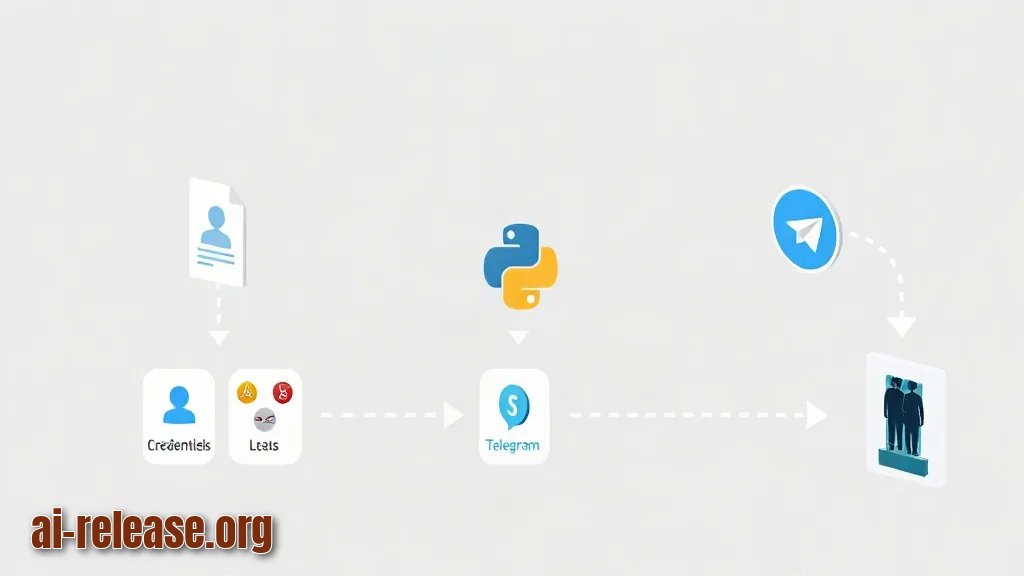
What to do: put credentials in .env, then write watch.py that loops over both source types and sends unseen items.
Why: the Bot API is a plain HTTPS endpoint, so a single requests.post per new item is enough — no webhook, no inbound port, no server exposure.
cat > .env <<'EOF'
TELEGRAM_BOT_TOKEN=<token-from-botfather>
TELEGRAM_CHAT_ID=<your-chat-id>
GITHUB_TOKEN=<github-pat>
EOF
chmod 600 .env
import os, sqlite3, hashlib, requests, feedparser, yaml
from dotenv import load_dotenv
load_dotenv()
TOKEN, CHAT = os.environ["TELEGRAM_BOT_TOKEN"], os.environ["TELEGRAM_CHAT_ID"]
DB = sqlite3.connect("watch.db")
def fp(value): # stable fingerprint for any item
return hashlib.sha256(str(value).encode()).hexdigest()
def known(key):
return DB.execute("SELECT 1 FROM seen WHERE fp=?", (key,)).fetchone() is not None
def remember(key, title):
DB.execute("INSERT OR IGNORE INTO seen(fp,title) VALUES (?,?)", (key, title))
DB.commit()
def notify(text):
r = requests.post(f"https://api.telegram.org/bot{TOKEN}/sendMessage",
json={"chat_id": CHAT, "text": text,
"disable_web_page_preview": True}, timeout=20)
r.raise_for_status()
return r.json()
def poll_rss(name, url):
feed = feedparser.parse(url)
if feed.bozo:
print(f"[{name}] bozo: {feed.get('bozo_exception')}")
for e in feed.entries[:10]:
key = fp(e.get("id") or e.link)
if not known(key):
notify(f"[{name}] {e.title}\n{e.link}")
remember(key, e.title)
def poll_github(owner, repo):
h = {"Authorization": f"Bearer {os.environ['GITHUB_TOKEN']}"}
r = requests.get(f"https://api.github.com/repos/{owner}/{repo}/releases",
headers=h, params={"per_page": 5}, timeout=20)
r.raise_for_status()
for rel in r.json():
key = fp(f"{owner}/{repo}:{rel['id']}")
if not known(key):
notify(f"[github] {owner}/{repo} {rel['tag_name']}\n{rel['html_url']}")
remember(key, rel["tag_name"])
with open("sources.yaml") as f:
cfg = yaml.safe_load(f)
for s in cfg.get("rss", []):
poll_rss(s["name"], s["url"])
for s in cfg.get("github", []):
poll_github(s["owner"], s["repo"])
print("done")Schedule it with cron (a Unix daemon that runs commands on a timetable):
crontab -e
# add:
*/15 * * * * cd /opt/model-watch && .venv/bin/python watch.py >> watch.log 2>&1
Example: the first run sends one Telegram message per unseen item; the second run, executed a minute later, sends nothing and prints done — that is deduplication working, because every item's fingerprint is already in seen.
How to check: tail -n 3 watch.log shows done with no traceback lines.
Step 3. Verify delivery end to end
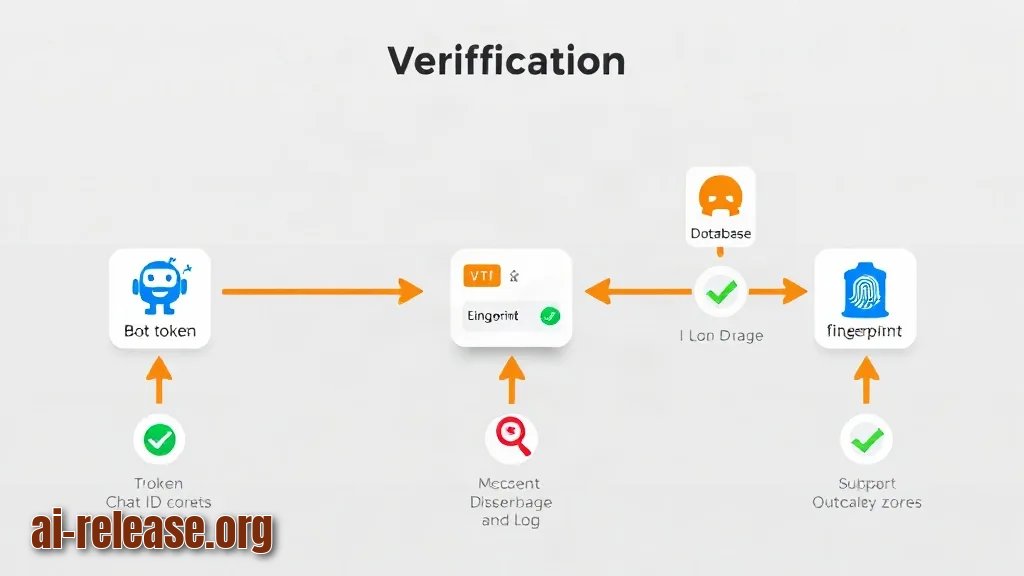
What to do: confirm the bot identity, send a test message, then confirm the database and log agree.
Why: three independent things can fail silently — the token, the chat ID and the fingerprint logic. Testing them separately tells you which one broke.
curl -s "https://api.telegram.org/bot$TELEGRAM_BOT_TOKEN/getMe"
curl -s -X POST "https://api.telegram.org/bot$TELEGRAM_BOT_TOKEN/sendMessage" \
  -d "chat_id=$TELEGRAM_CHAT_ID" -d "text=pipeline-test"
sqlite3 watch.db "SELECT COUNT(*) FROM seen;" 2>/dev/null || \
python -c "import sqlite3;print(sqlite3.connect('watch.db').execute('select count(*) from seen').fetchone())"
Checklist for a working pipeline:
- [ ]
getMereturns"ok":trueand"is_bot":true - [ ]
pipeline-testappears in the target Telegram chat - [ ]
SELECT COUNT(*)returns a number that grows after the first run and stays flat on a repeat run - [ ]
watch.logcontains noTraceback - [ ]
crontab -llists the*/15line
Example: expected first line of getMe output is {"ok":true,"result":{"id":<bot-id>,"is_bot":true, .... If ok is false, the token in .env is wrong — nothing downstream will work.
Troubleshooting
Problem. Bot reports it cannot find the chat
- Ошибка:
{"ok":false,"error_code":400,"description":"Bad Request: chat not found"} - Причина: the
TELEGRAM_CHAT_IDis wrong (for example, you copied the bot's own ID), or you never opened a conversation with the bot, or the bot was not added to the channel as an administrator. - Решение: send the bot any message first, then fetch the ID with
curl -s "https://api.telegram.org/bot$TELEGRAM_BOT_TOKEN/getUpdates" | grep -o '"chat":{"id":-\?[0-9]*'and put the returned number into.env. Channel IDs are negative and typically start with-100.
Problem. GitHub returns no releases and the log shows a rate-limit complaint
- Ошибка:
{"message":"API rate limit exceeded for <ip>. ..."} - Причина: unauthenticated calls to the GitHub REST API are limited to a small hourly quota; the poller was running without
GITHUB_TOKENset, orload_dotenv()never loaded.envbecause the script was started from a different working directory. - Решение: run with
cd /opt/model-watch(so.envis found), regenerate a PAT with read-only repository access, and verify withcurl -s -H "Authorization: Bearer $GITHUB_TOKEN" https://api.github.com/rate_limit. Check the current quota numbers in the GitHub documentation.
Problem. Feed parsing succeeds but no entries arrive
- Ошибка:
[vendor-blog] bozo: <XML or SAX parse error text> - Причина: the URL returns an HTML page (a 404 page or an anti-bot wall) instead of XML, so
feedparserflags the document asbozo. - Решение: inspect the raw response with
curl -s https://<vendor-domain>/feed.xml | head -n 5. If it starts with<!DOCTYPE html>, the feed path is wrong — try/rss,/feed, or generate one with RSSHub. If the feed is valid but empty, the item count infeed.entries[:10]may be lower than you expect; check the feed's own<item>count.
Summary and next steps
You now have a scheduled poller that turns RSS feeds and GitHub releases into deduplicated Telegram messages, with a local SQLite record proving what was already sent. Next, add a per-repository filter for release tags (for example, ignore pre-releases) and route different source groups to different chats — for related tooling see AI Assistants for Learning English: Best Bots and Tools in Telegram and How to build an AI shopping assistant on a local model.
FAQ
How often should the poller run?
Every 15 minutes is a safe default for most feeds and stays well inside Telegram's posting limits; on a shared IP, increase the interval or add the GitHub token. Check the current limits in the Telegram Bot API and GitHub REST documentation.
Do I need a GitHub token?
Not strictly — the public releases endpoint answers without one — but the unauthenticated hourly quota is small, and a token is what keeps a 15-minute schedule from exhausting it. Create a read-only token and keep it in .env with chmod 600.
Can the bot post to a channel instead of a private chat?
Yes. Add the bot as a channel administrator, use the channel ID (negative, usually starting with -100) as TELEGRAM_CHAT_ID, and the same sendMessage call works unchanged.
Why not just follow the model authors on Telegram?
You can, but feeds and releases are machine-readable and timestamped, so the same script covers every vendor regardless of whether they post to Telegram at all — and it gives you a searchable SQLite history of what changed and when.
🤖 AI summary
- Updated: 2026-10-20
- Topics: отслеживать обновления LLM, мониторинг новых ИИ-моделей, RSS GitHub Telegram уведомления
- Summary: Инструкция по настройке ленты обновлений LLM через RSS, GitHub Releases и Telegram-бота, чтобы не пропускать новые модели и важные изменения API.
- Key facts:
- TL;DR Time to complete: ~45 minutes Difficulty: Intermediate You will need: Linux/macOS (or Windows with WSL), Python 3 with feedparser , requests , python-dotenv , a Telegram bot token from @BotFather, a chat ID, and optionally a self-hosted RSSHub instance for sources that have no native feed Requirements and setup Illustration: Requirements and setup OS: Linux, macOS, or Windows 11 with WSL.
- Scheduled execution uses cron , so a Unix-like shell is the path of least resistance.
- Python 3 with pip and venv .
- Check the currently supported version in the Python documentation before installing.
- A Telegram account and a bot created via @BotFather ( /newbot ).
- The bot returns a token shaped like <digits>:<token-string> .