How to Expose a Local LLM to the Internet Without Port Forwarding: Tunnels and Reverse Proxy

TL;DR
- Time to complete: ~30 minutes
- Difficulty: Intermediate
- You will need: a machine running a local LLM server (Ollama is used here),
cloudflared(Cloudflare Tunnel client) orngrok, Caddy as a local reverse proxy, a domain whose DNS you control,systemd-based Linux (paths shown for Ubuntu-style systems). Exact version requirements — check the documentation of each tool. - Result: your local model answers at
https://llm.<your-domain>/api/generatewhile no inbound port is opened on your router.
Requirements and setup
What to do: understand the traffic path before typing commands, then confirm every component is installed.
Why: a tunnel is an outbound connection from your machine to the tunnel provider's edge. Your router keeps all inbound ports closed; the provider accepts the public request and pushes it back down the already-open outbound connection. A reverse proxy (Caddy in this guide) sits in front of the model and adds what Ollama does not have: authentication, a single port, and header control. TLS (the encryption behind https://) terminates at the provider's edge, so Caddy does not need certificates.
Flow: browser → https://llm.<your-domain> → provider edge → tunnel daemon → 127.0.0.1:8080 (Caddy, basic auth) → 127.0.0.1:11434 (Ollama).
Checklist before starting:
- [ ] Local model responds on
http://127.0.0.1:11434 - [ ] A domain on Cloudflare (for
cloudflared) or an ngrok account with a domain - [ ]
caddyinstalled andcaddybinary onPATH - [ ]
cloudflaredinstalled - [ ] Enough RAM/VRAM for the model you plan to serve — see How much RAM and VRAM a local LLM needs
How to check:
ollama --version
caddy version
cloudflared --version
Example output: each command prints one line with its version and build hash, e.g. caddy version prints something like v2.x.x h1:.... If any command returns command not found, install that tool first — nothing later will work.
Step 1. Bind the model to loopback and verify the local API
What to do: force Ollama to listen on 127.0.0.1 only, and whitelist the public origin for browser calls.
Why: by default the server is reachable only from the same machine — that is the safe state. Binding to 0.0.0.0 before authentication exists is how people hand their GPU to strangers. OLLAMA_ORIGINS is the CORS allow-list (CORS — the browser rule that blocks a page on one domain from calling an API on another); without it your web UI cannot call the model.
Create a systemd override:
sudo systemctl edit ollama[Service]
Environment="OLLAMA_HOST=127.0.0.1:11434"
Environment="OLLAMA_ORIGINS=https://llm.<your-domain>"sudo systemctl restart ollamaHow to check:
ss -ltnp | grep 11434
curl -s http://127.0.0.1:11434/api/tags
Expected: the socket line shows 127.0.0.1:11434, not 0.0.0.0:11434. The curl returns JSON like {"models":[{"name":"<model-tag>", ...}]}. Copy the exact name value — you need it in Step 3.
Example: if the second command prints curl: (7) Failed to connect to 127.0.0.1 port 11434, the service did not restart; run sudo systemctl status ollama.
Step 2. Put Caddy in front and publish it through a tunnel
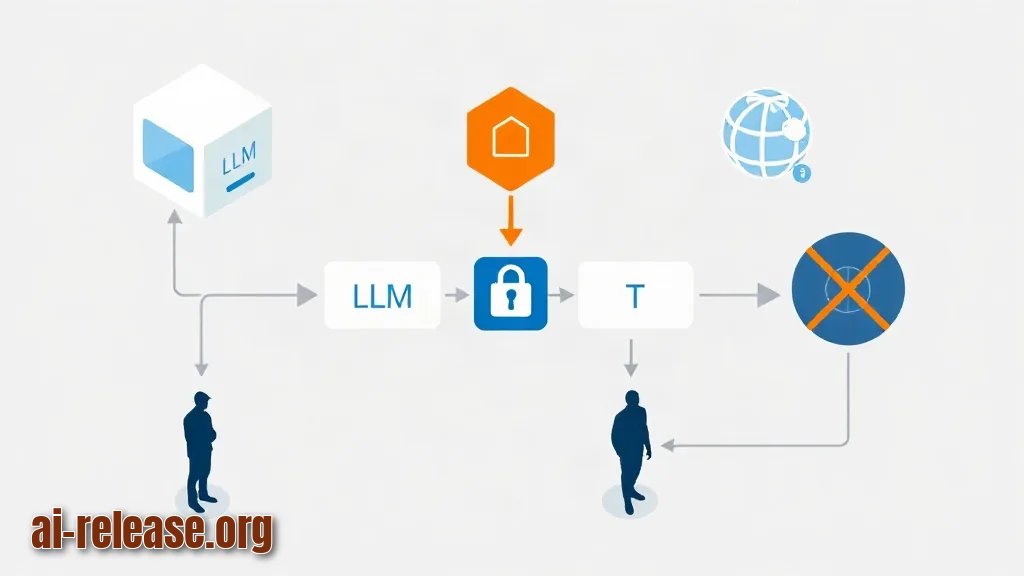
What to do: give Ollama a password-protected front door on 127.0.0.1:8080, then point the tunnel at that port instead of at the model.
Why: Ollama ships with no authentication. Caddy adds HTTP Basic Auth (username + password in the request header) and disables response buffering so streamed tokens reach the client as they are generated.
Generate a password hash:
caddy hash-password --plaintext '<password>'Copy the printed $2a$14$... string into Caddyfile:
:8080 {
    basic_auth {
        <user> <bcrypt-hash-from-previous-command>
    }
    reverse_proxy 127.0.0.1:11434 {
        flush_interval -1
    }
}
Start it:
caddy run --config ./CaddyfileThen create the tunnel (Cloudflare example, domain already on Cloudflare DNS):
cloudflared tunnel login
cloudflared tunnel create local-llm
cloudflared tunnel route dns local-llm llm.<your-domain>~/.cloudflared/config.yml:
tunnel: local-llm
credentials-file: /home/<user>/.cloudflared/<tunnel-uuid>.json
ingress:
  - hostname: llm.<your-domain>
    service: http://127.0.0.1:8080
  - service: http_status:404
cloudflared tunnel run local-llm
sudo cloudflared service installngrok alternative: ngrok http 127.0.0.1:8080 --domain llm.<your-domain>. Reserved custom domains are plan-dependent — check ngrok's documentation before relying on this path.
How to check:
curl -s -o /dev/null -w "%{http_code}\n" http://127.0.0.1:8080/api/tagsExpected: 401 — the proxy is up and rejecting unauthenticated calls. If you get 200, your basic_auth block is not being applied. Note the directive is named basic_auth in recent Caddy releases and basicauth in older ones; run caddy version and check the documentation for your build.
Step 3. Verify the public endpoint and shut the open door
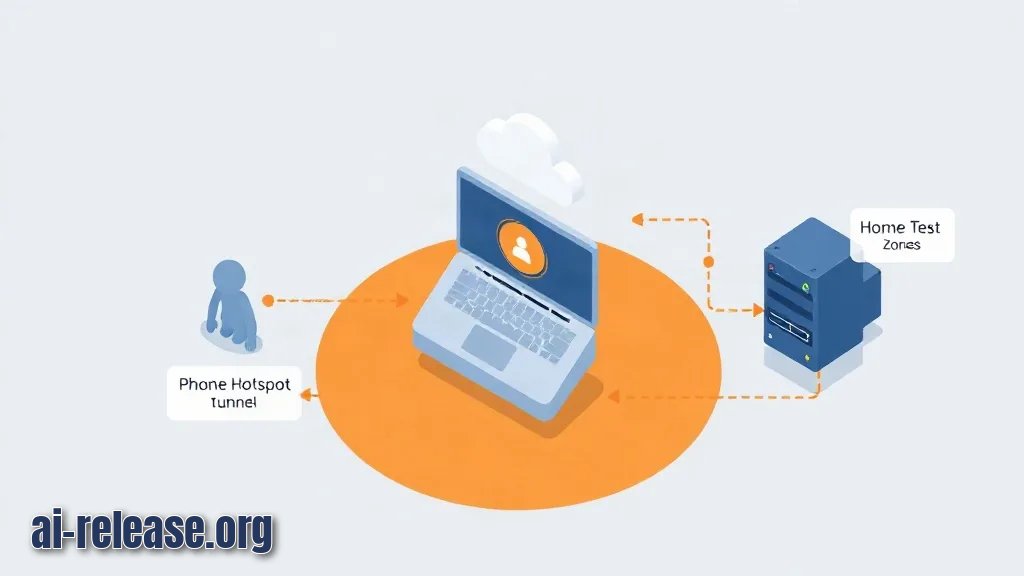
What to do: call the model from a network outside your home (phone hotspot or a VPS shell), both with and without credentials.
Why: a passing test on the same machine proves nothing — loopback works even when the tunnel is down. The unauthenticated call is the security test.
curl -s -o /dev/null -w "%{http_code}\n" https://llm.<your-domain>/api/tags
curl -s -u '<user>:<password>' https://llm.<your-domain>/api/tags
Expected: 401 for the first, a JSON model list for the second.
Generation test (streaming off so the output is one JSON object):
curl -s -u '<user>:<password>' https://llm.<your-domain>/api/generate \
  -H 'Content-Type: application/json' \
  -d '{"model":"<model-tag>","prompt":"Reply with the word OK","stream":false}'
Expected: JSON containing "response":"OK"-style text plus timing fields. Open https://llm.<your-domain>/api/tags in a phone browser: the login dialog appears, and after entering credentials you see the raw JSON.
Success checklist:
- [ ]
401without credentials - [ ] Model answer arrives over
https://from an external network - [ ]
sudo systemctl status cloudflaredshowsactive (running) - [ ]
ss -ltnpshows no listener on0.0.0.0:11434
Troubleshooting
Problem. The tunnel URL returns 502 / "Bad gateway"
- Error:
ERR Unable to reach the origin service. The service may be down or it may not be responding to traffic from cloudflared: dial tcp 127.0.0.1:8080: connect: connection refused - Cause:
cloudflaredis running, but Caddy on127.0.0.1:8080is not — usually becausecaddy runwas started in a terminal that got closed. - Solution:
sudo systemctl status caddy; if inactive, run Caddy as a service (caddy run --config /etc/caddy/Caddyfileunder systemd) and confirm withss -ltnp | grep 8080.
Problem. Browser page loads, but fetch calls fail
- Error:
Access to fetch at 'https://llm.<your-domain>/api/generate' from origin 'http://localhost:3000' has been blocked by CORS policy: Response to preflight request doesn't pass access control check - Cause: the frontend origin is not in
OLLAMA_ORIGINS, so the model server refuses the browser preflight. - Solution: add the origin and restart:
sudo systemctl edit ollama→Environment="OLLAMA_ORIGINS=https://llm.<your-domain>,http://localhost:3000"→sudo systemctl restart ollama.
Problem. Long answers fail with a gateway timeout
- Error:
Error 524: A timeout occurred(HTML page from the edge instead of JSON) - Cause: the edge closes HTTP requests that stay open too long; a non-streaming generation of a long answer can exceed it.
- Solution: send
"stream": trueand consume the streamed chunks, or shorten the prompt. Edge timeouts are plan-dependent — check the documentation for the current limit on your plan.
Summary and next steps
You now have a password-protected HTTPS endpoint for a local model with zero open inbound ports. Next, either build a UI on top with How to build an AI shopping assistant on a local model, or compare the cost of self-hosting against a hosted API in GPT-6.1 Sol: full overview.
FAQ
How do I expose Ollama to the internet without opening ports?
Run cloudflared or ngrok on the same machine and point the tunnel at a local reverse proxy port (127.0.0.1:8080), not at the model port. The tunnel daemon makes an outbound connection, so the router needs no port-forwarding rule.
Is it safe to expose a local LLM publicly?
Only behind authentication. Ollama has no built-in access control, so put Caddy basic_auth, Cloudflare Access, or mTLS in front and verify that an unauthenticated curl returns 401.
Do I need my own domain for a tunnel?
For cloudflared with cloudflared tunnel route dns, yes — the hostname must be on a zone you control. ngrok can hand you a provider-assigned URL instead, but reserved custom domains depend on your plan; check the documentation.
Why does basic_auth in my Caddyfile throw an unrecognized-directive error?
The directive was renamed across Caddy releases; older builds use basicauth. Run caddy version and use the spelling documented for that build.
🤖 AI summary
- Updated: 2026-10-21
- Topics: доступ к локальной LLM из интернета, openai-совместимый API за NAT, cloudflare tunnel ollama, reverse proxy для локальной модели
- Summary: Пошаговая инструкция: как дать удалённый доступ к OpenAI-совместимому API своей модели за NAT через Cloudflare Tunnel, Tailscale или reverse proxy и при этом не открыть сервер всем желающим.
- Key facts:
- TL;DR Time to complete: ~30 minutes Difficulty: Intermediate You will need: a machine running a local LLM server (Ollama is used here), cloudflared (Cloudflare Tunnel client) or ngrok , Caddy as a local reverse proxy, a domain whose DNS you control, systemd -based Linux (paths shown for Ubuntu-style systems).
- Exact version requirements — check the documentation of each tool.
- Result: your local model answers at https://llm.<your-domain>/api/generate while no inbound port is opened on your router.
- Requirements and setup Illustration: Requirements and setup What to do: understand the traffic path before typing commands, then confirm every component is installed.
- Why: a tunnel is an outbound connection from your machine to the tunnel provider& x27;s edge.
- Your router keeps all inbound ports closed; the provider accepts the public request and pushes it back down the already-open outbound connection.