How to Opt Out of AI Training on Your Data in ChatGPT, Claude and Gemini

TL;DR
- Time required: 15 minutes
- Difficulty: Basic
- You will need: a browser with a separate profile per account,
jq1.6+, Python 3.8+, a text editor, and login credentials for every ChatGPT / Claude / Gemini account you own (personal, work, and API console).
Requirements and setup
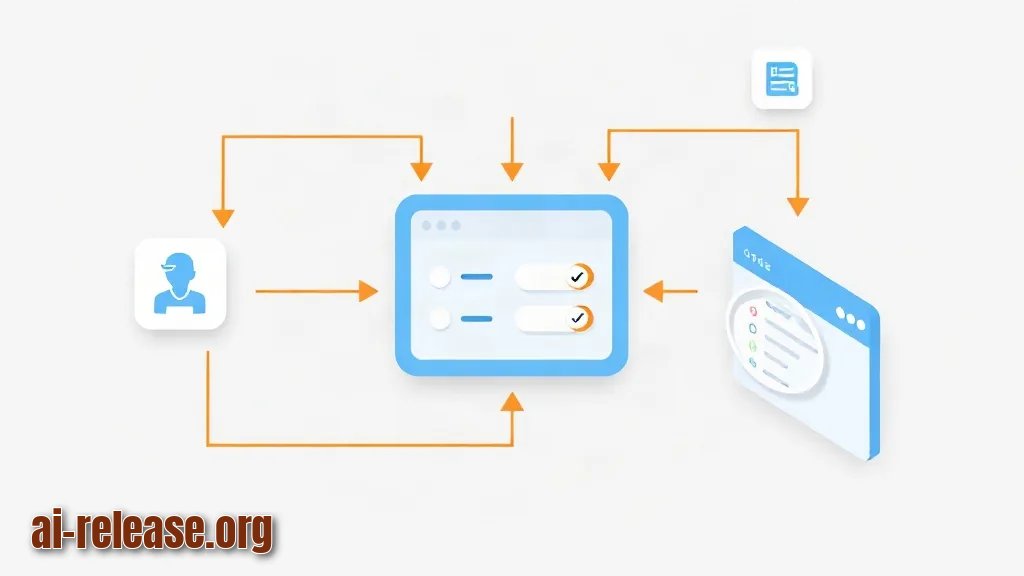
- Operating system: any desktop OS (macOS 13+, Windows 11, or Ubuntu 22.04+) with a current Chrome, Firefox, or Safari build.
- Python 3.8 or newer — used for the verification script that proves every training toggle is off. Check with
python3 --version. jq— a command-line JSON reader, used to inspect your saved settings state. Install withbrew install jq(macOS) orsudo apt-get install -y jq(Debian/Ubuntu) orwinget install jqlang.jq(Windows).- One browser profile per account. If you sign into a personal Gmail and a work Google Workspace account in the same profile, you will flip the setting on the wrong account and never notice.
- A list of your accounts. Training policy differs by plan: consumer subscriptions, business/enterprise workspaces, and developer APIs are governed by different switches. If you are unsure which assistant and plan you actually need, see the ChatGPT, Claude, Gemini, DeepSeek: AI assistant comparison.
Create the working folder and the state file you will fill in during Step 2:
mkdir -p ~/privacy-audit && cd ~/privacy-audit
cat > privacy-state.json <<'JSON'
{
  "chatgpt_consumer": "unset",
  "claude_consumer": "unset",
  "gemini_activity": "unset",
  "checked_at": "unset"
}
JSON
How to check: run jq -r 'keys[]' privacy-state.json. Expected output — four lines, alphabetically sorted:
chatgpt_consumer
checked_at
claude_consumer
gemini_activity
Why this works: the JSON file is your single source of truth. Toggles live inside vendor UIs that you cannot query from a terminal, so you record what you saw and the timestamp you saw it. Later steps validate that file instead of trusting memory.
The switches you are going to look for, in one place:
| Product | Where the toggle lives | Setting to switch off | Expected state after this guide |
|---|---|---|---|
| ChatGPT (consumer) | Settings → Data controls | Improve the model for everyone | Off |
| ChatGPT (business workspace / API) | Admin console / platform dashboard | No consumer toggle; confirm retention policy | Documented in `privacy-state.json` |
| Claude (consumer) | Settings → Privacy | Help improve Claude | Off |
| Claude (Work / Enterprise / API) | Admin console / platform console | No consumer toggle; confirm retention policy | Documented in `privacy-state.json` |
| Gemini (consumer Google Account) | Google My Activity → Gemini Apps Activity | Gemini Apps Activity | Off |
| Gemini API / Vertex AI | Cloud console | No consumer toggle; confirm data-use terms | Documented in `privacy-state.json` |
Menu labels are rewritten between releases. If a label differs from the table, the setting still lives in the same section — search the vendor's own help centre and treat the exact wording as "verify in the documentation".
Step 1. Map every account and plan before touching any switch
What to do: open each product in its own browser profile and write down the account email and the plan name shown in the profile/account menu.
cd ~/privacy-audit
cat > accounts.txt <<'TXT'
chatgpt  personal   <you@example.com>   Plus
chatgpt  work       <you@company.com>   Business workspace
claude   personal   <you@example.com>   Free/Pro
gemini   personal   <you@gmail.com>     Google Account
TXT
Example: replacing the placeholders gives lines such as chatgpt personal anna@example.com Plus.
Why: the same email can hold a consumer plan and a workspace seat. Consumer plans expose a training toggle; workspace seats usually hide it and defer to the administrator. You must know which one you are looking at before you conclude "it is already off".
How to check: every line has four fields and no placeholder brackets left.
awk 'NF!=4 {print "BAD LINE: " NR}' accounts.txtNo output means all lines are well-formed. Output like BAD LINE: 3 means line 3 is missing a field — fix it before continuing. For accounts that are part of a Microsoft 365 or ChatGPT Office-style workspace, the training decision is made at the admin level, so compare plan behaviour first: ChatGPT Office vs Microsoft 365 with Copilot: which to choose.
Step 2. Turn off training in ChatGPT, Claude and Gemini
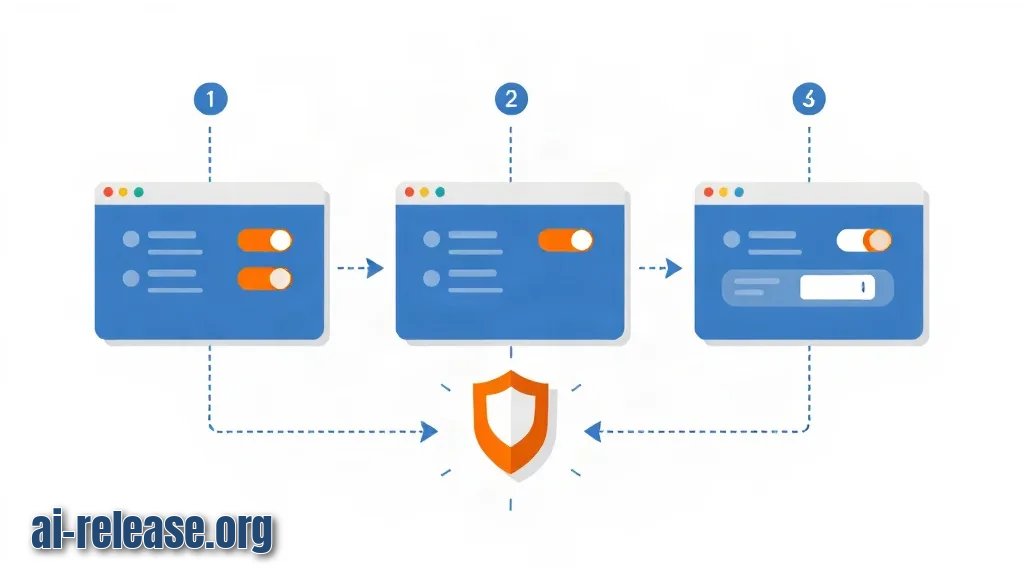
What to do: work through the three consumers toggles, one product at a time, in the browser profile that matches the account.
ChatGPT — open Settings → Data controls, find Improve the model for everyone, switch it off. Keep Temporary Chat for one-off sensitive questions; those conversations are not stored in your history.
Claude — open Settings → Privacy, find Help improve Claude, switch it off.
Gemini — open Google My Activity (myactivity.google.com), select Gemini Apps Activity, and turn it off. On Workspace accounts this control may be disabled by the administrator — treat that as a finding, not a failure.
Record each result:
jq --arg ts "$(date -u +%Y-%m-%dT%H:%M:%SZ)" \
   '.chatgpt_consumer="off" | .claude_consumer="off" | .gemini_activity="off" | .checked_at=$ts' \
   privacy-state.json > tmp.json && mv tmp.json privacy-state.json
Example: on a Plus account you should see the ChatGPT toggle rendered in the grey/off position and the page keep that position after a reload; on the Anthropic side the Help improve Claude switch sits off with no "on" highlight.
Why: these switches are the only consumer-facing controls that stop your conversations from being retained for model improvement. Turning them off does not change answer quality for you — it changes what the vendor may do with the text afterwards.
How to check: read the file back.
jq -r 'to_entries[] | "\(.key)=\(.value)"' privacy-state.jsonExpected output:
chatgpt_consumer=off
checked_at=2025-06-01T09:00:00Z
claude_consumer=off
gemini_activity=off
If jq prints jq: command not found, install it from the Requirements section and re-run — the file is untouched, so nothing is lost.
Step 3. Verify the toggles survived a reload and freeze the evidence
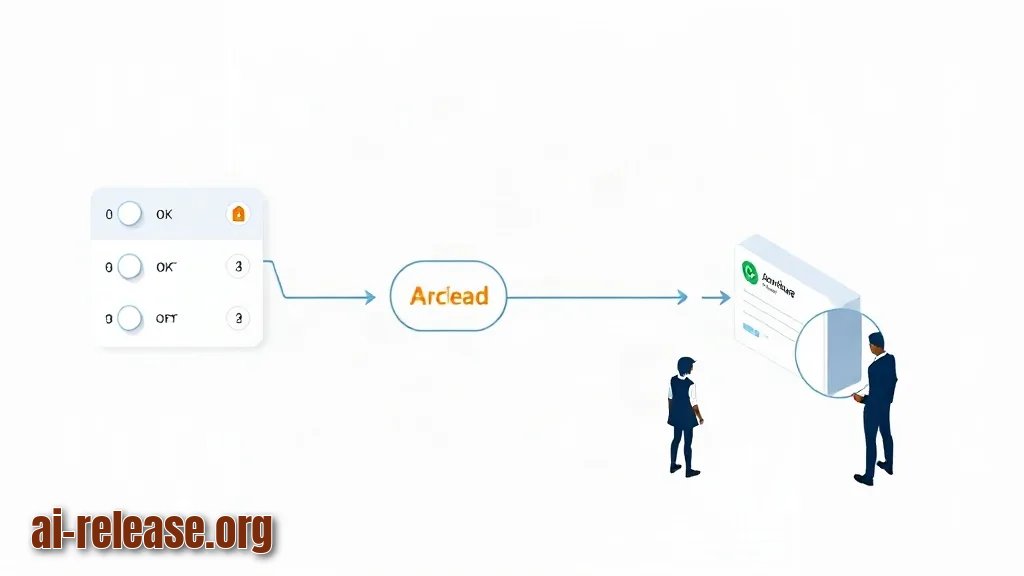
What to do: reload every settings page, confirm each switch is still off, then run the validation script below and archive the output.
#!/usr/bin/env python3
import json, sys
from pathlib import Path

REQUIRED = {"chatgpt_consumer": "off", "claude_consumer": "off", "gemini_activity": "off"}
data = json.loads(Path("privacy-state.json").read_text())
missing = [k for k, want in REQUIRED.items() if str(data.get(k, "")).lower() != want]
if missing:
    sys.exit(f"FAIL: training not disabled for: {', '.join(missing)}")
print(f"OK: all training toggles off, verified at {data['checked_at']}")
Run it:
cd ~/privacy-audit && python3 check_privacy.py | tee -a privacy-audit.logExpected output on screen:
OK: all training toggles off, verified at 2025-06-01T09:00:00ZWhy: a toggle that silently re-enables is the most common failure mode. The reload test catches a session that never saved, and the script catches a hand-edited file where one key still says unset. The log line is your audit trail.
How to check: the log holds one line per run, with no FAIL: prefix.
grep -c '^OK:' privacy-audit.log && tail -n 1 privacy-audit.log1 followed by the OK: line means success. 0 means the script never passed — go back to Step 2 for the product named in the FAIL: message.
Finish with this checklist before you close the browser:
- [ ] ChatGPT
Improve the model for everyoneis off and stays off after reload - [ ] Claude
Help improve Claudeis off and stays off after reload - [ ] Gemini Apps Activity is off in Google My Activity
- [ ] Every workspace/API account is documented in
accounts.txt, not guessed - [ ]
check_privacy.pyprintedOK:and the line is inprivacy-audit.log - [ ] Calendar reminder set to repeat this check quarterly
Troubleshooting
Problem. The toggle is greyed out and cannot be changed.
- Error:
Managed by your organization(the label text differs between plans — verify in the documentation for your plan) - Cause: the account is a workspace/enterprise seat, and the administrator owns the data-retention policy. Consumer toggles are hidden or locked on those plans.
- Solution: do not fight the UI. Send the admin a request that names the control, and record the outcome in
accounts.txt:
printf 'chatgpt work <you@company.com> workspace: training opt-out requested\n' >> accounts.txtProblem. The validation script reports a product that you already switched off.
- Error:
FAIL: training not disabled for: gemini_activity - Cause: the JSON still holds the old value — either the
jqwrite in Step 2 was run in a different directory, or Gemini Apps Activity was re-enabled by a Google account-level setting. - Solution: re-check the toggle in Google My Activity, then force the key and re-run:
jq '.gemini_activity="off"' privacy-state.json > tmp.json && mv tmp.json privacy-state.json
python3 check_privacy.py
Problem. The script will not start.
- Error:
bash: ./check_privacy.py: /usr/bin/env: bad interpreter: No such file or directory - Cause: the file was saved with Windows CRLF line endings, so the shebang line ends in an invisible
\r. - Solution: normalise the file and run it again:
sed -i 's/\r$//' check_privacy.py && python3 check_privacy.pySummary and next steps
You mapped every account, switched off the training control in ChatGPT, Claude and Gemini, and proved the state with a timestamped log. Re-run python3 check_privacy.py once a quarter, because a plan change or a workspace migration can quietly reset these switches.
FAQ
Does turning off the training toggle reduce answer quality?
No. The switch controls what the vendor may do with your conversations afterwards; it does not remove features from your account.
Is API usage trained on by default?
Developer platforms are governed by separate data-use terms, not by the consumer toggle. Read the terms for your plan and record the conclusion in accounts.txt — check the documentation for the current wording.
Do Temporary Chat and incognito modes replace the toggle?
No. Temporary Chat keeps a single conversation out of your history; the account-level toggle covers everything else. Use both.
Will a workspace admin see that I changed my personal settings?
Personal consumer settings are yours. Workspace settings are managed by the administrator, which is why the toggle shows as managed by your organization instead of a switch you can move.
🤖 AI summary
- Updated: 2026-10-22
- Topics: как отключить обучение ChatGPT на моих данных, настройки приватности ChatGPT, как удалить историю чатов Gemini
- Summary: Где находятся переключатели приватности и экспорт истории в ChatGPT, Claude и Gemini, как удалить чаты и запретить использование данных для обучения моделей.
- Key facts:
- TL;DR Time required: 15 minutes Difficulty: Basic You will need: a browser with a separate profile per account, jq 1.6+, Python 3.8+, a text editor, and login credentials for every ChatGPT / Claude / Gemini account you own (personal, work, and API console).
- Requirements and setup Illustration: Requirements and setup Operating system: any desktop OS (macOS 13+, Windows 11, or Ubuntu 22.04+) with a current Chrome, Firefox, or Safari build.
- Python 3.8 or newer — used for the verification script that proves every training toggle is off.
- Check with python3 --version .
- jq — a command-line JSON reader, used to inspect your saved settings state.
- Install with brew install jq (macOS) or sudo apt-get install -y jq (Debian/Ubuntu) or winget install jqlang.jq (Windows).