Jujutsu or Git: What to Choose for AI Agent Workflows

Teams that wire Claude Code into a real repository hit the same wall within a week: the agent commits faster than you can review, rewrites history when it "fixes" its own mistake, and leaves the working tree in a state you never created. This guide compares the two version control systems you can put under an AI agent — Git and Jujutsu — and shows which one to pick for local agent loops, shared team repos, and mixed setups.
TL;DR
- Git is the default version control system (VCS — the tool that stores every version of your files and lets you roll back). GitHub, GitLab, CI pipelines and Claude Code itself all assume Git.
- Jujutsu (jj — a Git-compatible VCS, pronounced "jujutsu", command `jj`) snapshots your working copy automatically, has no staging area, and lets you undo almost anything with `jj undo`.
- Agents make many small messy changes. jj's automatic snapshots and operation log make "get me back to a clean state" a one-line command instead of a `git reflog` archaeology session.
- jj is not a replacement protocol: `jj git push` pushes real Git branches, so you keep GitHub, pull requests and CI.
- Rule of thumb: solo or local agent loops → jj is comfortable. Team repo with heavy CI and review tooling → start with Git worktrees, add jj later if you want. If you are still wiring up the agent side, see Claude Code for Teams: Setting Up Subagents and a Shared AI Superagent.
The vocabulary you need first
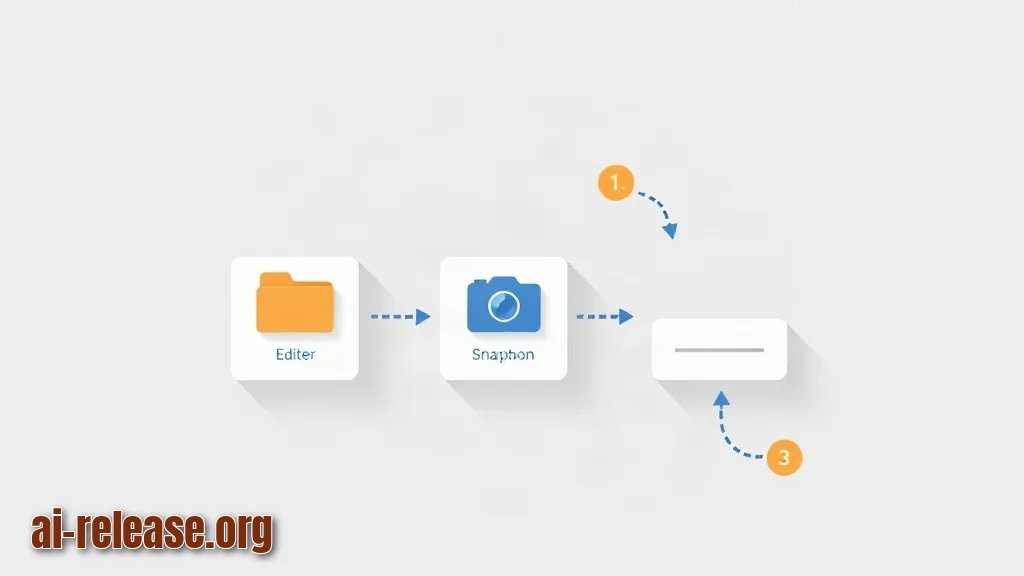
Before comparing, fix five terms. A **commit** is a saved snapshot with a message. The **working copy** (or working tree) is the folder you edit. The **index** or **staging area** is Git's middle zone where you pick which changes go into the next commit. A **branch** is a movable pointer to a commit. A **colocated repo** is a folder that contains both `.git` and `.jj`, so Git and jj see the same files.
Git's model: you edit → `git add` selects changes → `git commit` saves them. jj's model: you edit → jj snapshots automatically → the working copy *is* a commit. That single difference is why agent workflows feel different.
Example:in Git, `git status` on a fresh repo prints `On branch main / nothing to commit, working tree clean`. In jj, `jj status` always shows the current change ID and the files you touched since the last command — because the snapshot already happened.
Where Git is still the safe default for AI agents
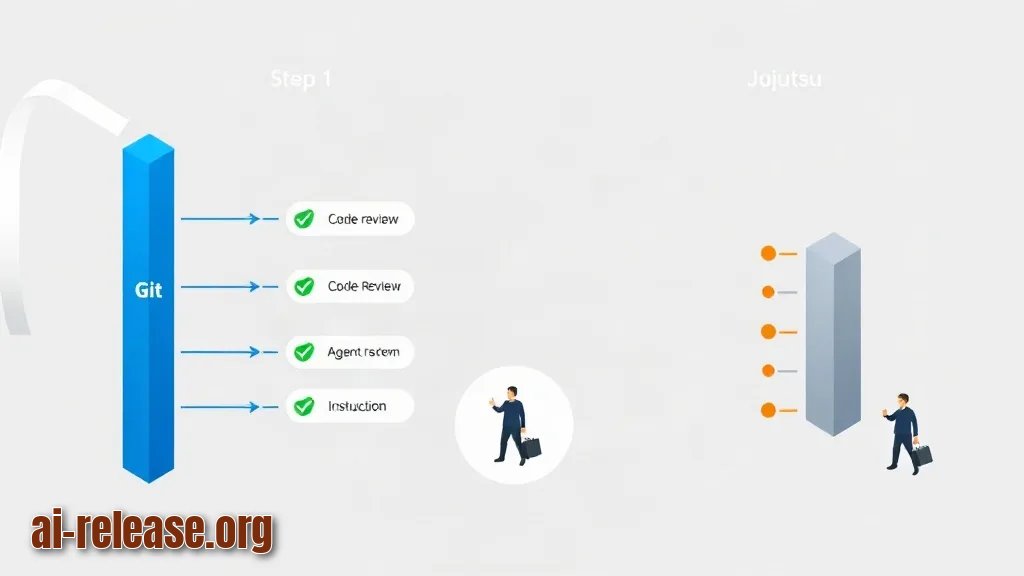
Git wins on ecosystem, not on ergonomics. Every CI service, code review UI and most agent instructions (`CLAUDE.md` files, READMEs, blog posts) assume Git commands.
The practical tool for parallel agents in Git is the worktree: several folders, one repository. Give each agent its own directory so they never fight over the same files.
git worktree add ../repo-agent-2 -b agent-2
cd ../repo-agent-2
claude
Expected result: Git prints `Preparing worktree (new branch 'agent-2')`, a sibling folder appears, and `claude` starts there. Why it works: a worktree is a separate checkout of the same `.git` database, so `agent-2` commits are visible from the main folder via `git log agent-2` without any copying.
Example:agent one edits `src/api.py` in `../repo-agent-1`, agent two edits `src/models.py` in `../repo-agent-2`. You merge both branches normally — no file locks, no "the agent overwrote my edits".
The downside: when an agent makes ten noisy commits, cleaning up means `git rebase -i`, `git reset --hard`, `git stash`, and possibly `git reflog` to find the commit you destroyed. All recoverable, none pleasant.
What Jujutsu changes in the agent loop
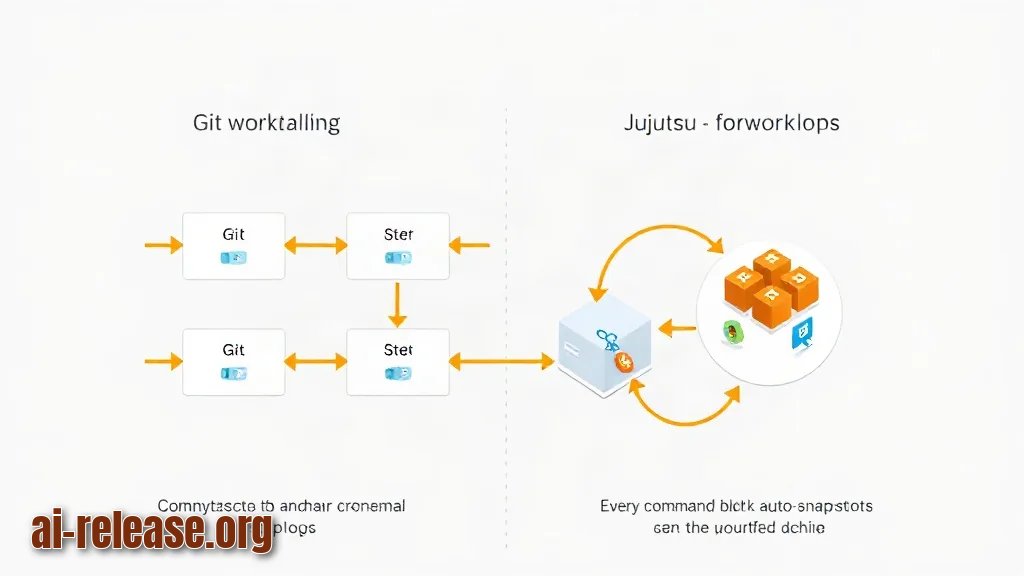
jj keeps the Git repository format but changes the workflow. Three behaviours matter for agents.
1. **Automatic snapshot.** Every `jj` command snapshots your edits. There is no `git add`. Why it works: jj treats the working copy as a real commit that is amended in place, so nothing is ever lost between commands.
2. **`jj undo`.** One command reverses the last operation, including rebases and pushes-to-local-state. `jj op log` lists everything you did.
3. **Conflicts are stored, not blocking.** You can rebase a change with conflicts and keep working; jj records the conflict in the commit instead of stopping.
jj git init --colocate      # adds .jj next to an existing .git
jj describe -m "api: add retry logic"   # name the current change
jj new                       # start a fresh change on top
jj log -r '@ | @-'           # show current and parent change
jj bookmark create feature-1 -r @
jj git push --bookmark feature-1
Expected result: `jj git init --colocate` creates a `.jj` folder and imports the existing Git history; `jj log` shows your change with a stable change ID (a short random string like `qpvuntsm`) that survives future rebases; `jj git push --bookmark feature-1` creates a real Git branch on the remote, visible to GitHub.
Example of the payoff:an agent produces five messy commits, then you realise commit three broke tests. In jj you run `jj op log`, find the operation ID, and `jj op restore <op-id>` — the entire repository returns to that moment. No `reflog`, no detached HEAD.
Example of the cost:a teammate without jj installed cannot read `.jj`-only state. Keep the repo colocated so Git users see ordinary Git branches.
Git vs Jujutsu: head-to-head
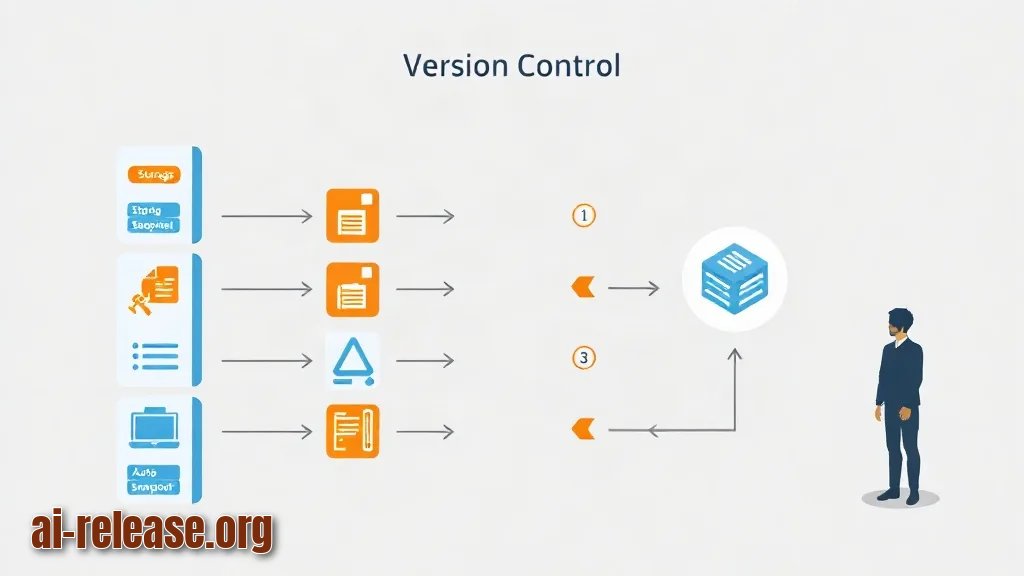
| Aspect | Git | Jujutsu (jj) |
|---|---|---|
| Storage format | Native | Uses Git's format, colocated `.git` + `.jj` |
| Staging area | Yes (`git add`) | No, auto-snapshot |
| Undo of last operation | `git reflog` + manual reset | `jj undo` |
| Conflict handling | Blocks the rebase/merge | Conflicts stored inside commits |
| Parallel agents | `git worktree add` | Multiple workspaces / `jj new` chains |
| Remote push | `git push` | `jj git push --bookmark <name>` |
| GitHub / CI / PR UI | Full support | Full support through Git branches |
| Team members without the tool | Everyone has Git | They only see Git branches |
A practical mixed workflow
You do not have to choose globally. Run jj locally, push Git.
1. `jj git init --colocate` in your existing repo. Expected: `.jj` appears, `git status` still works.
2. Run `claude` in the same folder. Expected: the agent edits files normally; jj snapshots each change.
3. After a good agent run, `jj describe -m "feat: parser"` then `jj bookmarks create feat-parser -r @`. Expected: the bookmark appears in `jj bookmark list`.
4. `jj git push --bookmark feat-parser`. Expected: GitHub shows a new branch; open a normal pull request.
5. Bad run? `jj undo` or `jj abandon`. Expected: the change disappears from `jj log`, history is intact.
Why it works: jj only writes into Git's structures when you ask it to (`jj git push`, `jj git export`), so the team workflow never changes.
How to decide
- [ ] Solo developer, local agent loops, no CI constraints → jj.
- [ ] Team repo with required checks and external reviewers → Git now, jj locally with colocated mode.
- [ ] Several agents in parallel in Git → `git worktree add` per agent.
- [ ] Several agents in parallel in jj → one workspace per agent, `jj new` per task.
- [ ] You want cheap undo of destructive agent commands → jj (`jj op log`, `jj undo`).
- [ ] You want zero new tools for the team → Git.
FAQ
Is Jujutsu a replacement for Git?
No. jj stores data in Git's format. You still push Git branches with `jj git push --bookmark <name>`, and GitHub sees an ordinary branch.
Can I use jj and Git in the same folder?
Yes. `jj git init --colocate` puts `.jj` next to `.git`, so both tools operate on the same files. Run one at a time to avoid confusing yourself.
Do I need jj to run Claude Code safely?
No. Git worktrees, branches and `git reflog` cover most cases. jj mainly reduces the recovery cost when an agent rewrites history. If you are still choosing your main assistant, compare options in ChatGPT, Claude, Gemini, DeepSeek: AI assistant comparison.
What happens if a teammate does not have jj installed?
Nothing breaks. They clone the same repository with Git and see the branches you pushed. They simply cannot use `jj undo` or see changes you never pushed.
🤖 AI summary
- Updated: 2026-10-14
- Topics: jujutsu или git, контроль версий для ии-агентов, claude code git, ai version control 2026
- Summary: Сравнение систем контроля версий для сценариев, где код пишет нейросеть: параллельные ветки агентов, откаты, ревью изменений и перенос проекта с Git на jj.
- Key facts:
- Teams that wire Claude Code into a real repository hit the same wall within a week: the agent commits faster than you can review, rewrites history when it "fixes" its own mistake, and leaves the working tree in a state you never created.
- This guide compares the two version control systems you can put under an AI agent — Git and Jujutsu — and shows which one to pick for local agent loops, shared team repos, and mixed setups.
- TL;DR Git is the default version control system (VCS — the tool that stores every version of your files and lets you roll back).
- GitHub, GitLab, CI pipelines and Claude Code itself all assume Git.
- Jujutsu (jj — a Git-compatible VCS, pronounced "jujutsu", command jj ) snapshots your working copy automatically, has no staging area, and lets you undo almost anything with jj undo .
- Agents make many small messy changes.