Running decomp.wtf locally: setup and first decompile

TL;DR
- Time: about 90 minutes for a first end-to-end run on a small C target.
- Difficulty: Advanced (you must be comfortable with a shell, a C compiler and binary comparison).
- You need:
git, a C compiler (gccorclang), a legally obtained copy of a game binary written in C, free disk space for the repo + binary + build tree (the announcement does not state a figure — check the README), and the agent repositoryi12bp8/decomp.wtf("What The Function"). - Result: a set of
.cfiles that compile into a binary byte-for-byte identical to the original.
Requirements and setup
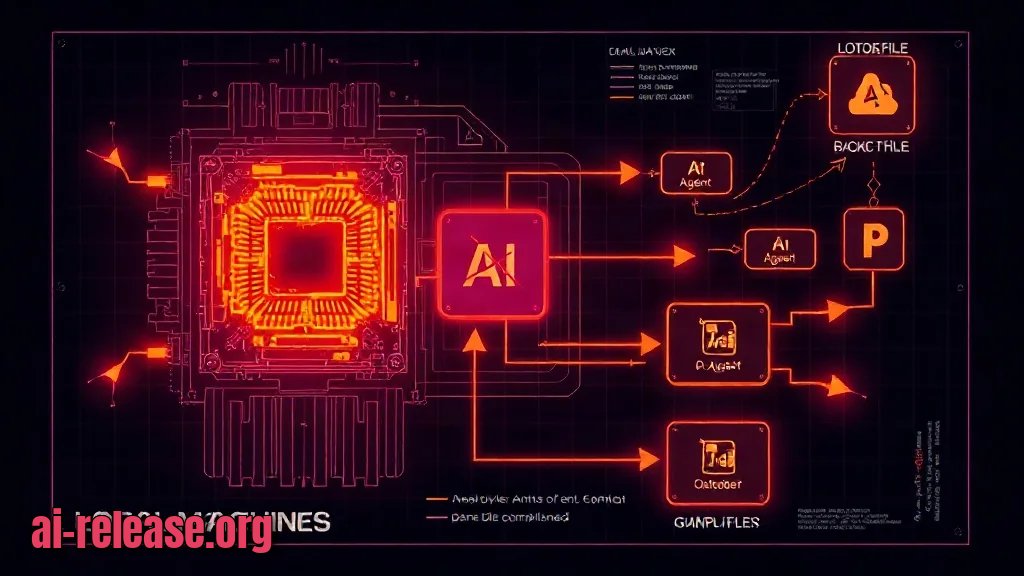
The project is an AI agent that decompiles games written in C and runs locally on your machine — nothing is uploaded to a remote service. That is the same trade-off as any local model deployment: you supply the hardware and the runtime, you keep the data. If this is your first local agent, read How to run AI models locally on your PC: a beginner's guide first — the provisioning steps are similar.
- OS: the announcement only states that the agent runs locally; the supported OS list is not part of our source, so check the repository README before installing.
- git — needed to clone
i12bp8/decomp.wtf. - A C compiler — needed to rebuild the emitted source and prove byte-identical output.
- The original binary — the game you want to decompile, copied read-only into a lab directory.
- The exact build flags of the original — a byte-for-byte match is impossible without the same optimisation level and flags. If you do not have them, the README or the binary's build metadata is your only source; check the documentation.
- Disk space and RAM requirements — not published in the announcement; check the documentation.
Pre-flight checklist:
- [ ]
git --versionprints a version string - [ ]
cc --version(orgcc --version) prints a version string - [ ] the target binary is copied into a dedicated folder and hashed
- [ ] the repository is cloned and the README is open in a second terminal
- [ ] the agent's entry command is identified from the README
Step 1. Build an isolated lab and freeze the original binary
What to do: create a working directory, copy the target binary into it, record its SHA-256 hash, and clone the agent next to it.
Why: the whole promise of the tool is a *byte-for-byte identical* rebuild. That check is only meaningful if the original stays untouched — so you hash it first and never compile into that folder.
mkdir -p ~/decomp-lab/original ~/decomp-lab/build
cp /path/to/<game-binary> ~/decomp-lab/original/game.bin
chmod 444 ~/decomp-lab/original/game.bin
sha256sum ~/decomp-lab/original/game.bin | tee ~/decomp-lab/original.sha256
git clone https://github.com/i12bp8/decomp.wtf ~/decomp-lab/decomp.wtf
ls ~/decomp-lab/decomp.wtf
Example of the expected output — the hash line is what you will compare at the end:
3f1c9a...e7b2  /home/dev/decomp-lab/original/game.bin
Cloning into '/home/dev/decomp-lab/decomp.wtf'...
README.md  agent/  examples/
chmod 444 makes the file read-only, so an accidental cc -o original/game.bin cannot destroy your reference copy. The sha256sum ... | tee keeps a receipt on disk that you can re-verify later.
How to check: sha256sum -c ~/decomp-lab/original.sha256 must print OK. If it prints FAILED, the copy was modified — re-copy the binary before continuing.
Step 2. Point the agent at the binary and let it emit C
What to do: run the agent from inside the lab directory, targeting original/game.bin, and let it write its .c output into build/.
Why: the agent works through the binary function by function and reconstructs C that a normal compiler can turn back into machine code. The exact entry command and flags are not specified in the announcement, so read them from the repository README and substitute them below:
cd ~/decomp-lab
<agent-entry-command> --input ./original/game.bin --output ./build/src
find ./build/src -name '*.c' | head
Example of what a successful run leaves behind:
./build/src/main.c
./build/src/render.c
./build/src/input.c
If you already drive a terminal coding agent, the workflow will feel familiar — see AI for programmers: coding assistants in 2026 for the general pattern of giving an agent a repository and a precise instruction.
Flow of the process, step by step:
1. The agent reads original/game.bin from local disk — no network round-trip.
2. It recovers functions and emits C files into build/src.
3. You compile those files with the original build flags.
4. You compare the result against the frozen hash.
How to check: ls -la ./build/src must list at least one .c file, and the agent's log must end without an error line. If build/src is empty, the run failed before emitting output — see Troubleshooting.
Step 3. Rebuild and prove byte-for-byte equality
What to do: compile the emitted C with the original build flags and compare the result to the frozen binary.
Why: "decompiled" is only proven by the compiler, not by readable code. Identical SHA-256 means the recovered source reproduces the original program exactly.
cd ~/decomp-lab/build
cc -O2 -o game.rebuilt src/*.c        # use the original flags — check documentation
sha256sum game.rebuilt
cmp ~/decomp-lab/original/game.bin game.rebuilt && echo "BYTE-IDENTICAL"
cmp prints nothing when the two files match, so the echo is your visible success signal. Expected screen output:
BYTE-IDENTICALThree independent checks, in one place:
| Artefact | Command | Success looks like |
|---|---|---|
| Build produced a binary | `ls build/game.rebuilt` | file listed |
| Bytes match | `cmp original/game.bin game.rebuilt` | no output, exit code 0 |
| Hash matches the receipt | `sha256sum -c original.sha256` | `OK` |
How to check: all three rows must pass. A hash that differs from original.sha256 means the rebuild is not equivalent yet — do not treat the run as finished.
Troubleshooting
Problem. Clone fails immediately
- Error:
fatal: repository 'https://github.com/i12bp8/decomp.wtf/' not found - Cause: the repository path is wrong (typo, renamed or moved project), or you have no network access to GitHub.
- Solution: verify the exact path from the announcement, then retry with the correct spelling and confirm connectivity:
git ls-remote https://github.com/i12bp8/decomp.wtfProblem. The emitted C does not compile
- Error:
fatal error: stdio.h: No such file or directory - Cause: no C standard library headers installed; you have a compiler binary but not the development package.
- Solution: install the C development package for your distribution (for Debian/Ubuntu:
sudo apt install build-essential), then re-run the build. Confirm withprintf '#include <stdio.h>\nint main(void){return 0;}\n' > /tmp/t.c && cc -o /tmp/t /tmp/t.c && echo OK.
Problem. The rebuild compiles but the comparison fails
- Error:
game.bin game.rebuilt differ: byte 41, line 1 - Cause: different compiler flags or a different compiler version from the original build, or the agent has not recovered every function yet.
- Solution: rebuild with the exact original flags, and re-run the agent on the range of functions around the reported offset:
cd ~/decomp-lab/build
cc -O0 -o game.rebuilt src/*.c     # try the original optimisation level here
cmp ~/decomp-lab/original/game.bin game.rebuilt
The byte N value in the message is your pointer to the first divergence — start the next agent pass there.
Summary and next steps
You now have a reproducible lab: a frozen original binary, agent-emitted C in build/src, and a cmp-based proof of byte-for-byte equality. Next, run the same pipeline on a second binary and keep the flag set that made the first rebuild match, so each new target starts from a known-good configuration.
FAQ
What is decomp.wtf?
It is a local AI agent (repository i12bp8/decomp.wtf, project name "What The Function") that decompiles games written in C and produces source that compiles back into a byte-for-byte identical binary.
Does it send my game binary to a server?
No. The announcement states the agent works locally on the user's machine.
How do I know the decompilation is correct?
By rebuilding and comparing: cmp original/game.bin game.rebuilt must print nothing and sha256sum must match the hash you recorded before starting.
Which operating systems and hardware are supported?
Not stated in the announcement — check the repository README for the supported OS list, disk and RAM requirements and the exact entry command.
🤖 AI summary
- Updated: 2026-10-31
- Topics: decomp.wtf, декомпиляц, агент, игр, обратная разработка
- Summary: What a local AI decompiler needs: hardware, model, configuration, and a first decompile with result verification.
- Key facts:
- TL;DR Time: about 90 minutes for a first end-to-end run on a small C target.
- Difficulty: Advanced (you must be comfortable with a shell, a C compiler and binary comparison).
- You need: git , a C compiler ( gcc or clang ), a legally obtained copy of a game binary written in C, free disk space for the repo + binary + build tree (the announcement does not state a figure — check the README), and the agent repository i12bp8/decomp.wtf ("What The Function").
- Result: a set of .c files that compile into a binary byte-for-byte identical to the original.
- Requirements and setup Illustration: Requirements and setup The project is an AI agent that decompiles games written in C and runs locally on your machine — nothing is uploaded to a remote service.
- That is the same trade-off as any local model deployment: you supply the hardware and the runtime, you keep the data.